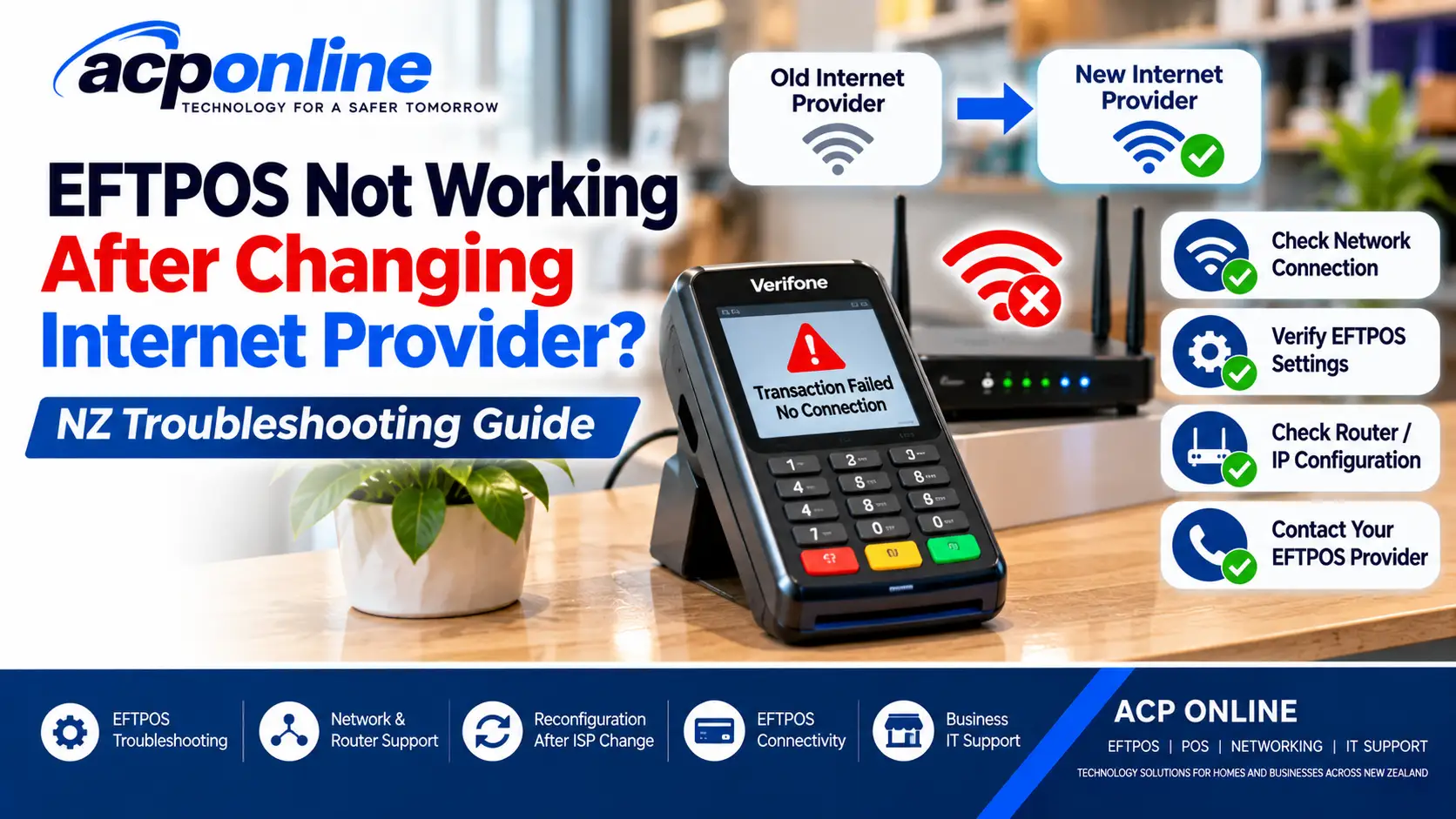
EFTPOS Not Working After Changing Internet Provider? NZ Troubleshooting Guide
Has your EFTPOS terminal stopped working after changing your internet provider or installing a replacement broadband router?
For New Zealand retailers, cafés, restaurants, supermarkets and other businesses, an EFTPOS connection failure can interrupt sales, delay transactions and inconvenience customers.
You may find that your computers and Wi-Fi are working normally, but your EFTPOS terminal displays Communication Error, Connection Failed, Host Unavailable or another network-related message.
In many cases, the issue may be related to network connectivity, router configuration, terminal settings or communication between your EFTPOS terminal and POS system.
Changing your internet provider does not automatically mean you need a new EFTPOS terminal.
ACP Online provides technical support for compatible retail networking, POS equipment and EFTPOS connectivity-related issues throughout Auckland and New Zealand.
Why Does EFTPOS Stop Working After Changing Broadband Providers?
Most modern EFTPOS terminals communicate with their payment provider using an approved internet or mobile data connection.
When you change broadband providers, your router, Wi-Fi settings or local network configuration may change.
Common causes of EFTPOS connectivity problems include:
- Changed Wi-Fi name or password: The EFTPOS terminal may still be configured for the previous wireless network.
- Incorrect IP address: The terminal may have network settings that are incompatible with the replacement router.
- Gateway or DNS problems: The terminal may be unable to communicate with the required payment services.
- Ethernet connection issues: Network cables or switch connections may be disconnected or faulty.
- Firewall restrictions: Certain router or network settings may interfere with approved payment communication.
- POS integration problems: The POS system may no longer communicate with the EFTPOS terminal.
- Terminal configuration: Some network settings may require assistance from the authorised EFTPOS provider.
- Payment provider outages: The problem may originate outside your local network.
How to Troubleshoot EFTPOS Not Working After a Router Change
1. Check Whether Your Broadband Connection Is Working
Start by confirming that your business has an active internet connection.
Use a computer or smartphone connected to the same broadband router to access a website.
If internet access is unavailable, contact your broadband provider.
If the internet works but EFTPOS does not, further investigation of the terminal or payment connection may be required.
2. Check How Your EFTPOS Terminal Connects
Determine whether your EFTPOS terminal uses:
- Ethernet network cable.
- Wi-Fi.
- Cellular mobile data.
- Another provider-approved connection method.
The correct troubleshooting procedure depends on the terminal model and payment provider.
3. Check EFTPOS Wi-Fi Settings
If your terminal connects through Wi-Fi, the replacement router may have a different network name or password.
Check whether the terminal is connected to the intended wireless network using its provider-approved settings.
Some older devices may have specific Wi-Fi compatibility requirements.
Do not change restricted payment terminal settings without guidance from your authorised provider.
4. Check Ethernet Cables and Network Switches
If the EFTPOS terminal uses Ethernet, inspect accessible network cables and connections.
Ensure that the terminal is connected to the intended router or network switch.
A damaged cable, faulty switch port or disconnected connection can prevent network communication.
5. Check IP Address and Network Configuration
A replacement router may use a different local IP address range.
For example:
- Previous router: 192.168.1.1
- Replacement router: 192.168.0.1
- Terminal or POS equipment still configured for the previous network.
Some approved payment installations rely on specific network settings or integrations.
Where the terminal uses a provider-managed configuration, contact the authorised EFTPOS provider before changing IP addresses, gateways, DNS settings or security restrictions.
6. Check the EFTPOS Error Message
Different terminal errors may indicate different problems.
Examples include:
- Communication Error: The terminal may be unable to communicate with its required payment service.
- Connection Failed: A network or service connection may not have been established.
- Host Unavailable: The payment host or a required communication path may be unavailable.
- Network Error: The terminal may have a local or external connectivity issue.
The exact meaning of each message varies by terminal manufacturer and payment provider.
Record the full error message and contact your provider if the issue persists.
7. Check Whether the Problem Is With POS Integration
Some businesses use an integrated POS system that automatically sends transaction amounts to an EFTPOS terminal.
If the EFTPOS terminal can process provider-approved standalone transactions but cannot communicate with the POS system, the issue may involve local integration.
Possible causes include:
- Changed local IP addresses.
- Incorrect POS communication settings.
- Disconnected USB, serial or Ethernet cables.
- POS integration software problems.
- Firewall restrictions.
- Unsupported terminal or software configurations.
ACP Online can assist with compatible POS hardware and networking investigations, while provider-controlled payment integration settings may require authorised EFTPOS support.
Why Does EFTPOS Not Work Even Though the Internet Is Working?
A working internet connection does not guarantee that an EFTPOS terminal can communicate with its payment network.
The terminal may have incorrect network settings, a local connection problem, provider restrictions or a payment service fault.
For integrated installations, the terminal may also be working correctly while the POS communication link has failed.
These situations require different troubleshooting approaches.
Can Changing from Spark to One NZ or 2degrees Affect EFTPOS?
Yes. Changing broadband providers may involve replacing the router or modifying the business network.
These changes can affect:
- EFTPOS terminals.
- POS computers and cash registers.
- Network receipt printers.
- Barcode scanners using network connections.
- Cloud-based POS applications.
- Other connected retail equipment.
Businesses should review the connectivity requirements of their critical equipment before changing internet services.
Can EFTPOS Work Without Fibre Internet?
Some EFTPOS terminals support approved mobile data connections or alternative network arrangements.
However, not all terminals support the same backup options.
Contact your EFTPOS provider to confirm whether your terminal supports cellular connectivity, backup internet or another approved service.
Do not assume that ordinary mobile hotspots or offline payment processing are supported.
Do Older EFTPOS Terminals Need Replacing?
Some older terminals may lack support for current network technologies, security requirements or approved payment services.
New Zealand's 3G mobile networks have been shut down, so terminals that depended exclusively on 3G connectivity require a supported alternative or replacement.
However, older terminals with approved Ethernet or Wi-Fi connectivity may still be usable, depending on their payment provider and software support.
Always confirm compatibility before replacing equipment.
Should You Factory Reset an EFTPOS Terminal?
Do not factory reset an EFTPOS terminal without instructions from your authorised payment provider.
EFTPOS terminals contain provider-managed configurations and security controls.
An unauthorised reset or configuration change may prevent the terminal from operating and require reactivation or replacement.
How to Reduce EFTPOS Connectivity Problems
Businesses can reduce avoidable disruptions by:
- Documenting approved network requirements.
- Checking equipment compatibility before replacing routers.
- Maintaining reliable Ethernet and Wi-Fi connections.
- Using suitable business-grade networking equipment.
- Keeping POS software and supported devices maintained.
- Considering provider-approved backup connectivity.
- Coordinating network changes with relevant technology providers.
EFTPOS, POS and Business Networking Support Auckland
ACP Online provides technical assistance for compatible retail technology and networking equipment.
Our services include:
- POS hardware troubleshooting.
- Retail network configuration and diagnostics.
- Router and Wi-Fi connectivity investigations.
- POS-to-EFTPOS communication troubleshooting.
- Receipt printer and barcode scanner support.
- Cash register and POS equipment maintenance.
- Compatible retail equipment repairs and upgrades.
Secure payment processing issues, terminal provisioning and provider-controlled configurations may require assistance from the authorised EFTPOS provider.
Need Help With EFTPOS or POS Connectivity Problems?
If your EFTPOS terminal stopped communicating after changing broadband providers, ACP Online can help investigate compatible POS and network equipment and identify possible connectivity problems.
Professional technical support and service charges apply.
Explore ACP Online POS and Networking Solutions
Contact ACP Online for Retail Technology Support
Written by: ACP Online Technical Team
Providing professional technical advice, troubleshooting, installation and support for CCTV, security systems, EFTPOS, POS, networking and business technology throughout New Zealand.
Frequently asked questions
1. Why did my EFTPOS stop working after changing internet providers?
Your new router may use different Wi-Fi credentials, IP addresses or network settings. The terminal may also have a payment provider connectivity problem.
2. Why does my EFTPOS show Communication Error?
A communication error may indicate that the terminal cannot reach the required payment service. The cause could involve local networking, provider connectivity or terminal configuration.
3. Can EFTPOS work with Spark, One NZ or 2degrees broadband?
Many supported EFTPOS terminals can operate over these broadband services when correctly configured and approved by the payment provider.
4. Why is my EFTPOS not working when the internet is working?
The terminal may have incorrect network settings, an integration fault or a separate payment network problem.
5. Can changing my router affect POS and EFTPOS integration?
Yes. Network-based integrations may stop working when local IP addresses or communication settings change.
6. Can EFTPOS work using mobile data?
Some approved terminals support cellular connections. Compatibility depends on the terminal model and payment provider.
7. Do I need to replace my EFTPOS terminal after changing broadband?
Not necessarily. The existing terminal may only require an approved connectivity change.
8. Should I reset my EFTPOS terminal to fix a connection problem?
Do not factory reset a payment terminal without instructions from your authorised EFTPOS provider.
9. Can ACP Online help with POS and EFTPOS communication problems?
ACP Online can investigate compatible POS hardware, networking and integration-related connectivity issues. Provider-controlled payment settings require authorised support.
10. Does ACP Online charge for EFTPOS and POS technical support?
Yes. Technical troubleshooting and support are paid services, with charges depending on the work required.
Related services
ACP Online provides professional EFTPOS services for Auckland and New Zealand businesses, including terminal installation, setup, rental arrangements, POS integration, communication troubleshooting and technical support. We assist with standalone and integrated EFTPOS systems, mobile payment terminals, broadband and Wi-Fi connectivity issues, and compatible terminal upgrades or replacements. Our services help businesses establish reliable electronic payment processing and resolve common EFTPOS problems with minimal disruption.
ACP Online provides professional IT installation and technical support services throughout Auckland for businesses, offices, retail stores and residential customers. Our services include computer and workstation setup, hardware installation, network and Wi-Fi configuration, printer installation, IT troubleshooting, equipment upgrades, software configuration and remote or onsite support. Whether you're setting up a new office, upgrading existing equipment or resolving an IT problem, ACP Online can help keep your technology operating efficiently.
More articles
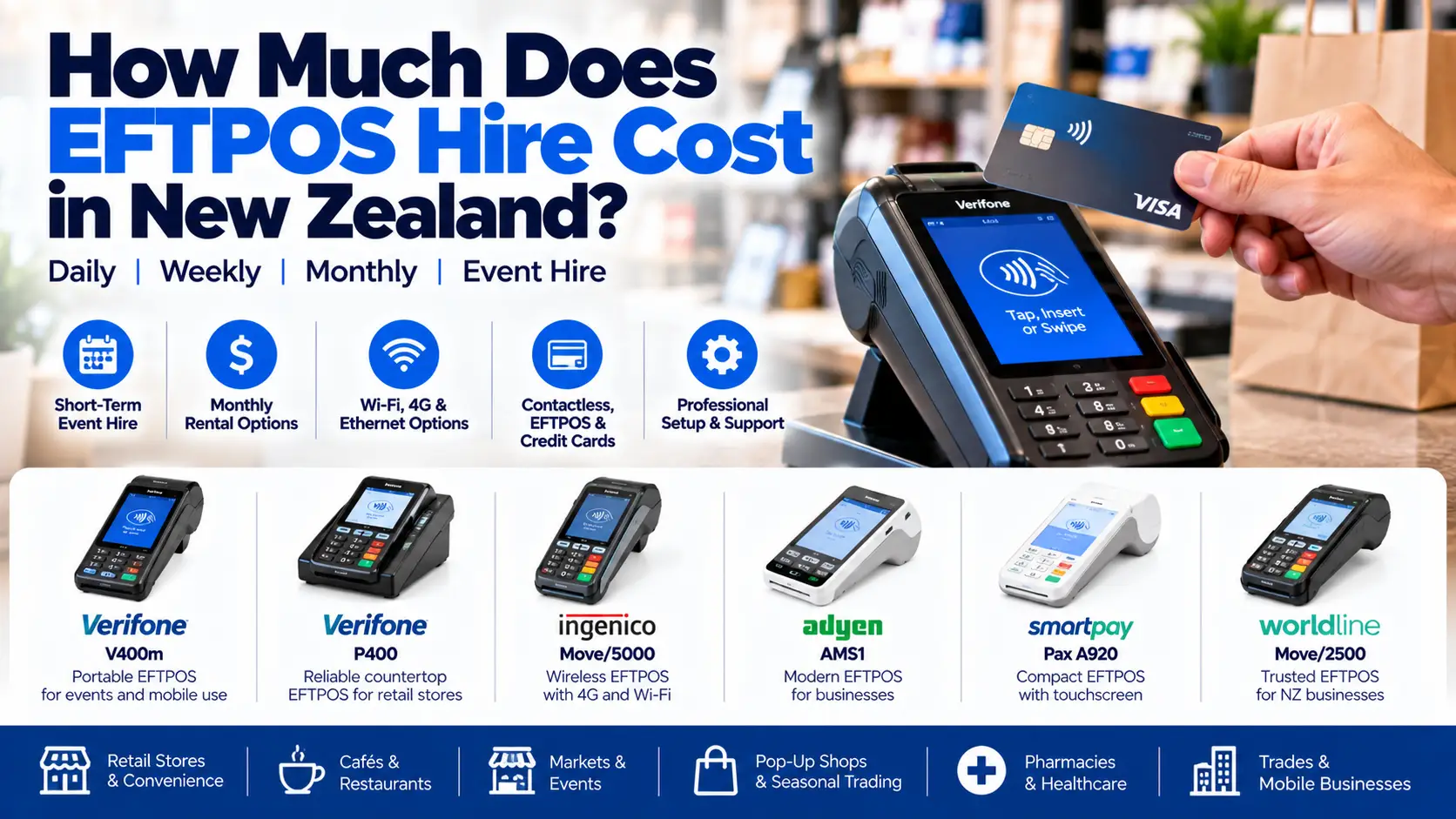
How Much Does EFTPOS Hire Cost in NZ?
How much does EFTPOS hire cost in New Zealand? Discover what affects daily, weekly and monthly EFTPOS rental pricing, transaction fees, terminal setup and short-term event hire
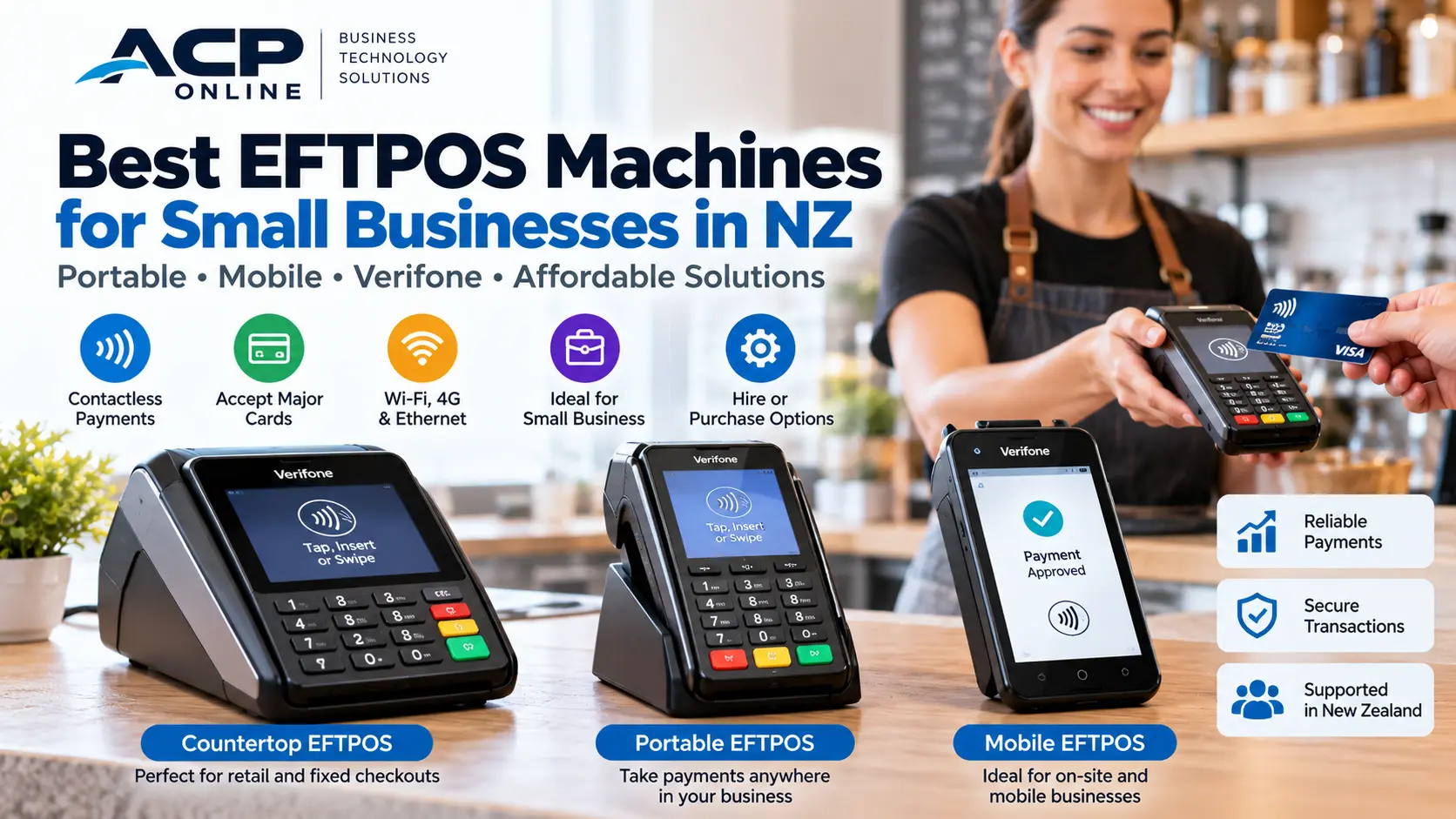
Best EFTPOS Machines NZ | Portable & Mobile EFTPOS
Looking for the best EFTPOS machine for your small business? Compare portable and mobile EFTPOS terminals, Verifone options, hire versus purchase and total costs in New Zealand.