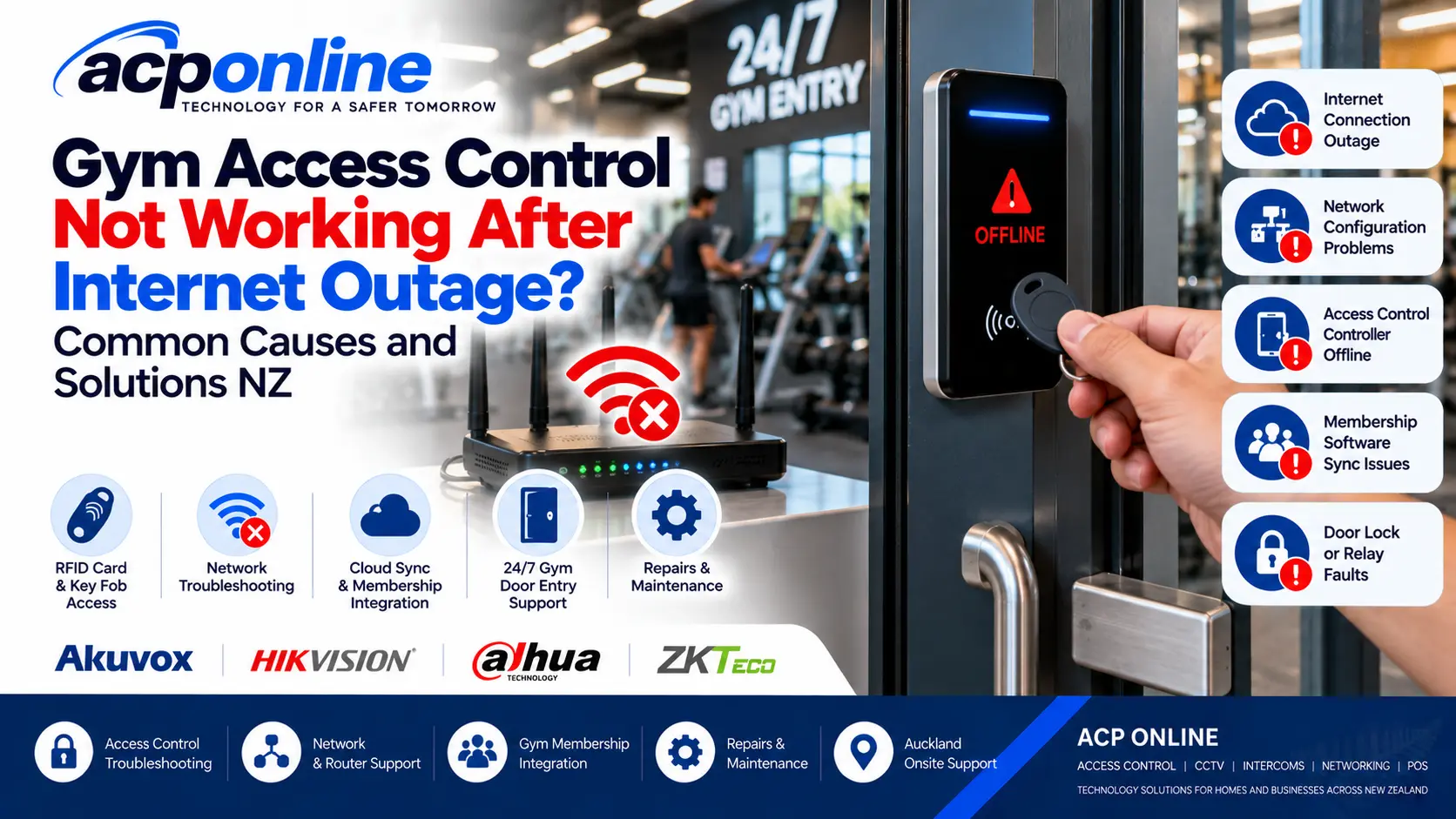
Gym Access Control Not Working After Internet Outage? NZ Troubleshooting Guide
Has your gym access control system stopped working after an internet outage? Are members unable to enter using their RFID cards, key fobs, PIN codes or smartphone access credentials?
For 24-hour gyms, fitness centres and unattended exercise facilities throughout New Zealand, reliable door access is essential for daily operations, member convenience and building security.
Many modern gym access control systems use a combination of door controllers, electronic locks, card readers, cloud management platforms and gym membership software.
When internet connectivity fails, some systems continue operating locally while others may lose important features or stop authorising certain entry requests.
An internet outage does not automatically mean your access control equipment is faulty or needs replacing.
ACP Online provides professional access control troubleshooting, gym door entry solutions, networking and security system support throughout Auckland, New Zealand.
Why Does Gym Access Control Stop Working After an Internet Outage?
Gym access control systems may use the internet to communicate with cloud management platforms, synchronise member credentials, update access permissions and provide remote administration.
When the internet connection is unavailable, the effect depends on the equipment and system configuration.
Some controllers store authorised credentials locally and can continue operating without a continuous internet connection.
Other systems depend on online communication for certain access functions.
Common Causes of Gym Door Access Problems
- Access controller offline: The door controller may have lost communication with its management platform.
- Router or network failure: The controller may be unable to communicate with the required server.
- Cloud synchronisation failure: Member access permissions may not update correctly.
- RFID reader communication fault: The card reader may not be communicating with the controller.
- Incorrect network configuration: IP addresses, gateway settings or DNS configuration may have changed.
- Power supply failure: The controller, electronic lock or network equipment may have lost power.
- Membership software integration problem: Access permissions may not be synchronising with the gym management platform.
- Expired or disabled credentials: Some members may no longer have valid access permissions.
- Door lock or relay fault: The access controller may authorise entry but fail to release the door.
Does Gym Access Control Need Internet to Work?
Not all access control systems require a continuous internet connection for every door entry transaction.
Some systems use local controllers that store authorised cards, PINs or other credentials.
These systems may continue allowing existing authorised members to enter during a broadband outage.
However, features such as new member registration, cloud administration, remote unlocking and access log synchronisation may be unavailable until connectivity is restored.
Other systems may depend more heavily on cloud services and may have limited offline functionality.
The ability to operate without internet depends on the access control hardware, software and configuration.
How to Troubleshoot Gym Access Control Not Working
Step 1: Identify Whether All Members Are Affected
Start by determining whether the problem affects:
- All members.
- Only recently registered members.
- Specific RFID cards or key fobs.
- Mobile app users.
- One particular door.
- Multiple access-controlled entrances.
If existing members can enter but newly registered members cannot, the problem may involve cloud synchronisation or membership software integration.
If nobody can enter through a particular door, investigate the reader, controller, power supply and locking equipment.
Step 2: Check the Gym's Internet Connection
Confirm whether the gym's broadband connection is operating normally.
Use an authorised computer or device connected to the same business network to check internet connectivity.
If the internet connection is unavailable, contact your broadband provider.
If internet access has been restored but the access control system remains offline, further network or controller troubleshooting may be required.
Step 3: Check Access Controller Connectivity
Many access control systems use an IP-based controller connected through Ethernet or a network switch.
Check whether the management software reports the controller as Online or Offline.
Possible causes of an offline controller include:
- Disconnected network cable.
- Faulty network switch.
- Incorrect IP address.
- Incorrect gateway or DNS configuration.
- Router replacement.
- Power supply problems.
The controller should be inspected using manufacturer-approved procedures.
Step 4: Check RFID Card Reader Operation
If members use RFID cards or key fobs, observe whether the reader responds when an authorised credential is presented.
Depending on the equipment, the reader may display an indicator light or produce an audible response.
A response from the reader does not necessarily confirm that the controller has authorised entry.
The fault may involve the reader, communication wiring, controller permissions or door release mechanism.
Step 5: Check Gym Membership Software Integration
Some gyms connect their access control platform to membership management software.
This may allow member access permissions to be updated according to active memberships, subscriptions or other authorised rules.
If the integration fails, newly registered members or members whose access permissions have changed may experience entry problems.
Check the supported integration status, synchronisation logs and relevant error messages.
Do not manually override membership access permissions without appropriate authorisation.
Step 6: Check the Door Lock and Release Mechanism
If the access controller indicates that a credential has been accepted but the door remains locked, the problem may involve the door release mechanism.
Possible causes include:
- Electronic strike failure.
- Magnetic lock power problems.
- Faulty relay output.
- Damaged access control wiring.
- Door alignment or mechanical problems.
Do not bypass electronic locks, fire safety equipment or emergency exit controls.
Door locking arrangements must remain consistent with the building's approved fire and emergency egress requirements.
Why Do Existing Gym Members Have Access but New Members Do Not?
This can occur when the access controller stores existing credentials locally but is unable to receive updated permissions from the membership platform.
For example, an internet outage may interrupt the synchronisation of newly registered members.
Existing authorised members may continue entering while new credentials remain unavailable.
However, the exact behaviour depends on the access control system and its offline configuration.
Why Does My Gym Key Fob or RFID Card Stop Working?
RFID cards and key fobs can fail for several reasons, including:
- Expired or revoked access permissions.
- Incorrect member assignment.
- Reader communication problems.
- Controller synchronisation failures.
- Damaged or incompatible credentials.
- Membership software integration issues.
Before replacing a card or key fob, confirm whether the issue affects one credential or multiple members.
Gym Access Control Not Working After Changing Broadband Provider?
Changing from Spark, One NZ, 2degrees or another broadband provider may involve installing a replacement router.
The new router may use a different local IP address range or network configuration.
For example:
- Previous router gateway: 192.168.1.1
- Replacement router gateway: 192.168.0.1
- Access controller still configured for the previous network.
This can prevent the controller from communicating with its management platform.
A technician can assess the network configuration and determine whether changes are required.
What Happens to Gym Access Control During a Power Cut?
A power outage can affect access controllers, card readers, electronic locks, routers and network switches.
The response of the door locking system depends on its design, approved safety requirements and backup power arrangements.
Some systems use backup batteries or uninterruptible power supplies to maintain selected functions.
However, backup power should be designed and tested according to the installation's safety and operational requirements.
Fail-Safe vs Fail-Secure Gym Door Locks
Electronic door locks may have different behaviours when power is lost.
Fail-Safe Locks
A fail-safe locking arrangement releases when the relevant locking power is removed.
This behaviour may be appropriate for certain applications, but the complete door and emergency egress design must be considered.
Fail-Secure Locks
A fail-secure locking arrangement remains locked from the controlled entry side when power is removed.
It must still provide safe and compliant emergency egress where required.
Fail-safe and fail-secure do not, by themselves, establish whether a door installation complies with New Zealand building and fire safety requirements.
The correct locking arrangement should be determined by appropriately qualified professionals based on the building's approved design.
How Can 24-Hour Gyms Prevent Access Control Outages?
Gym operators can improve reliability by considering the following measures:
1. Offline-Capable Access Controllers
Where suitable, use access controllers that can retain approved credentials locally and continue authorised entry during internet interruptions.
2. Backup Internet Connectivity
A compatible business router with supported cellular failover may help maintain cloud communication when fibre broadband is unavailable.
3. Backup Power
Suitable UPS or battery backup arrangements may support selected access control and networking equipment during power interruptions.
4. Network Monitoring
Monitoring systems may help identify controller or connectivity faults before they cause prolonged disruption.
5. Regular Maintenance
Periodically inspect card readers, door hardware, power supplies, backup batteries and network connections.
6. Controlled Outage Testing
Test how the access control system behaves during planned internet and power interruptions.
Testing should be coordinated with the relevant building operator and carried out without compromising security or emergency egress.
Can Gym Access Control Work With CCTV and Security Alarms?
Some commercial security installations integrate access control with CCTV, alarms and other building systems.
Depending on compatibility, integration may provide:
- Door access event records.
- Video associated with access events.
- Alerts for selected security incidents.
- Centralised system administration.
- Remote monitoring and reporting.
Integration capabilities depend on the products, software and system design.
Any collection or use of personal information should comply with applicable New Zealand privacy requirements.
How Much Does Gym Access Control Troubleshooting Cost in Auckland?
The cost depends on the equipment, fault, location and work required.
ACP Online's standard technical service rates are:
- Central Auckland onsite call-out: NZ$65 + GST.
- Outer Auckland onsite call-out: NZ$95 + GST.
- Technical labour: NZ$170 + GST per hour.
- Minimum labour: One hour, followed by 30-minute billing blocks.
These rates apply during normal business hours, Monday to Friday, 8:00am to 5:00pm, excluding public holidays.
Replacement equipment, materials and other applicable charges are additional.
Gym Access Control Installation and Repairs Auckland
ACP Online provides professional access control, networking and security technology solutions for compatible commercial installations.
Our services include:
- Gym door access troubleshooting.
- RFID reader and key fob system assessments.
- Access controller connectivity diagnosis.
- Network and router configuration assistance.
- Compatible cloud access control troubleshooting.
- Door release and electronic locking system assessments.
- Access control upgrades and replacement recommendations.
- CCTV and security system integration assessments.
- Commercial network reliability improvements.
We assist gyms, fitness centres, commercial buildings and other premises throughout Auckland, subject to equipment compatibility and authorised access.
Need Help Restoring Your Gym Door Access?
If your gym access control system stopped working after an internet outage, ACP Online can help investigate the problem and recommend suitable repair or upgrade options.
Whether your system uses RFID cards, key fobs, PIN codes or compatible smartphone credentials, professional troubleshooting may help restore reliable access and reduce future interruptions.
Professional technical support and service charges apply.
Explore ACP Online Access Control Solutions
Contact ACP Online for Gym Access Control Support
Written by: ACP Online Technical Team
Providing professional technical advice, troubleshooting, installation and support for CCTV, security systems, access control, video intercoms, EFTPOS, POS, networking and business technology throughout New Zealand.
Frequently asked questions
1. Why is my gym access control not working after an internet outage?
The access controller may have lost cloud connectivity, network communication or the ability to synchronise member permissions. Power supply or hardware problems may also be responsible.
2. Can gym key fobs work without internet?
Some access control systems store authorised credentials locally and can continue operating without internet. This depends on the equipment and configuration.
3. Why can existing gym members enter but new members cannot?
The controller may retain existing permissions locally while new membership credentials are unable to synchronise from the cloud platform.
4. Why is my gym RFID reader not recognising cards?
Possible causes include expired permissions, incorrect member assignments, reader faults, controller communication problems or damaged credentials.
5. Can changing broadband providers affect gym access control?
Yes. A replacement router may change IP addressing, gateway settings or other network configurations required by the access controller.
6. Does gym access control require a static IP address?
Not always. Requirements depend on the access control platform and communication architecture.
7. What happens to electronic gym doors during a power cut?
Their behaviour depends on the locking design, power supplies, backup arrangements and approved emergency egress requirements.
8. Should gym doors automatically unlock when internet fails?
Not necessarily. Internet failure and power failure are different events. Door operation must follow the approved access control and fire safety design and with approved council regulations.
9. What is the difference between fail-safe and fail-secure locks?
A fail-safe lock releases when locking power is removed, while a fail-secure lock remains locked from the controlled entry side. Safe emergency exit requirements must still be met.
10. Can a gym access control system use mobile data backup?
Some systems can use a supported cellular failover connection through compatible networking equipment.
11. Can gym membership software affect door access?
Yes. If access permissions are synchronised through membership software, an integration problem may prevent credential updates.
12. Can ACP Online repair existing gym access control systems?
ACP Online can assess compatible existing installations, subject to equipment condition, manufacturer support and authorised access.
13. Can access control be integrated with CCTV?
Some compatible systems support integration between door access events and CCTV recording or monitoring platforms.
14. How much does gym access control troubleshooting cost in Auckland?
ACP Online's standard technical labour rate is NZ$170 + GST per hour, with applicable onsite call-out fees and a one-hour minimum.
15. Does ACP Online provide access control solutions for 24-hour gyms?
ACP Online provides compatible access control, networking and security technology solutions for commercial premises, including gyms and fitness centres.
More articles
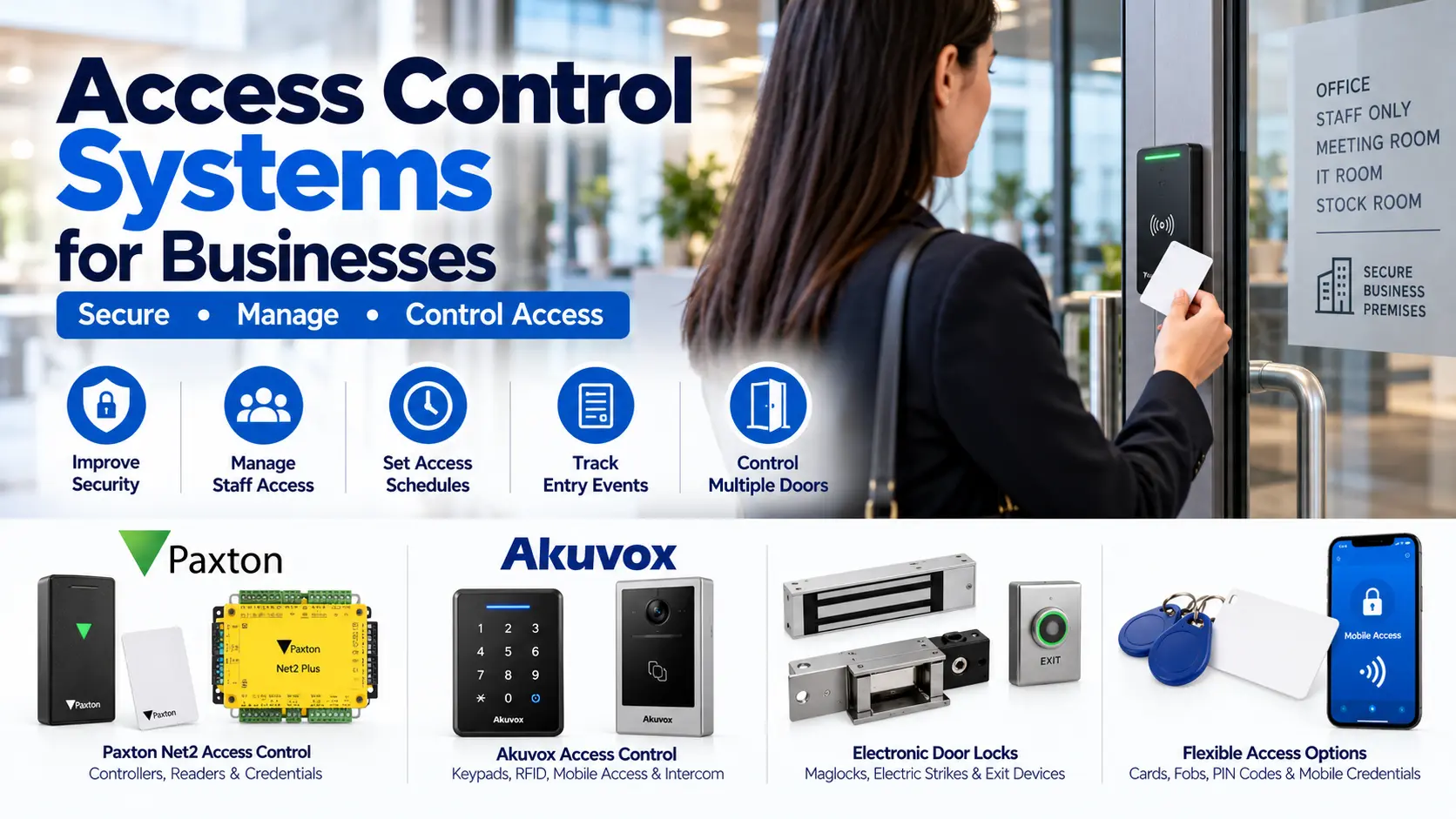
Access Control Systems for Businesses in New Zealand
Discover how access control systems help NZ businesses manage building entry, improve security and control staff access. Compare RFID cards, PIN codes, mobile credentials and electronic door locks.
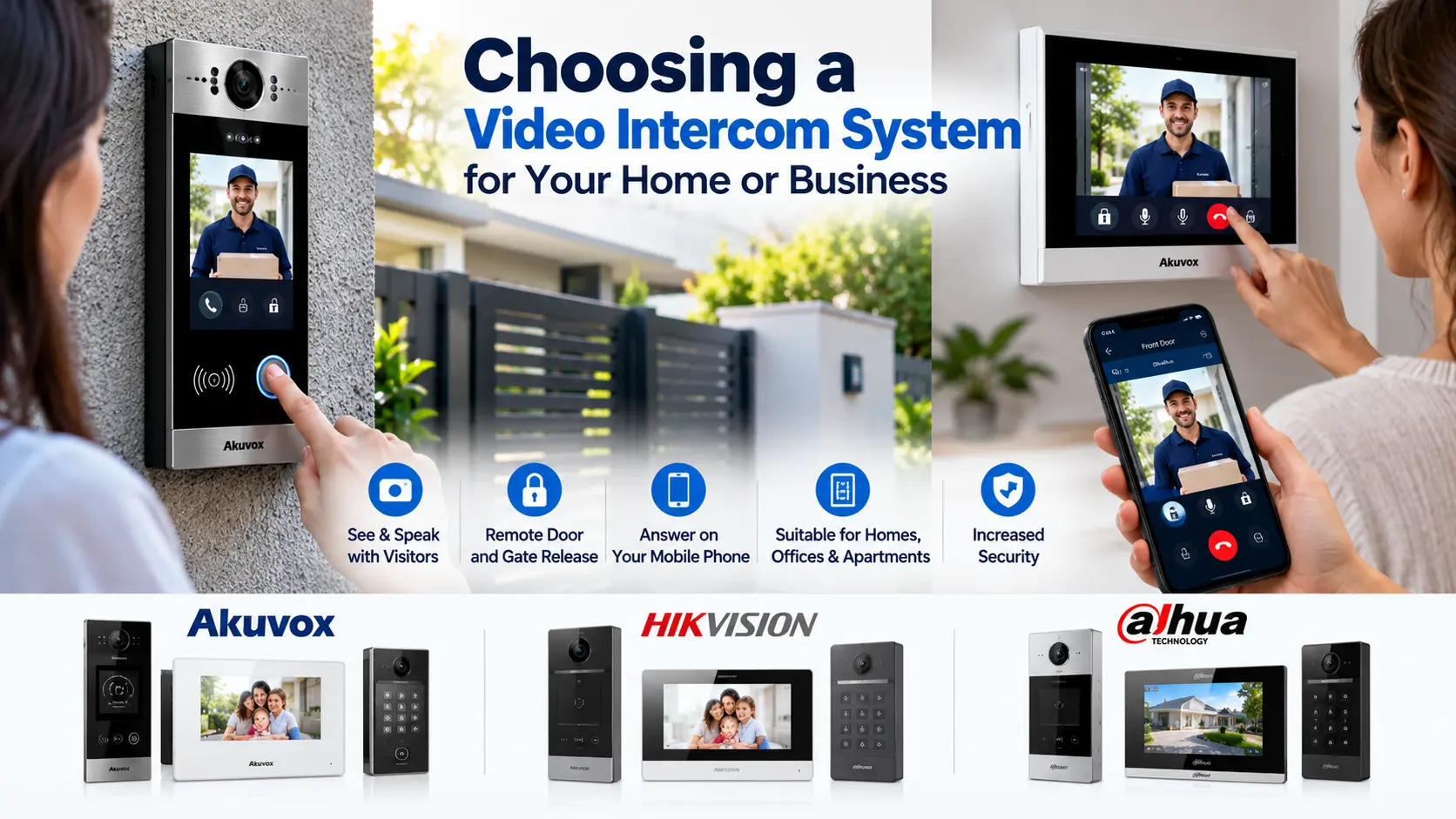
Choosing a Video Intercom System for Your Home or Business in NZ
Choosing a video intercom system in New Zealand? Learn about IP intercoms, smartphone access, door release, CCTV integration and installation options for homes, offices and apartments.
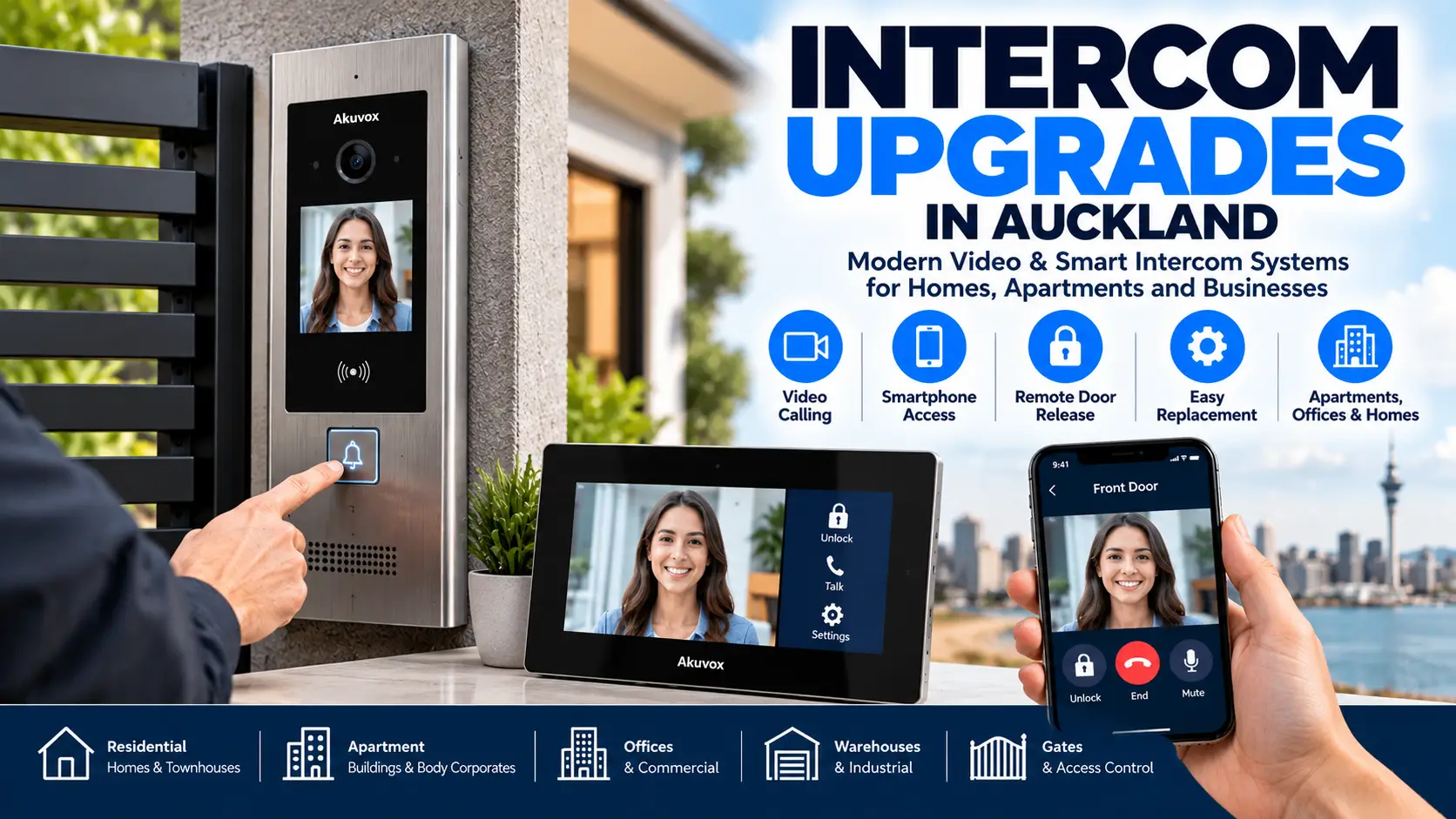
Intercom Upgrades Auckland – Replace Your Old Intercom System
Upgrade your old intercom system in Auckland with modern video calling, smartphone access and secure door entry. Learn about intercom replacement options, costs, wiring and professional installation.