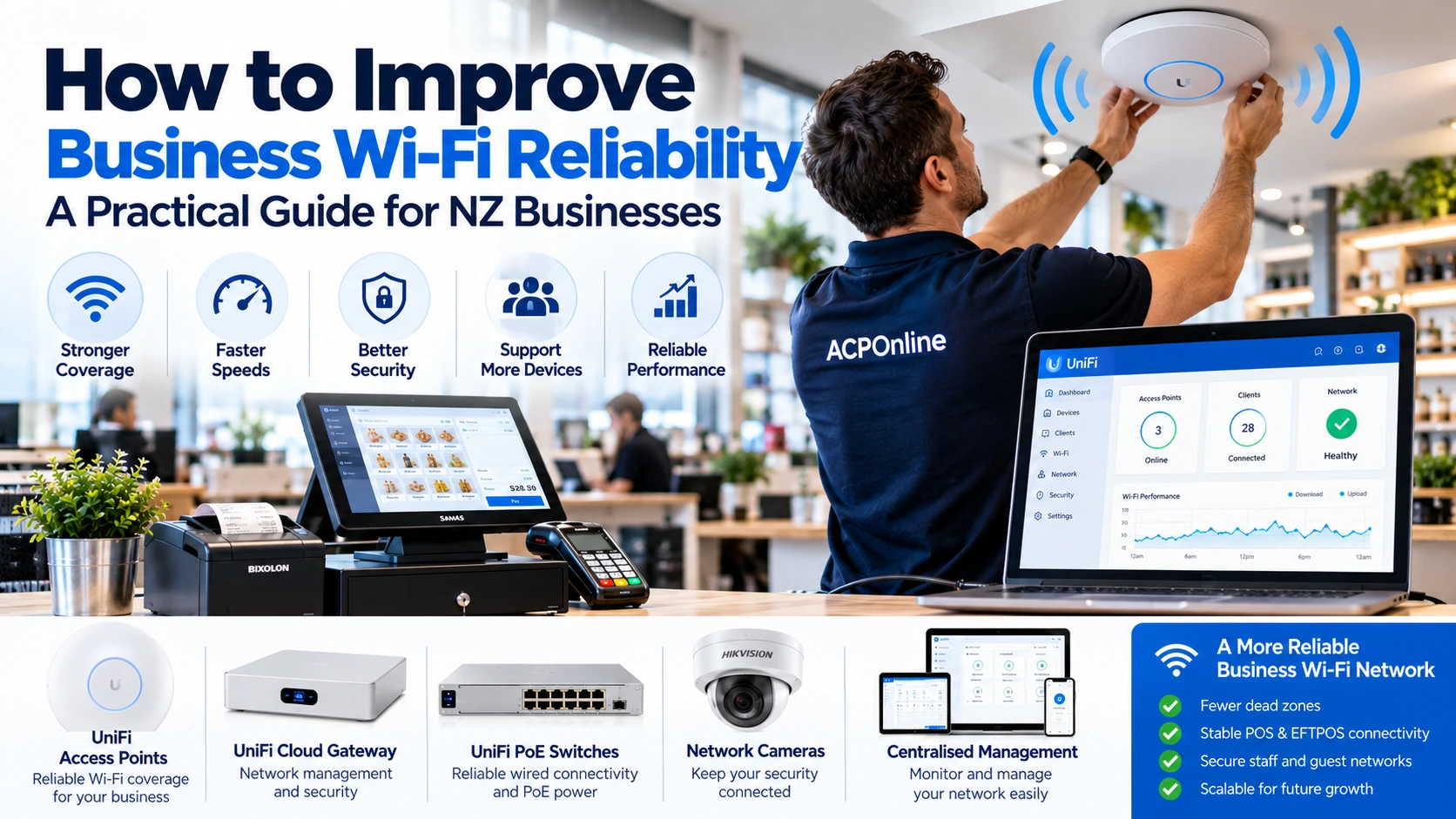
Why Reliable Business Wi-Fi Matters
A reliable wireless network is essential for modern New Zealand businesses. Offices, retail shops, restaurants, warehouses and commercial premises increasingly depend on Wi-Fi for staff devices, cloud applications, mobile POS systems, inventory management and customer connectivity.
Slow speeds, weak signals and frequent disconnections can disrupt daily operations, frustrate employees and affect customer service.
At ACP Online, we assist Auckland businesses with network setup, wireless access point installation, Wi-Fi troubleshooting and business technology support.
1. Identify the Cause of Your Business Wi-Fi Problems
Before purchasing new equipment, determine whether the problem is caused by wireless coverage, internet service, network congestion, interference or device configuration.
Common Signs of an Unreliable Wi-Fi Network
- Slow internet speeds in certain parts of the building.
- Frequent disconnections from laptops, tablets or mobile devices.
- POS or EFTPOS devices losing connectivity.
- Weak wireless signals in meeting rooms, stockrooms or warehouses.
- Video calls freezing or experiencing poor audio quality.
- Guest Wi-Fi affecting business applications.
- Network performance deteriorating during busy periods.
Compare the performance of a wired device with a wireless device. If both are slow, the issue may involve the internet connection, router or upstream network rather than Wi-Fi coverage alone.
2. Position Wireless Access Points Correctly
Access point placement is one of the most important factors affecting business Wi-Fi reliability.
Recommended Access Point Placement
- Install access points in locations suited to the required coverage area.
- Avoid placing access points inside metal cabinets or behind large obstructions.
- Consider walls, shelving, machinery and building materials that weaken signals.
- Use ceiling-mounted or wall-mounted equipment according to manufacturer recommendations.
- Assess coverage in all important working areas, including stockrooms and checkout counters.
A professional wireless site survey can help identify suitable locations and determine the number of access points required.
3. Use Business-Grade Wi-Fi Equipment
Consumer wireless routers may be suitable for smaller environments, but businesses with multiple users, larger premises or critical applications can benefit from managed commercial networking equipment.
Business-grade wireless solutions may provide:
- Centralised access point management.
- Multiple wireless networks or SSIDs.
- Guest network isolation.
- VLAN support and network segmentation.
- Wireless performance monitoring.
- Security controls and firmware management.
- Improved scalability across multiple access points.
Ubiquiti UniFi Wireless Networks
Ubiquiti UniFi is one option for managed business Wi-Fi networks. Compatible UniFi access points, switches and gateways can be centrally managed to support offices, retail premises and commercial installations.
The correct equipment depends on coverage requirements, client density, building layout, available cabling and network security needs.
4. Reduce Wireless Interference and Congestion
Wi-Fi uses radio frequencies that may be affected by neighbouring networks, equipment and physical obstacles.
Understanding Wi-Fi Frequency Bands
- 2.4 GHz: Often provides broader coverage but has fewer non-overlapping channels and may experience more interference.
- 5 GHz: Can offer higher throughput and more channel choices, although coverage may be reduced by obstacles.
- 6 GHz: Available on compatible Wi-Fi 6E and Wi-Fi 7 equipment, subject to local regulatory requirements, with shorter practical coverage in some environments.
Use appropriate channel planning and transmit power settings. Avoid configuring every access point to operate at maximum power, as this can increase interference and create roaming problems.
5. Separate Business Devices from Guest Wi-Fi
Guest wireless access should be separated from critical business systems wherever practical.
For example, a retail business may require separate network segments for:
- Staff laptops and business computers.
- POS and payment-related systems.
- Customer guest Wi-Fi.
- CCTV cameras and security equipment.
- Other connected devices such as printers and IoT equipment.
Network segmentation helps limit unnecessary access between devices and can improve security and management. Payment environments must follow the relevant payment provider and PCI DSS requirements.
6. Use Wired Connections for Critical Equipment
Although modern Wi-Fi can be reliable, wired Ethernet connections are often preferable for stationary equipment that requires consistent connectivity.
Where practical, consider wired connections for:
- Fixed POS terminals and checkout computers.
- Network video recorders and security equipment.
- Desktop computers and servers.
- Network printers and back-office equipment.
- Wireless access point uplinks.
Wired connections can reduce dependence on wireless signal quality and free up wireless capacity for mobile devices.
7. Keep Network Firmware and Security Updated
Outdated router, switch and access point firmware can introduce security vulnerabilities and operational problems.
Recommended Network Security Practices
- Use strong administrator credentials and multifactor authentication where supported.
- Use WPA3 or an appropriate supported wireless security configuration.
- Disable unnecessary remote administration services.
- Review firmware and security updates regularly.
- Remove unused accounts and outdated access permissions.
- Back up network configuration settings.
- Apply updates during planned maintenance windows.
Test important POS, EFTPOS and security system connectivity after significant network changes.
8. Check Your Internet Connection and Router Performance
Wi-Fi performance and internet performance are not the same thing. A strong wireless signal does not guarantee fast or stable internet access.
Check the broadband service, router capacity, DNS performance, cabling and upstream connectivity.
Businesses with critical online services may benefit from a suitable backup connection, such as cellular failover, together with compatible network equipment and an appropriate service plan.
9. Monitor Network Performance and Plan for Growth
As businesses add more devices, the wireless network may require additional capacity or coverage.
Monitor connected client counts, access point utilisation, interference, connection failures and bandwidth demand. Review the network when expanding premises, installing new equipment or increasing staff numbers.
10. Schedule Regular Business Wi-Fi Maintenance
Preventative maintenance can help identify developing network problems before they cause major interruptions.
- Review access point and router health.
- Check firmware and security updates.
- Inspect visible cabling and PoE connections.
- Review network logs and recurring disconnections.
- Test coverage in business-critical locations.
- Verify network configuration backups.
- Check UPS and power protection where installed.
When Should You Upgrade Your Business Wi-Fi?
Consider reviewing or upgrading your network when:
- Coverage problems continue despite troubleshooting.
- Your existing equipment is no longer supported with security updates.
- Additional users or devices exceed the network's practical capacity.
- New POS, CCTV or cloud systems require improved connectivity.
- Your business expands into additional rooms or buildings.
- Frequent network outages affect daily operations.
Professional Business Wi-Fi Installation and Support in Auckland
ACP Online provides network setup, wireless installation, configuration and troubleshooting services for Auckland businesses.
We can assist with reviewing your existing network, selecting suitable access points, configuring business and guest wireless networks and supporting compatible POS, CCTV and other connected systems.
Get Help Improving Your Business Wi-Fi
Experiencing unreliable business Wi-Fi in Auckland? Contact ACP Online to discuss your network requirements and arrange a technical assessment.
Professional network installation, configuration and troubleshooting services are chargeable unless otherwise agreed.
Frequently asked questions
1. Why does my business Wi-Fi keep disconnecting?
Common causes include weak wireless coverage, interference, overloaded access points, outdated firmware, faulty cabling and router or internet service problems.
2. How can I improve Wi-Fi coverage in my office?
Start with a wireless site survey, reposition access points, reduce interference and install additional properly configured access points where necessary.
3. Is UniFi Wi-Fi suitable for small businesses?
Ubiquiti UniFi can be suitable for small businesses requiring managed wireless access points, guest networks, monitoring and scalable networking. The correct configuration depends on the premises and requirements.
4. Should POS and EFTPOS terminals use Wi-Fi or Ethernet?
Wired Ethernet is often preferable for fixed devices where supported. Mobile terminals may require Wi-Fi or cellular connectivity. Always follow payment provider requirements.
5. How many Wi-Fi access points does a business need?
The number depends on floor area, building materials, layout, device density and performance requirements. A wireless site survey is the best way to estimate coverage needs.
6. What is the difference between Wi-Fi 6 and Wi-Fi 7?
Wi-Fi 7 introduces capabilities such as Multi-Link Operation and wider channels on supported bands and devices. Actual benefits depend on client compatibility, regulatory limits and network configuration.
7. Can CCTV cameras affect business Wi-Fi?
Yes. Wireless CCTV cameras can consume significant network bandwidth, especially when streaming high-resolution video. Wired connections and network segmentation can help manage the load.
8. How much does business Wi-Fi installation cost in Auckland?
Costs depend on the number of access points, cabling, switches, configuration, building layout and installation requirements. ACP Online can provide a quotation based on a technical assessment.
9. How often should business Wi-Fi equipment be maintained?
Regular monitoring and periodic firmware, security, cabling and coverage reviews are recommended. Maintenance frequency should reflect the importance of the network and operating environment.
10. Does ACP Online provide business Wi-Fi troubleshooting in Auckland?
ACP Online offers network installation, configuration and troubleshooting services for Auckland businesses, including Wi-Fi, connected POS equipment and related network systems.