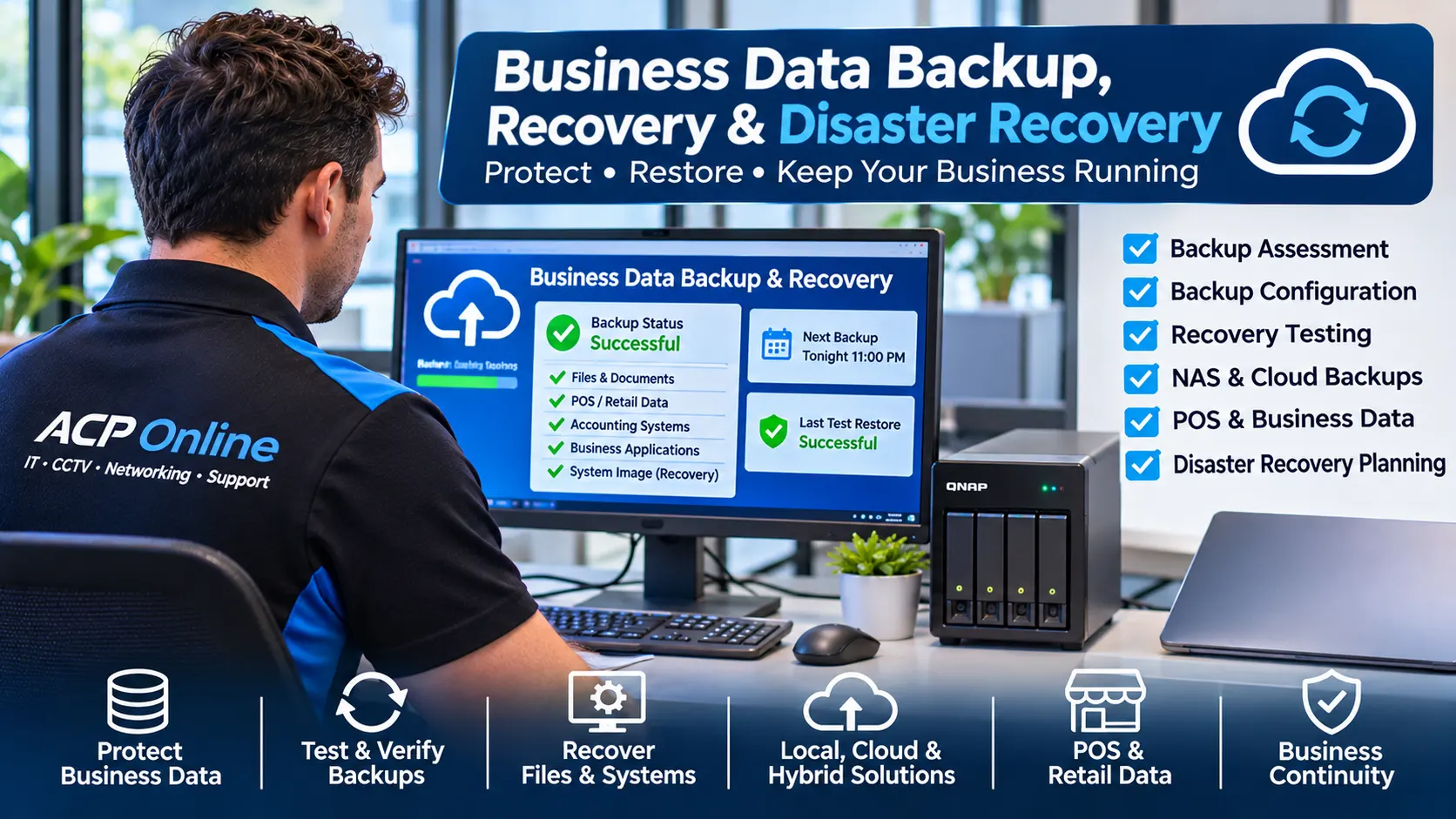
Business Data Backup, Recovery & Disaster Recovery Services Auckland
What would happen if your business computer, server, POS system or network storage failed tomorrow? Would you be able to recover your important files, customer records, accounting information and business software?
ACP Online provides professional business data backup, backup verification, recovery assistance and disaster recovery planning throughout Auckland, New Zealand.
We help small and medium-sized businesses assess existing backup arrangements, identify potential data-loss risks, configure suitable backup systems and test whether important information can actually be restored.
Whether your business uses Windows computers, network-attached storage (NAS), POS systems, local servers or cloud applications, ACP Online can assess practical backup and recovery solutions suited to your equipment and operational requirements.
Need assistance? Contact ACP Online for a Business Backup Assessment.
Is Your Business Data Really Backed Up?
Many businesses assume their information is protected because they have an external hard drive, cloud storage account or automatic backup application.
However, a backup is only useful when the required data has been captured correctly, remains accessible and can be restored when needed.
Common problems include:
- Backup software that stopped running without anyone noticing.
- External backup drives that have failed or become disconnected.
- Important folders excluded from backup jobs.
- Backup files that cannot be opened or restored.
- Cloud synchronisation mistaken for an independent backup.
- POS or accounting databases not backed up consistently.
- Backup storage accessible to ransomware or unauthorised users.
- Missing encryption keys, passwords or recovery credentials.
- Insufficient backup retention periods.
- No documented recovery procedure after equipment failure.
ACP Online can inspect supported backup configurations, review available recovery points and recommend improvements based on the business's requirements.
Our Business Data Backup and Recovery Services
1. Business Backup Health Checks and Verification
Having backup software installed does not necessarily mean your business data is recoverable.
Our backup assessment services can include:
- Reviewing existing backup software and schedules.
- Checking backup job logs and error messages.
- Identifying critical files and systems requiring protection.
- Assessing available backup storage capacity.
- Reviewing backup retention and version history.
- Checking backup encryption and access controls.
- Verifying the availability of recovery credentials.
- Performing authorised sample restoration tests.
- Documenting identified problems and recommendations.
2. Business Computer and Workstation Backup
Important business information may be stored on individual desktops, laptops or workstations rather than a central server.
ACP Online can assist with configuring suitable backup arrangements for supported Windows-based business computers.
- Important documents and business files.
- Desktop and user-profile data.
- Selected application data.
- External and network backup destinations.
- Scheduled file backup tasks.
- Compatible system image backups.
- Recovery media and restoration preparation.
Backup coverage depends on the software, operating system, application and storage configuration.
3. Server and NAS Backup Solutions
Businesses using local servers or network-attached storage need suitable protection against equipment failure, accidental deletion and other data-loss events.
Our technical services can include:
- Windows server backup configuration assessments.
- Compatible Synology and QNAP NAS backup solutions.
- Local and off-site backup planning.
- NAS storage health and capacity assessments.
- Backup job scheduling and monitoring configuration.
- Backup destination and access permission reviews.
- Restore testing for selected files and datasets.
- Backup hardware and storage upgrade recommendations.
RAID storage redundancy is not a substitute for independent backups. Hardware failures, accidental deletion, corruption and ransomware may affect multiple drives or replicated data.
4. Cloud Backup and Microsoft 365 Data Protection
Cloud-hosted information may still require additional backup and recovery arrangements depending on the platform, licensing and business requirements.
ACP Online can assess compatible backup solutions for:
- Microsoft 365 business environments.
- OneDrive business files.
- SharePoint document libraries.
- Exchange Online mailboxes.
- Selected cloud-hosted business applications.
- Local-to-cloud backup destinations.
- Hybrid cloud and local backup strategies.
Third-party backup software, subscriptions, storage fees and licensing may be required. Recovery options depend on the selected service and available backups.
5. POS, Cash Register and Retail Database Backup
Retail businesses rely on POS information for sales processing, product pricing, stock records, transaction history and reporting.
A POS computer failure or corrupted database can interrupt daily business operations.
ACP Online can assess backup options for supported retail technology, including:
- Compatible POS application databases.
- Product and pricing records.
- Stock and inventory data.
- Supported sales and reporting information.
- POS computer configuration and system images.
- Relevant application configuration files.
- Network backup destinations.
Some POS applications require manufacturer-approved database backup procedures. ACP Online will assess compatibility and work within authorised vendor requirements.
6. Accounting and Business Software Backup
Accounting, payroll, invoicing and customer management systems often contain business-critical information.
We can help identify whether locally stored business application data is included in the existing backup arrangement.
Where supported, services may include scheduled backup configuration, file protection, storage planning and restoration testing.
Cloud accounting platforms and proprietary business applications may have their own recovery and export restrictions. Access to these systems is subject to customer authorisation and vendor support.
7. Data Recovery Assistance After Hardware Failure
If your business computer or storage device stops working, ACP Online can assess the fault and determine whether data recovery through normal software or backup restoration methods is practical.
Our services may include:
- Computer and storage fault diagnosis.
- Checking available backups and recovery points.
- Restoring files to compatible replacement equipment.
- Recovering accessible data from functioning storage devices.
- Assisting with supported Windows recovery environments.
- Reconfiguring replacement computers and applications.
- Coordinating specialist recovery referrals when necessary.
Important: Physically damaged drives, severe media corruption and complex storage failures may require a specialist data recovery laboratory. Further attempts to power on or repair a failing drive can reduce recovery prospects.
8. Ransomware and Cyber Incident Recovery Support
Ransomware, malicious software and unauthorised access can affect business files, computers, servers and backup storage.
ACP Online can provide appropriate IT recovery assistance, including:
- Initial technical assessment of affected equipment.
- Checking whether clean backups are available.
- Supporting isolation of affected devices.
- Reviewing supported endpoint and account configurations.
- Reinstallation and reconfiguration of compatible systems.
- Restoring data from verified recovery points.
- Recommending improvements to backup security.
Specialist incident response, digital forensics, legal reporting and advanced ransomware investigation may require a qualified cybersecurity provider. Recovery work should not compromise evidence or existing incident response requirements.
Disaster Recovery Planning for Auckland Businesses
Disaster recovery is the process of preparing to restore important technology and information after a serious disruption.
A recovery plan should consider both the amount of data a business can afford to lose and the time it can operate without its systems.
Recovery Point Objective (RPO)
RPO describes the maximum acceptable period of data loss. For example, a business using daily backups could potentially lose changes made since its last successful backup.
Recovery Time Objective (RTO)
RTO describes the target time for restoring a system or service after an interruption.
ACP Online can help businesses assess practical recovery objectives and identify the equipment, backup frequency and procedures required to support them.
Local, Cloud and Hybrid Backup Solutions
Different backup methods offer different benefits and limitations.
Local Backup
Stores backup data on an external drive, NAS or local backup server. It can provide convenient restoration but may be vulnerable to theft, fire or incidents affecting the premises.
Cloud Backup
Stores protected copies of information in an external cloud environment. It can improve geographic separation but depends on internet connectivity, subscription arrangements and provider capabilities.
Hybrid Backup
Combines local and off-site or cloud backup destinations. This can provide flexible recovery options when configured and maintained appropriately.
The 3-2-1 Backup Strategy
One widely used backup principle is to maintain:
- 3 copies of important data, including the working copy.
- 2 different storage types or media where practical.
- 1 copy off-site or otherwise geographically separated.
For additional protection, businesses should consider offline or immutable backups, restricted administrative access, encryption and regular restoration testing.
Our Business Backup Assessment Process
Step 1 – Identify Critical Business Data
We discuss the systems, documents and applications your business relies on and identify existing backup arrangements.
Step 2 – Inspect Backup Configurations
We review accessible backup software, storage destinations, schedules, job logs and available recovery points.
Step 3 – Assess Recovery Risks
We identify gaps such as missing files, insufficient retention, failed jobs, inadequate storage or untested recovery procedures.
Step 4 – Recommend Suitable Improvements
We propose compatible backup software, hardware, cloud storage or configuration changes based on the agreed requirements.
Step 5 – Configure and Test
Where authorised, we configure supported solutions and perform agreed sample restoration tests to help verify recovery capability.
Step 6 – Document and Maintain
We can provide recommendations for ongoing backup checks, recovery testing and periodic review.
Industries We Support
- Retail shops and supermarkets.
- Restaurants, cafés and hospitality businesses.
- Professional offices and small businesses.
- Community clubs and not-for-profit organisations.
- Gyms and fitness centres.
- Schools and educational facilities.
- Warehouses and distribution businesses.
- Property management companies.
- Home offices and self-employed professionals.
Why Choose ACP Online for Business Backup Support?
- Experience with business computers, POS equipment and networking.
- Support for compatible local and cloud backup solutions.
- Practical assessment of existing equipment before replacement.
- Backup configuration and recovery testing options.
- Workshop, remote and on-site technical support.
- Published service rates and clear diagnostic scope.
- Technical assistance based in Auckland, New Zealand.
Frequently Asked Questions
How do I know whether my business backups are working?
Reviewing successful backup logs is a useful starting point, but performing a controlled restoration test provides stronger evidence that required data can be recovered.
Is OneDrive the same as a business backup?
No. OneDrive primarily provides cloud storage and synchronisation. Although version history and recovery features may be available, businesses should assess whether these meet their backup retention and recovery requirements.
Can ACP Online recover data from a failed computer?
We can assess the fault and assist with recovery from accessible storage or existing backups. Physically damaged drives or complex failures may require specialist recovery services.
Can you back up my POS system?
We can assess supported POS systems and their backup requirements. Database protection and restoration must follow the relevant software vendor's supported procedures.
Should I back up my NAS if it already uses RAID?
Yes. RAID can provide storage redundancy but does not protect against every form of deletion, corruption, ransomware, theft or physical damage.
How often should a business back up its data?
Backup frequency depends on how frequently information changes and how much data loss the business can tolerate. Some environments require multiple daily backups, while others may be adequately served by less frequent schedules.
Can you help after a ransomware attack?
We can assess available backups and provide appropriate IT restoration assistance. Specialist cybersecurity incident response may be required depending on the nature and severity of the attack.
Can backups be stored both locally and in the cloud?
Yes. A compatible hybrid backup arrangement can provide local restoration options alongside geographically separated backup storage.
Can you guarantee that all deleted data can be recovered?
No. Recovery depends on the storage condition, existing backups, file system state, encryption and other technical factors. We assess the available recovery options before recommending further work.
How much does business backup support cost?
Technical service charges depend on the assessment, configuration and recovery work required. Software subscriptions, storage equipment and cloud services may incur additional costs. See our published IT support rates.
Book a Business Data Backup and Recovery Assessment
Don't wait until your business loses important information to discover that its backups are incomplete or unusable.
ACP Online can help assess your current data protection arrangements and recommend suitable backup and recovery improvements.
When enquiring, please tell us:
- The type of business and number of computers.
- Whether you use servers, NAS or cloud storage.
- Which POS, accounting or business applications require protection.
- Whether you currently have backup software installed.
- Whether you need a backup assessment, configuration or recovery assistance.
- Your Auckland location and preferred service arrangement.
Phone: 09 974 4070