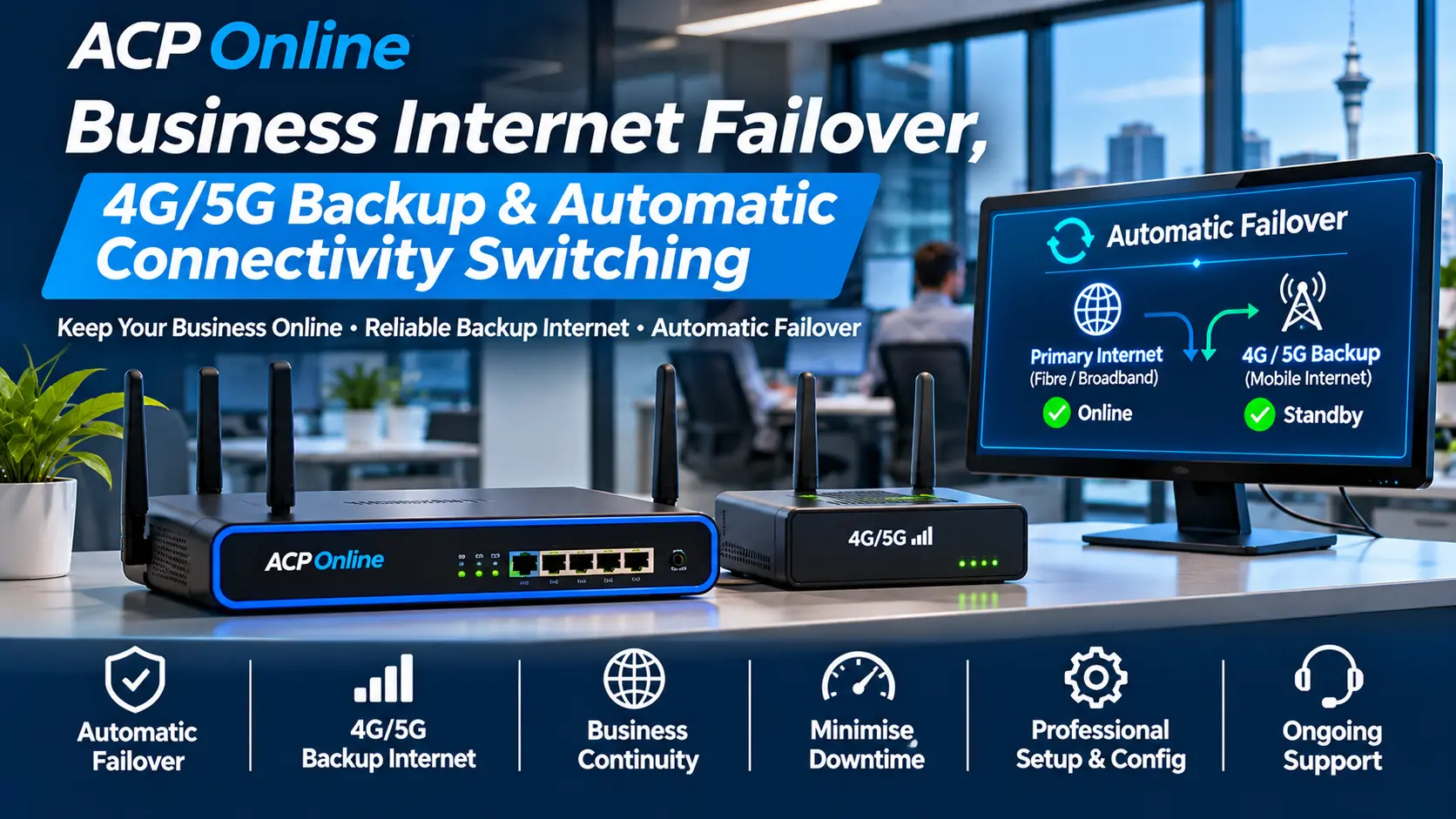
Business Internet Failover, 4G/5G Backup & Automatic Connectivity Switching Auckland
What happens to your business when the internet goes down? Can your EFTPOS terminals continue processing payments? Can your staff access cloud software, receive VoIP calls or operate essential connected equipment?
ACP Online provides professional business internet failover, 4G/5G backup broadband, dual-WAN router configuration and automatic internet switching solutions throughout Auckland, New Zealand.
We help businesses assess and implement compatible backup internet connections designed to reduce disruption when their primary fibre, broadband or other internet connection becomes unavailable.
Whether you operate a retail shop, restaurant, office, warehouse, gym, medical practice or multi-site business, ACP Online can help design a practical internet continuity solution suited to your equipment, location and operational requirements.
Need a backup internet solution? Contact ACP Online for a Business Internet Failover Assessment.
Why Your Business Needs a Backup Internet Connection
Many businesses depend on a single broadband connection for payment processing, cloud software, communication systems and remote access.
If that connection fails, several services may become unavailable at the same time.
Internet outages can be caused by:
- Fibre network faults or cable damage.
- Internet service provider outages.
- Broadband modem or router failures.
- Network maintenance and service interruptions.
- Damaged external telecommunications infrastructure.
- Incorrect router or WAN configuration.
- Local power interruptions.
- Provider authentication or connection problems.
A properly configured backup connection can provide an alternative internet pathway during certain types of primary connection failure.
Important: Internet failover reduces selected connectivity risks but does not guarantee uninterrupted service. Performance depends on equipment, network coverage, power availability, provider compatibility and the nature of the outage.
Our Business Internet Failover and Backup Connectivity Services
1. Automatic Internet Failover Configuration
Automatic internet failover allows a compatible router to switch from the primary internet connection to a secondary connection when defined connectivity checks indicate a failure.
ACP Online can assess, install and configure suitable equipment supporting:
- Primary fibre or broadband WAN connections.
- Secondary wired or mobile broadband connections.
- Automatic WAN health monitoring.
- Failover detection and switching policies.
- Automatic return to the preferred primary connection.
- DNS and routing configuration.
- Compatible firewall and security settings.
- Selected business traffic prioritisation.
- Connectivity verification and failover testing.
Some existing sessions, payment connections, VPNs and telephone calls may disconnect when the public IP address or internet route changes.
2. 4G LTE Backup Internet for Businesses
A compatible 4G LTE router or cellular modem can provide a secondary internet connection when fixed broadband is unavailable.
Our 4G backup internet services can include:
- Assessment of available cellular coverage.
- Compatible 4G router selection.
- SIM and mobile data plan compatibility checks.
- Cellular modem and antenna configuration.
- Integration with supported dual-WAN routers.
- Automatic failover policy configuration.
- Data usage and traffic management settings.
- Testing of essential connected equipment.
Mobile broadband coverage, speeds, data allowances and service availability depend on the cellular provider, site conditions and selected plan.
3. 5G Backup Broadband and Business Connectivity
Where suitable 5G coverage and compatible equipment are available, a 5G connection may provide additional capacity for business backup internet.
ACP Online can assess:
- Compatible 5G routers and cellular gateways.
- 5G network coverage and signal quality.
- Suitable SIM and data service requirements.
- External antenna requirements.
- Integration with existing business networks.
- Dual-WAN failover configuration.
- Expected performance for critical applications.
5G availability and performance vary by location, network congestion, building construction and provider coverage.
4. Dual-WAN and Multi-WAN Router Installation
Dual-WAN and multi-WAN routers can manage more than one internet connection, subject to the capabilities of the selected equipment.
ACP Online can install and configure compatible business routers with features such as:
- Multiple WAN interfaces.
- Primary and backup connection priorities.
- Automatic WAN health checks.
- Policy-based routing.
- Compatible load balancing.
- Firewall and network security configuration.
- VLAN and network segmentation support.
- Traffic monitoring and usage reporting.
- Remote administration with appropriate security controls.
Load balancing and failover are different functions. Load balancing distributes eligible traffic across available connections, while failover provides an alternative connection when the preferred link fails.
5. EFTPOS and POS Internet Backup Solutions
Retail and hospitality businesses depend on reliable network connectivity for electronic payments, POS integration and cloud-connected business applications.
ACP Online can assess backup connectivity arrangements for compatible:
- Ethernet-connected EFTPOS terminals.
- Wi-Fi EFTPOS terminals.
- POS and payment terminal integrations.
- Cloud-connected POS applications.
- Retail stock and inventory systems.
- Online ordering and business applications.
We can configure supported local networking equipment and test eligible traffic over the secondary connection.
Note: Payment processing during failover depends on the EFTPOS provider, terminal configuration, payment application and network requirements. Provider approval or assistance may be required.
6. VoIP Phone System Backup Internet
Businesses using cloud PBX and VoIP telephone systems may lose calling services when their broadband connection fails.
ACP Online can assess backup connectivity for compatible:
- IP desk phones.
- Cloud PBX telephone systems.
- SIP trunking connections.
- VoIP softphones.
- Reception and call queue systems.
- Multi-office telephone connectivity.
Services may include router failover configuration, voice traffic prioritisation, NAT assessment and testing with the authorised VoIP provider.
Existing calls may disconnect during a WAN change. Some telephone services may require re-registration or provider-side failover arrangements.
7. CCTV and Security System Backup Connectivity
Internet-dependent security systems may lose remote connectivity during broadband outages even when local recording continues.
ACP Online can assess backup internet requirements for supported:
- CCTV DVR and NVR systems.
- Compatible IP camera networks.
- Remote CCTV viewing applications.
- IP alarm communication equipment.
- Network-connected access control systems.
- Compatible video intercom systems.
- Remote monitoring and notification services.
Cloud connectivity, mobile network restrictions, monitoring provider requirements and equipment compatibility must be considered.
For monitored alarm systems, changes to communication pathways should be coordinated with the authorised monitoring provider.
8. Backup Internet for Cloud Applications and Remote Workers
Cloud-based accounting, inventory, booking, communication and business management platforms depend on reliable internet connectivity.
ACP Online can assess backup internet arrangements for supported business networks, including:
- Microsoft 365 access.
- Cloud accounting applications.
- Online inventory and POS software.
- CRM and business management platforms.
- Remote desktop and VPN connectivity.
- Cloud file storage.
- Business video conferencing.
Applications using fixed public IP addresses, IP allowlists or persistent VPN tunnels may require additional configuration or provider support when the connection changes.
How Automatic Internet Failover Works
A typical failover arrangement uses two independent internet connections connected to a compatible router.
- The business normally uses its primary fibre or broadband connection.
- The router checks the availability of the primary connection using configured health tests.
- When a qualifying failure is detected, the router redirects eligible traffic to the backup connection.
- Critical devices attempt to continue communicating through the secondary connection.
- When the primary connection becomes stable again, the router can return traffic according to the configured recovery policy.
Switching time depends on the router, health-check settings, mobile connection readiness and application behaviour.
Internet Failover vs Load Balancing vs Bonding
Internet Failover
Uses an alternative internet connection when the preferred connection becomes unavailable. It is generally intended to improve service availability.
Load Balancing
Distributes eligible network traffic between multiple available internet connections. It does not necessarily combine their speeds for a single download or application session.
Internet Bonding
Combines connections using specialised technology, software or service-provider infrastructure. True session continuity or bandwidth aggregation may require additional equipment and subscriptions.
ACP Online can help identify which approach is appropriate for your business requirements and budget.
Power Backup for Internet and Networking Equipment
A secondary internet connection may not help during a power outage if the router, network switch or cellular modem loses power.
ACP Online can assess suitable uninterruptible power supply (UPS) options for compatible equipment, including:
- Business routers and firewalls.
- Network switches.
- Cellular backup modems.
- Wireless access points.
- Selected VoIP network equipment.
- Essential network communication devices.
UPS runtime depends on the connected electrical load, battery capacity and equipment condition.
Internet Failover Testing and Maintenance
Installing a backup connection is only part of a business continuity solution.
ACP Online can assist with agreed testing and maintenance procedures, including:
- Primary WAN failure simulation.
- Secondary WAN connectivity checks.
- Automatic recovery testing.
- Selected EFTPOS and POS connectivity checks.
- VoIP registration and communication testing.
- Cloud application connectivity checks.
- Mobile data usage monitoring configuration.
- Review of router firmware and supported settings.
- Documentation of failover configuration.
Periodic testing helps identify configuration changes, expired mobile plans, failed hardware or insufficient data allowances before a real outage occurs.
Which Auckland Businesses Benefit from Internet Failover?
- Retail shops and supermarkets.
- Restaurants, cafés and takeaway businesses.
- Offices and professional service providers.
- Warehouses and distribution centres.
- Gyms and fitness facilities.
- Medical and healthcare practices.
- Community clubs and event venues.
- Schools and education providers.
- Laundromats and unattended businesses.
- Multi-branch businesses.
- Businesses using cloud-based POS or VoIP systems.
Our Business Internet Failover Installation Process
Step 1 – Business Connectivity Assessment
We identify the primary internet service, critical applications, network equipment and acceptable interruption requirements.
Step 2 – Backup Connection Assessment
We assess available wired or cellular backup options, coverage, data requirements and suitable equipment.
Step 3 – Equipment and Configuration Proposal
We recommend a compatible failover arrangement, including required routers, cellular equipment, SIM services and optional power protection.
Step 4 – Installation and Configuration
We install approved equipment and configure supported routing, health checks, firewall policies and backup connection priorities.
Step 5 – Failover Testing
We perform agreed connectivity tests to check how selected systems behave during a primary connection failure and restoration.
Step 6 – Documentation and Ongoing Support
We provide relevant configuration information and recommendations for monitoring, testing and maintenance.
Why Choose ACP Online?
- Experience with business networking and connected technology.
- Support for compatible dual-WAN and cellular networking equipment.
- Practical integration with existing business systems.
- Assessment of EFTPOS, POS, VoIP and CCTV connectivity requirements.
- Installation, configuration and technical testing services.
- Local Auckland workshop and on-site support options.
- Transparent published technical service rates.
- Business-focused equipment and connectivity recommendations.
Frequently Asked Questions
What is business internet failover?
Internet failover allows a compatible router to use a secondary connection when the primary connection is unavailable, subject to configured health checks and routing policies.
Can 4G or 5G automatically take over when fibre goes down?
Yes, compatible dual-WAN or cellular failover equipment can be configured to switch eligible traffic to a mobile broadband connection when a qualifying primary WAN failure is detected.
Will my EFTPOS continue working during an internet outage?
It may continue or reconnect over a suitable backup connection, depending on the terminal, payment provider and network configuration. Testing is recommended, and uninterrupted transactions cannot be guaranteed.
Can ACP Online install backup internet using my existing router?
Possibly. We can assess whether your current router supports the necessary secondary WAN interface, cellular connectivity and failover features.
Is 4G or 5G better for business backup internet?
The better option depends on local coverage, signal quality, compatible equipment, data plans and required application performance. ACP Online can assess the available options.
Will my business keep the same public IP address during failover?
Usually not with standard independent internet connections. Applications requiring a consistent public IP may need specialised networking or provider-side arrangements.
Will VoIP calls stay connected when the router switches to backup internet?
Existing calls may disconnect during failover. Supported phones and services may reconnect automatically, but behaviour depends on the router, VoIP platform and provider configuration.
Can I use two different fibre providers instead of mobile broadband?
Yes, where suitable independent services are available. However, connections may share physical infrastructure, so a second provider does not automatically eliminate common outage risks.
Do I need a separate SIM card for 4G/5G backup internet?
Most cellular backup solutions require an appropriate active SIM or eSIM service and compatible data plan. Requirements depend on the selected equipment and provider.
Will internet failover work during a power outage?
Only if the necessary networking equipment remains powered and the backup network is operational. A suitable UPS can help protect selected local equipment against short power interruptions.
Can you provide automatic failover for multiple business branches?
ACP Online can assess compatible multi-site networking arrangements, including branch connectivity, router failover and supported VPN requirements.
How much does business internet failover installation cost?
Costs depend on the existing network, selected equipment, mobile service requirements, installation complexity and testing scope. Technical labour, hardware, data plans and any third-party subscriptions may be charged separately.
Business Internet Failover Installation Pricing Auckland
ACP Online provides paid technical assessment, installation and configuration services.
Standard Central Auckland business-hours service rates include:
- On-site labour: NZ$170 + GST per hour.
- Central Auckland call-out: NZ$65 + GST.
- Minimum labour: One hour.
- Additional labour: NZ$85 + GST per 30-minute block.
Backup routers, 4G/5G modems, antennas, UPS equipment, SIM plans, cloud subscriptions and other materials are additional where applicable.
See ACP Online IT Support and Service Rates for full terms and current pricing.
Book a Business Internet Failover Assessment in Auckland
Reduce the risk of a broadband outage stopping your business operations.
ACP Online can assess your existing internet connection and recommend suitable automatic failover or backup broadband options for essential business systems.
When enquiring, please provide:
- Your Auckland business location.
- Your current internet service provider.
- Your router or firewall make and model.
- The number of users and connected devices.
- Whether EFTPOS, POS, VoIP or CCTV requires backup connectivity.
- Whether a 4G/5G connection is already available.
- Any fixed public IP or VPN requirements.
- Your preferred installation timeframe.
Phone: 09 974 4070
Request Business Internet Failover Installation & Technical Support