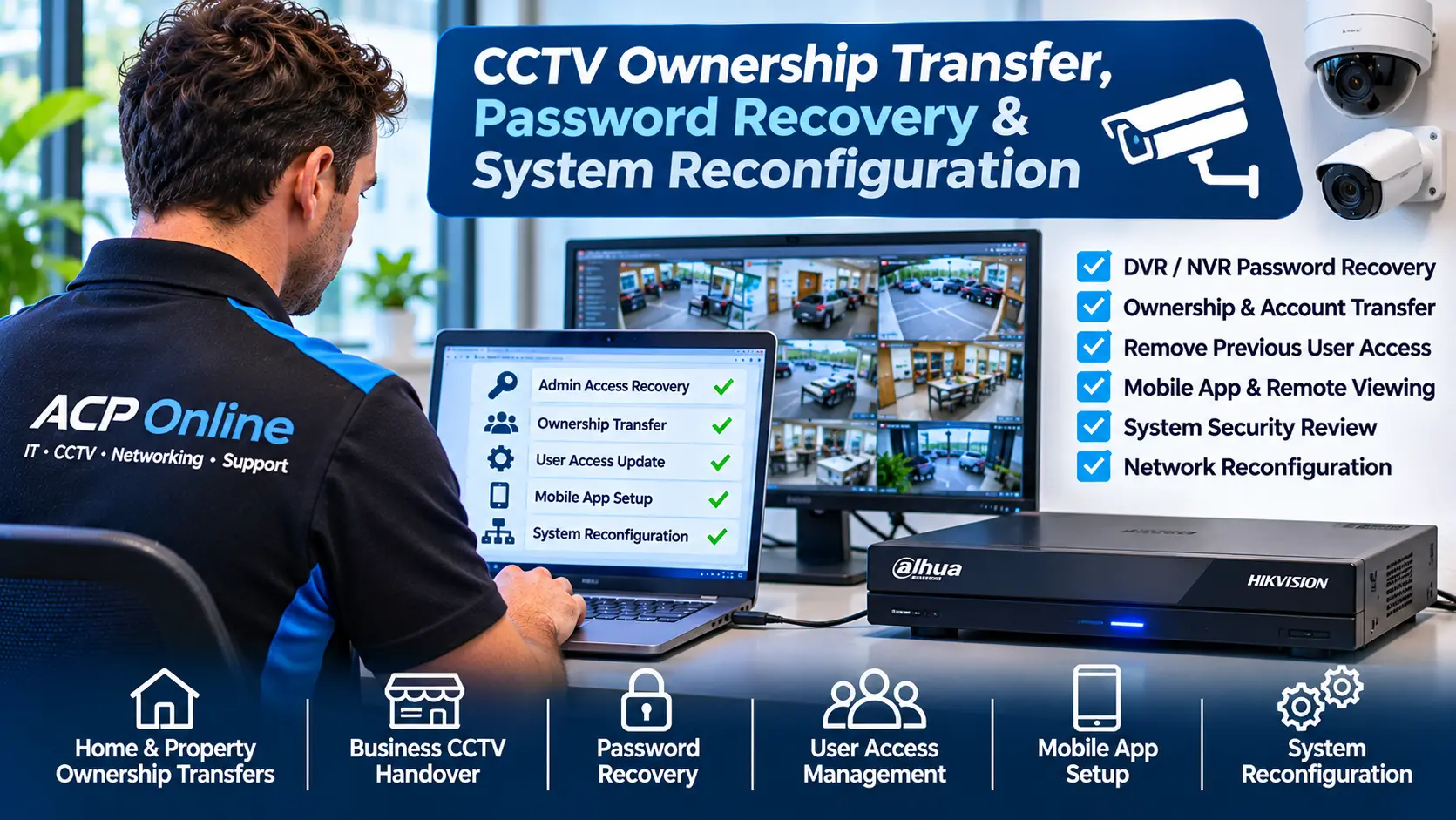
CCTV Ownership Transfer, Password Recovery & System Reconfiguration Auckland
Have you purchased a house, commercial building or business with an existing CCTV security camera system but cannot access the cameras, recorder or administrator settings?
ACP Online provides professional CCTV ownership transfer assistance, authorised password recovery, DVR and NVR configuration, security assessments and remote viewing setup throughout Auckland, New Zealand.
When a property changes ownership, the installed security cameras may remain in place, but important information such as administrator passwords, mobile app accounts, recorder credentials and installation documentation may not be handed over.
In some situations, the previous owner, tenant, installer or property manager may still have access to the security camera system.
ACP Online can assess supported CCTV equipment and help authorised owners establish appropriate administrative control, review existing user access and configure compatible security systems for continued use.
Need CCTV access assistance? Contact ACP Online for a CCTV Ownership and Access Assessment.
Purchased a Property with Existing CCTV Cameras?
Many homes, offices, retail premises, warehouses and commercial properties are sold or leased with CCTV cameras already installed.
However, the security system may not have been properly transferred to the new owner or authorised operator.
Common problems include:
- No administrator password for the CCTV recorder.
- Previous owners still having remote camera access.
- CCTV mobile applications linked to another person's account.
- Unknown DVR or NVR administrator credentials.
- Security cameras installed without documentation.
- Missing recorder or camera model information.
- Installer accounts that have not been handed over.
- Unknown network or remote access configurations.
- CCTV systems displaying account binding errors.
- Inability to add new authorised users.
- Uncertainty about whether cameras are recording.
- Uncertainty about whether previous users retain access.
ACP Online can investigate these issues and recommend supported ownership transfer, account recovery or system reconfiguration options.
Our CCTV Ownership Transfer and Access Recovery Services
1. CCTV Ownership and Administrative Access Assessment
Before changing a CCTV system, we establish the customer's authority to administer the equipment and review the available system information.
Our assessment can include:
- Identification of CCTV camera and recorder brands.
- DVR and NVR model and serial number checks.
- Review of available administrator credentials.
- Assessment of existing user account arrangements.
- Identification of associated mobile viewing accounts.
- Network configuration and remote access review.
- Assessment of available manufacturer recovery procedures.
- Recommendations for secure ownership handover.
Proof of ownership or written authorisation may be required before access recovery or administrative changes are undertaken.
2. CCTV DVR and NVR Password Recovery
Forgotten or unavailable administrator passwords can prevent an authorised owner from managing an existing CCTV recorder.
ACP Online can assess compatible DVR and NVR equipment and assist with manufacturer-supported password recovery or reset procedures.
Depending on the brand, model, firmware and available recovery information, this may involve:
- Identifying the recorder model and firmware.
- Checking supported password recovery options.
- Using authorised manufacturer or distributor recovery channels.
- Assisting with legitimate administrator account recovery.
- Configuring new administrator credentials after recovery.
- Reviewing existing authorised user accounts.
- Testing administrative access after completion.
Important: Password recovery is not guaranteed. Some systems require manufacturer verification, original account-holder cooperation, supported recovery credentials or replacement equipment.
3. Dahua CCTV Ownership Transfer and Password Recovery
ACP Online can assess compatible Dahua CCTV recorders and IP camera systems where the administrator password is unknown or remote viewing remains associated with a previous owner.
Our services may include:
- Dahua DVR and NVR identification.
- Supported Dahua password recovery assistance.
- DMSS account and device association assessment.
- Review of existing recorder user permissions.
- Network and remote viewing configuration.
- Authorised administrator credential updates.
- Recorder and camera connectivity checks.
Some device transfers or account unbinding procedures require assistance from the existing account holder or authorised manufacturer support.
4. Hikvision and HiLook CCTV Ownership Transfer
Hikvision and HiLook CCTV systems may require supported administrator recovery procedures and account management changes when a property changes ownership.
ACP Online can assess:
- Hikvision and HiLook DVR/NVR access problems.
- Compatible password recovery procedures.
- Hik-Connect account association and ownership issues.
- Existing administrator and user permissions.
- Supported recorder network configuration.
- Remote viewing setup for authorised users.
- Recorder and camera communication.
Manufacturer-controlled account binding and recovery restrictions apply. We do not bypass access protections or claim ownership of devices without appropriate authorisation.
5. CCTV Mobile App Account Transfer
Existing CCTV systems may be connected to mobile applications registered to the previous owner or installer.
ACP Online can assist with supported account handover processes and configure remote viewing for the new authorised operator.
Services may include:
- Reviewing existing mobile app access.
- Identifying supported device transfer methods.
- Assisting with legitimate account unbinding requests.
- Configuring compatible remote viewing applications.
- Adding authorised family members or staff.
- Reviewing mobile viewing permissions.
- Testing supported smartphone access.
Where an existing account cannot be released through approved procedures, manufacturer assistance or equipment replacement may be necessary.
6. Remove Previous Owner or Employee CCTV Access
When a property changes ownership or an employee leaves a business, existing CCTV access permissions should be reviewed.
Subject to verified administrative authority, ACP Online can assist with:
- Reviewing existing CCTV user accounts.
- Disabling unnecessary local accounts.
- Changing supported administrator credentials.
- Reviewing remote viewing account permissions.
- Removing obsolete authorised-user access.
- Checking recorder network security settings.
- Documenting newly configured authorised accounts.
Changing a recorder password does not necessarily revoke every remote account, cloud association or third-party integration. The required checks depend on the equipment and service platform.
7. Existing CCTV System Security Audit
When taking over an existing security camera system, it is useful to check whether the equipment is functioning correctly and whether its configuration remains appropriate.
ACP Online can assess:
- Camera and recorder operating status.
- Current recording schedules.
- Hard drive condition and recording availability.
- System date and time settings.
- Administrator and user permissions.
- Network and remote viewing configurations.
- Supported firmware and security updates.
- Existing remote access methods.
- Available security and configuration documentation.
For comprehensive hardware faults and ongoing maintenance, visit our CCTV Repairs and Maintenance Auckland service.
8. CCTV Network Reconfiguration After Ownership Change
Property ownership changes may also involve new broadband connections, replacement routers or different network configurations.
ACP Online can assess compatible CCTV network settings, including:
- Recorder IP addresses and network gateways.
- DNS and local network communication.
- IP camera and PoE switch connectivity.
- Supported secure remote viewing arrangements.
- Network segmentation and access restrictions.
- Compatible router and firewall configurations.
We prioritise supported and secure remote access methods instead of unnecessarily exposing CCTV equipment directly to the public internet.
Who Needs CCTV Ownership Transfer Assistance?
Home Buyers and New Property Owners
Purchased a home with security cameras already installed? We can assess the existing equipment, review access arrangements and investigate supported options for establishing administrative control.
Commercial Property Purchasers
Commercial buildings may contain existing surveillance equipment installed by previous tenants or owners. We can assess the system and help determine whether it can be securely reused.
New Business Owners
Businesses acquired with existing CCTV may need new administrator accounts, revised user permissions and updated remote viewing arrangements.
Landlords and Property Managers
We can assist authorised property operators with compatible CCTV access reviews, account management and system assessments, subject to applicable privacy and tenancy requirements.
Body Corporates and Building Managers
Shared CCTV installations may require controlled administrator handover when management companies, contractors or authorised representatives change.
Businesses Changing Security Contractors
Where an installer or maintenance contractor changes, we can help assess existing system access and identify supported handover procedures.
Our CCTV Ownership Transfer Process
Step 1 – Confirm Authority
We request relevant ownership or written authorisation information before undertaking administrator recovery or account changes.
Step 2 – Identify the Equipment
We inspect the accessible recorder, cameras, model details, account information and network configuration.
Step 3 – Assess Recovery Options
We determine whether supported manufacturer recovery, account handover or authorised reconfiguration is available.
Step 4 – Obtain Approval
We explain the proposed work, limitations and any risk of losing existing settings or recordings before making significant changes.
Step 5 – Recover or Reconfigure
Where technically possible and authorised, we complete supported access recovery, credential changes or system reconfiguration.
Step 6 – Test and Document
We test the agreed system functions and advise the new authorised operator about account management, passwords and ongoing maintenance.
Important CCTV Ownership, Privacy and Security Considerations
Security camera systems may contain personal information and recordings relating to occupants, employees, visitors or members of the public.
Before transferring or reconfiguring a CCTV system, the authorised operator should consider:
- Who legally owns or controls the equipment.
- Whether access to existing recordings is authorised.
- Whether previous users retain remote access.
- Whether recordings must be preserved.
- Applicable privacy and surveillance obligations.
- Secure handling of passwords and account credentials.
- Whether existing cloud accounts can be transferred.
ACP Online will not provide unauthorised access to CCTV systems, bypass security controls or access recordings without appropriate permission.
Can an Existing CCTV System Be Reused?
Often, existing cameras, cabling and recording equipment can continue to provide useful security coverage after an ownership change.
However, suitability depends on equipment condition, supported firmware, available credentials, manufacturer restrictions and security requirements.
Where practical, ACP Online will assess options for retaining serviceable equipment before recommending replacement.
CCTV Ownership Transfer and Password Recovery Pricing Auckland
ACP Online provides paid technical assessment, configuration and troubleshooting services.
Our standard Central Auckland business-hours service rates are:
- On-site technical labour: NZ$170 + GST per hour.
- Central Auckland call-out: NZ$65 + GST.
- Minimum labour: One hour.
- Additional labour: Charged in 30-minute blocks.
Other locations, workshop work, replacement equipment, licensing or third-party services may incur different or additional charges.
Diagnostic labour charges apply even where manufacturer restrictions or missing credentials prevent successful recovery.
See our IT Support and Service Rates for full pricing information.
Why Choose ACP Online?
- Technical experience with compatible Dahua, Hikvision, HiLook and other CCTV systems.
- Professional assessment of existing security equipment.
- Authorised administrative access recovery assistance.
- Secure CCTV user and remote viewing configuration.
- Residential and commercial technical support.
- Practical equipment reuse and upgrade recommendations.
- Transparent service charges.
- Auckland-based workshop and on-site support options.
Frequently Asked Questions
Can I use CCTV cameras left behind by the previous homeowner?
Potentially, yes. If you are authorised to operate the system, ACP Online can assess the equipment and determine whether supported ownership handover or reconfiguration is possible.
Can ACP Online reset a CCTV password without the old password?
We can assess manufacturer-supported recovery methods for compatible equipment. Recovery may require proof of ownership, manufacturer verification or original account-holder cooperation.
Can you reset a Dahua DVR or NVR password?
We can assess compatible Dahua recorders and assist with authorised recovery procedures where available. Options depend on the model, firmware and manufacturer requirements.
Can you recover a Hikvision administrator password?
We can investigate supported Hikvision recovery procedures, subject to appropriate authorisation and equipment compatibility.
Can the previous owner still watch my CCTV cameras?
It may be possible if their account or remote access permissions remain active. An authorised security review can help identify known access arrangements and supported revocation procedures.
Can you remove a CCTV system from the previous owner's mobile app?
We can assess approved account unbinding and transfer methods. Some cloud-linked systems require cooperation from the original account holder or manufacturer.
Will resetting my CCTV recorder delete recordings?
Some recovery or factory reset procedures may affect configuration settings or stored information. We assess the risks and seek authorisation before performing potentially destructive changes.
Can you transfer a CCTV system installed by another company?
We can assess many third-party installations, subject to ownership verification, technical compatibility and supported access recovery options.
Do I need to replace the existing cameras?
Not necessarily. We first assess whether the current system can be securely and reliably reused.
Can you set up CCTV viewing on my new smartphone?
Yes, where the recorder and relevant account services support authorised mobile access. Some account transfers may require manufacturer assistance.
Can you help if the original installer has closed down?
We can identify the equipment and investigate available manufacturer-supported recovery options. Access recovery is not guaranteed for every system.
How much does CCTV password recovery cost?
Costs depend on the equipment, recovery method, service location and labour required. Standard service rates apply to diagnosis and authorised recovery work.
Book CCTV Ownership Transfer or Password Recovery in Auckland
Don't leave your CCTV system under unknown or outdated administrative control.
ACP Online can assess your existing security camera installation and recommend practical options for establishing authorised access, reviewing account permissions and maintaining secure operation.
When contacting us, please provide:
- Your Auckland suburb or property location.
- The CCTV brand and recorder model, if known.
- Whether you own or are authorised to manage the system.
- Whether the previous owner or installer is contactable.
- Any password, login or account binding error messages.
- Whether local camera viewing currently works.
- Whether remote viewing is required.
- Photos of the recorder and model label, if available.
Phone: 09 974 4070
Request CCTV Ownership Transfer & Password Recovery Assistance