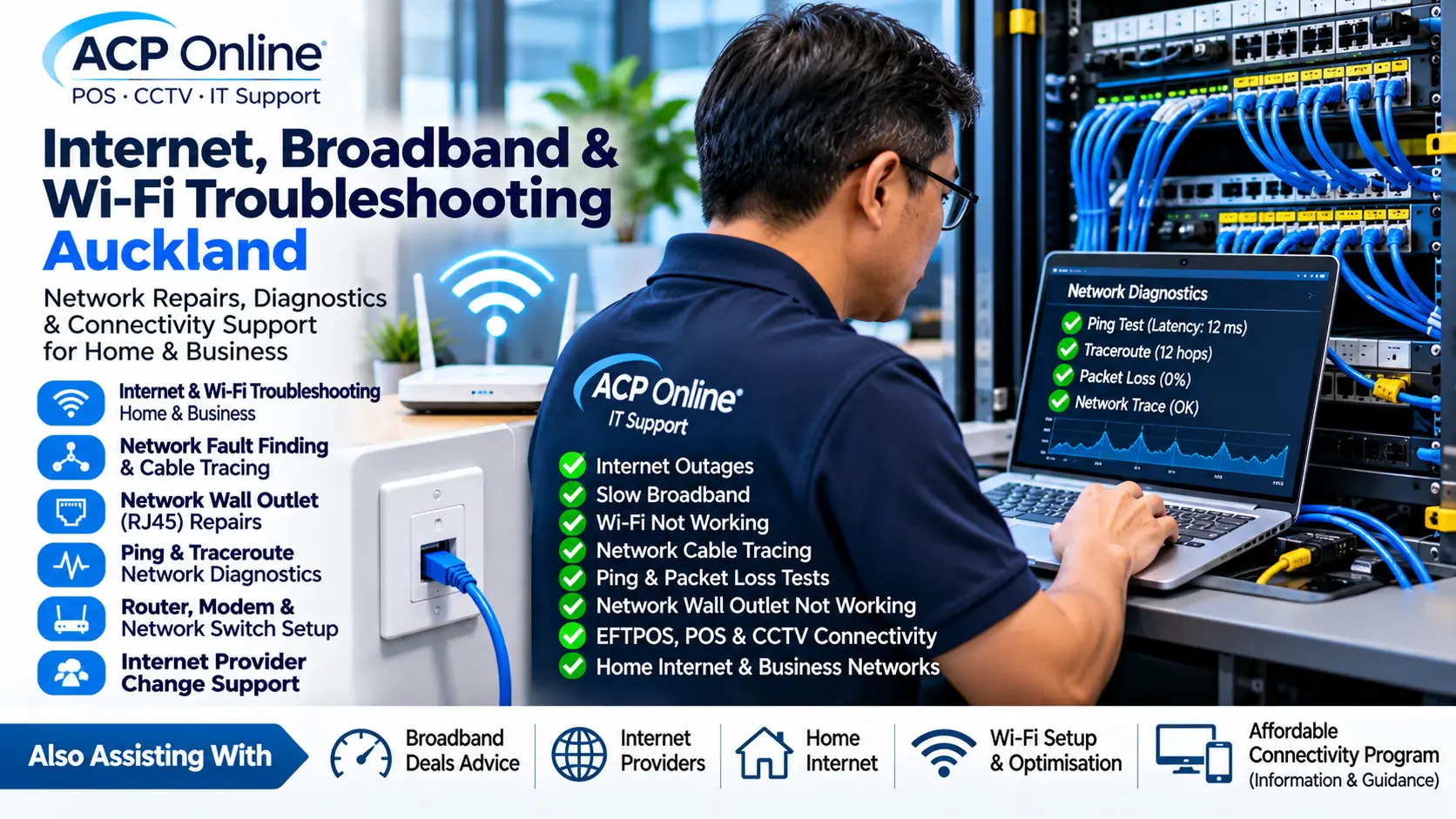
Internet, Broadband & Wi-Fi Troubleshooting Auckland – Network Repairs & Outage Support
Internet not working? Wi-Fi keeps disconnecting? Network wall outlet has no connection? ACP Online provides professional internet, broadband, Wi-Fi and network troubleshooting for residential and commercial customers throughout Auckland.
Our technical support services include internet outage diagnostics, network fault finding, Ethernet cable tracing, ping testing, traceroute diagnostics, router configuration, faulty network outlet repairs, Wi-Fi optimisation and business network troubleshooting.
Whether your entire property has lost internet access or only one computer, printer, EFTPOS terminal or network wall socket is not working, ACP Online can help identify the cause and recommend a suitable repair.
Internet & Broadband Troubleshooting Auckland
Internet problems can occur for many reasons, including broadband provider outages, faulty routers, damaged network cables, incorrect network settings, Wi-Fi interference and equipment failures.
ACP Online provides technical troubleshooting to help determine whether a connectivity problem originates from your local equipment, internal network or internet service provider.
Common Internet Problems We Investigate
- No internet connection
- Internet connected but websites not loading
- Wi-Fi connected but no internet access
- Internet repeatedly disconnecting
- Slow broadband speeds
- Intermittent internet outages
- Router or modem not working
- Internet problems after changing providers
- Fibre connection troubleshooting
- DNS resolution problems
- IP address and DHCP configuration issues
- Network switch and Ethernet connection faults
- Internet working on some devices but not others
We aim to isolate the fault before recommending unnecessary equipment replacement.
Internet Outages & Broadband Connection Failures
An internet outage can interrupt business operations, payment terminals, security cameras, cloud software, telephones and everyday household activities.
ACP Online can investigate internet connectivity failures and help determine whether the problem is associated with the local network, broadband router, internal cabling or upstream service.
Internet Outage Diagnostics
- Broadband router status checks
- Local network connectivity testing
- WAN connection diagnostics
- Fibre ONT status assessment
- Network gateway testing
- DNS connectivity checks
- Ping and packet loss testing
- Traceroute analysis
- Ethernet port and cable testing
- Network switch fault investigation
- Internet provider fault isolation
- Support with reporting identified faults to the ISP
Where an outage is caused by the internet service provider or external fibre network, restoration must be completed by the responsible provider or network operator. ACP Online can assist with local diagnosis and technical information to support the fault report.
Network Tracing & Ethernet Cable Fault Finding
Network cabling problems can cause slow connections, intermittent access or complete loss of connectivity to computers, printers, CCTV cameras, wireless access points and other network devices.
ACP Online provides network cable tracing and Ethernet fault-finding services in Auckland to help identify cable routes, connection problems and faulty network outlets.
Network Cable Tracing Services
- Ethernet cable tracing
- Identifying network cable endpoints
- Tracing wall outlets to patch panels
- Locating incorrectly labelled network ports
- Identifying disconnected Ethernet cables
- Checking patch panel connections
- Network switch port identification
- RJ45 connector testing
- Cable continuity and wire-map testing
- Investigating damaged or poorly terminated cables
- Network outlet identification and labelling
Depending on the installation and available access, suitable testing equipment may be used to trace cables and identify wiring faults.
Network Wall Outlet Not Working? RJ45 Socket Repairs
Is your computer connected to a network wall socket but showing no internet or network access?
A faulty Ethernet wall outlet may be caused by damaged cabling, loose terminations, an inactive patch panel connection, a disconnected switch port or an incorrectly configured network.
ACP Online can troubleshoot suitable RJ45 network wall outlets and Ethernet data points in homes, offices and commercial premises.
Network Wall Socket Troubleshooting
- RJ45 network outlet testing
- Ethernet wall socket fault diagnosis
- Checking cable continuity
- Tracing outlets to patch panels
- Checking patch leads
- Testing network switch connectivity
- Investigating inactive network ports
- Identifying incorrect cable terminations
- Compatible data jack replacement
- Network outlet re-termination where appropriate
- Checking device IP configuration
Where cabling is damaged inside walls or ceilings, additional cabling work may be required. Fixed telecommunications cabling work must comply with applicable New Zealand requirements and be performed by appropriately authorised personnel where required.
Ping Testing, Packet Loss & Network Diagnostics
Some internet problems are intermittent and may not be immediately visible during normal browsing.
ACP Online can use appropriate diagnostic tools to investigate network latency, packet loss, routing and connectivity problems.
Technical Network Diagnostic Services
- Ping testing
- Gateway connectivity testing
- Packet loss investigation
- Network latency analysis
- Traceroute and route path testing
- DNS lookup and resolution checks
- DHCP configuration checks
- IP address conflict investigation
- Network interface troubleshooting
- Ethernet link speed and negotiation checks
- Router and switch configuration review
- Local network performance assessment
These tests help identify possible problem areas. A single ping or traceroute result does not necessarily prove the source of an internet fault, and some networks intentionally limit diagnostic traffic.
Slow Internet & Broadband Speed Troubleshooting
Slow internet can affect video calls, streaming, cloud applications, online payments and business productivity.
ACP Online can assess the performance of your local network and investigate potential causes of reduced broadband speeds.
Common Causes of Slow Internet
- Poor Wi-Fi signal
- Wi-Fi interference
- Outdated routers
- Faulty Ethernet cables
- Network congestion
- Incorrect router settings
- Device performance problems
- Slow DNS resolution
- Broadband plan limitations
- Internet provider network congestion
Where appropriate, we can compare wired and wireless performance to help distinguish local Wi-Fi issues from broadband service limitations.
Home Wi-Fi Installation & Troubleshooting
Reliable home Wi-Fi is important for smartphones, tablets, computers, smart TVs, streaming services and connected home devices.
ACP Online provides home Wi-Fi setup, troubleshooting and coverage improvement services throughout Auckland.
Home Wi-Fi Services
- New Wi-Fi router installation
- Wi-Fi network setup
- Wi-Fi password configuration
- Weak Wi-Fi signal troubleshooting
- Mesh Wi-Fi system installation
- Wi-Fi extender setup
- Wireless access point configuration
- Smart TV Wi-Fi connection
- Phone and tablet connectivity
- Wi-Fi security configuration
- Internet problems in specific rooms
- Home network upgrades
Business Internet & Office Network Support
Businesses depend on reliable network connectivity for EFTPOS terminals, point-of-sale systems, cloud applications, security cameras, printers and communications.
ACP Online provides business internet and networking support for offices, retail stores, hospitality venues and other commercial premises.
Business Network Services
- Office internet troubleshooting
- Business router setup
- Network switch installation and configuration
- Ethernet wall outlet testing
- Patch panel tracing
- Office Wi-Fi installation
- Wireless access point troubleshooting
- Network printer connectivity
- IP address and DHCP troubleshooting
- Local network segmentation assessment
- Business internet outage diagnosis
- Network equipment replacement
EFTPOS, POS & CCTV Not Working After Internet Provider Change
Changing broadband providers can sometimes affect equipment that depends on the local network.
ACP Online provides troubleshooting for compatible business technology following an internet provider change.
Common problems include:
- EFTPOS terminal cannot connect
- POS system loses communication with EFTPOS
- CCTV cameras appear offline in mobile apps
- Remote camera viewing stops working
- Network printers become unavailable
- VoIP phones lose connectivity
- Static IP configuration no longer works
- Port forwarding settings are lost
- New router uses a different IP address range
- Connected devices retain outdated network settings
ACP Online can investigate the local network and reconfigure compatible equipment where appropriate. Some services may require changes or assistance from the relevant provider.
Router, Modem & Network Switch Installation
ACP Online can assist with selecting, installing and configuring suitable network equipment for homes and businesses.
Network Equipment Services
- Broadband router installation
- Router replacement
- Network switch installation
- Managed switch configuration
- Wireless access point installation
- Mesh Wi-Fi configuration
- DHCP and IP address setup
- DNS configuration
- Compatible VLAN configuration
- Network equipment troubleshooting
- Basic firewall configuration
Internet Providers & Broadband Plan Assistance
Choosing a suitable internet provider or broadband plan can depend on location, connection technology, expected usage and budget.
ACP Online can provide independent technical guidance to help customers understand their connectivity requirements before selecting a provider.
Internet Provider Assistance
- Understanding home internet requirements
- Broadband connection type assessment
- Router compatibility checks
- Understanding broadband speed requirements
- Technical considerations when switching providers
- Preparing existing network equipment for a provider change
- Connecting devices after a broadband migration
- Investigating problems following provider installation
Customers searching for internet providers near me, internet providers in my area or broadband deals should check current availability, pricing, contract terms and promotions directly with the relevant providers.
ACP Online is a technology support provider and does not represent itself as the underlying internet service provider unless a specific service arrangement states otherwise.
Affordable Home Internet & Broadband Options
Finding affordable home internet involves more than comparing advertised monthly prices.
When evaluating broadband deals, consider:
- Connection availability at your address
- Monthly plan cost
- Download and upload speeds
- Data allowances
- Contract duration
- Installation and activation fees
- Router charges
- Cancellation fees
- Customer support arrangements
- Reliability and suitability for connected devices
ACP Online can assist with technical setup and troubleshooting once a suitable broadband service has been selected.
Internet Outage Support for Home Security & Smart Devices
Internet outages can also affect connected CCTV cameras, smart doorbells, video intercoms, home automation systems and monitored devices.
ACP Online can assess compatible connected equipment and investigate local network communication faults.
Services may include:
- CCTV camera internet connectivity
- Video intercom network troubleshooting
- Smart home Wi-Fi reconnection
- Network-connected alarm communication assessment
- Smart TV internet troubleshooting
- Home automation network configuration
Critical monitored alarm systems and emergency communications may have separate provider requirements and should not rely solely on an unprotected broadband connection.
Our Internet & Network Troubleshooting Process
- Initial assessment: Discuss the symptoms, equipment and recent changes.
- Connection checks: Review router, modem, switch and device connectivity.
- Network diagnostics: Perform appropriate ping, DNS, routing and link tests.
- Cable testing: Trace and test Ethernet connections where required.
- Fault isolation: Identify likely local network, equipment or provider-related causes.
- Repair or configuration: Complete agreed work within the available technical scope.
- Testing: Confirm the relevant connection and device functionality.
- Recommendations: Explain any remaining issues or provider action required.
Why Choose ACP Online for Internet & Network Support?
- Practical fault finding: Diagnose connectivity problems before recommending replacements.
- Home and business support: Assistance with residential and commercial networks.
- Network tracing: Ethernet cable and wall outlet fault investigation.
- Technical diagnostics: Ping, traceroute, packet loss, DNS and IP configuration checks.
- Connected device expertise: Support for compatible POS, EFTPOS, CCTV and intercom systems.
- Provider change assistance: Help reconnect local equipment after broadband migrations.
- Transparent service rates: Published Auckland technical support charges.
Internet & Network Troubleshooting Costs Auckland
ACP Online's standard technical support rates are:
- Central Auckland onsite: $65 call-out plus $170 per hour, minimum one hour.
- Outer Auckland onsite: $95 call-out plus $170 per hour, minimum one hour.
- Workshop/offsite support: $170 per hour, minimum one hour.
All prices exclude GST. Additional labour is charged in 30-minute increments after the first hour.
Replacement routers, switches, cables, network outlets, materials and third-party services are charged separately where applicable.
Standard business hours are Monday to Friday, 8:00 AM to 5:00 PM, excluding public holidays.
View our IT Support Rates & Terms.
Book Internet, Wi-Fi & Network Troubleshooting in Auckland
Experiencing internet outages, slow Wi-Fi, a faulty network wall outlet or a business network problem?
ACP Online can investigate your connection and recommend suitable technical solutions.
When contacting us, please provide:
- Your Auckland suburb
- Your internet service provider
- Router or modem brand and model
- A description of the problem
- Whether the issue affects one device or the entire network
- Any recent broadband or equipment changes
- Whether onsite or remote support is preferred
Contact ACP Online for internet troubleshooting, broadband outage diagnostics, Wi-Fi repairs, network cable tracing and Ethernet wall outlet support in Auckland.
Frequently asked questions
1. Does ACP Online repair internet and Wi-Fi problems in Auckland?
Yes. We provide technical troubleshooting for home and business internet connections, Wi-Fi networks, routers, switches and connected equipment.
2. Can you fix an internet outage?
We can diagnose local equipment and network faults. If the outage is caused by the broadband provider or external fibre network, restoration must be completed by the responsible provider.
3. Can you trace network cables inside my office?
Yes. We can use appropriate network testing equipment to identify Ethernet cable endpoints, patch panel connections and potential wiring faults.
4. My network wall outlet is not working. Can you repair it?
Yes. We can investigate RJ45 wall sockets, Ethernet cabling, patch leads, switch ports and network configuration. Repairs depend on the condition of the installation and applicable cabling requirements.
5. Do you perform ping and traceroute testing?
Yes. Ping, traceroute, packet loss, DNS and IP connectivity tests can help investigate network performance and connection problems.
6. Why is my Wi-Fi connected but the internet does not work?
Possible causes include an ISP outage, router fault, DNS problem, incorrect IP configuration or upstream connectivity failure.
7. Can you improve weak Wi-Fi coverage?
Yes. Depending on the property, solutions may include router placement improvements, wireless access points or mesh Wi-Fi systems.
8. Can you fix slow broadband?
We can assess local network performance and identify possible causes. Broadband speeds are also affected by the subscribed plan, provider network and external conditions.
9. Can you help after changing internet providers?
Yes. We can help reconnect compatible devices and investigate issues involving routers, IP addresses, CCTV, EFTPOS, printers and other equipment.
10. Can you recommend internet providers near me?
We can explain technical requirements and considerations when comparing providers. Actual service availability and current offers must be checked for the specific address.
11. Can you find broadband deals in Auckland?
We can help assess whether a plan is technically suitable, but current broadband deals, prices and eligibility should be confirmed directly with the provider.
12. What is the Affordable Connectivity Program?
The Affordable Connectivity Program was a United States broadband assistance programme that ended in 2024. It is not a New Zealand broadband subsidy. New Zealand customers should ask providers about currently available affordable plans and eligibility criteria.
13. Can you repair an Ethernet connection that works intermittently?
Yes. We can investigate cable terminations, connectors, patch leads, switch ports and network settings to help isolate intermittent faults.
14. Do you troubleshoot business network switches?
Yes. We can assess compatible managed and unmanaged network switches, including port connectivity and configuration issues.
15. Can you fix CCTV cameras that went offline after a broadband change?
Yes. We can investigate compatible CCTV network settings, router connectivity and remote viewing configurations.
16. Can you test for packet loss and high network latency?
Yes. We can perform appropriate diagnostics and assess whether the problem appears to be local, upstream or application-specific.
17. Do you offer remote internet support?
Remote assistance may be available when a suitable working connection exists. Complete internet outages and physical cabling faults generally require onsite checks or provider intervention.
18. How much does network troubleshooting cost?
Standard onsite labour is $170 + GST per hour, minimum one hour, plus the applicable Auckland call-out fee. Equipment and materials are additional.