How to Choose the Best Cash Register for Your Business
Choosing the right cash register is an important decision for New Zealand retailers, cafés, takeaway shops, convenience stores and other small businesses. A suitable cash register can make transactions easier, support accurate sales records and improve everyday checkout operations.
However, not every business needs an expensive touchscreen point-of-sale (POS) system. A traditional electronic cash register may be sufficient for a small shop, while businesses requiring inventory management, detailed reporting or multiple checkout terminals may benefit from a more advanced POS solution.
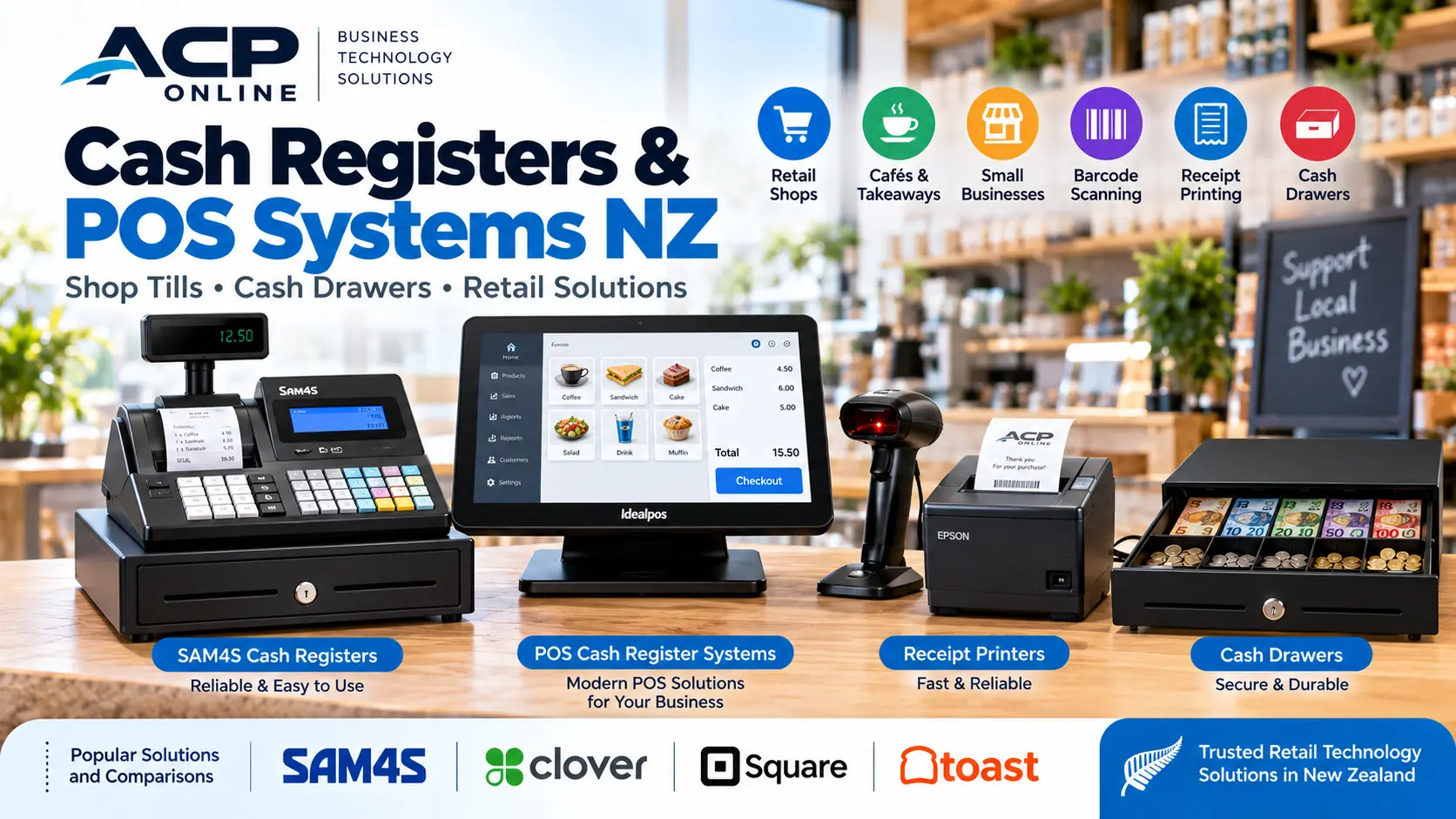
At ACP Online, we supply cash registers, POS equipment and related technology, including SAM4S cash register solutions and compatible Idealpos systems. We also provide installation, programming and technical support in Auckland.
1. Understand the Different Types of Cash Registers
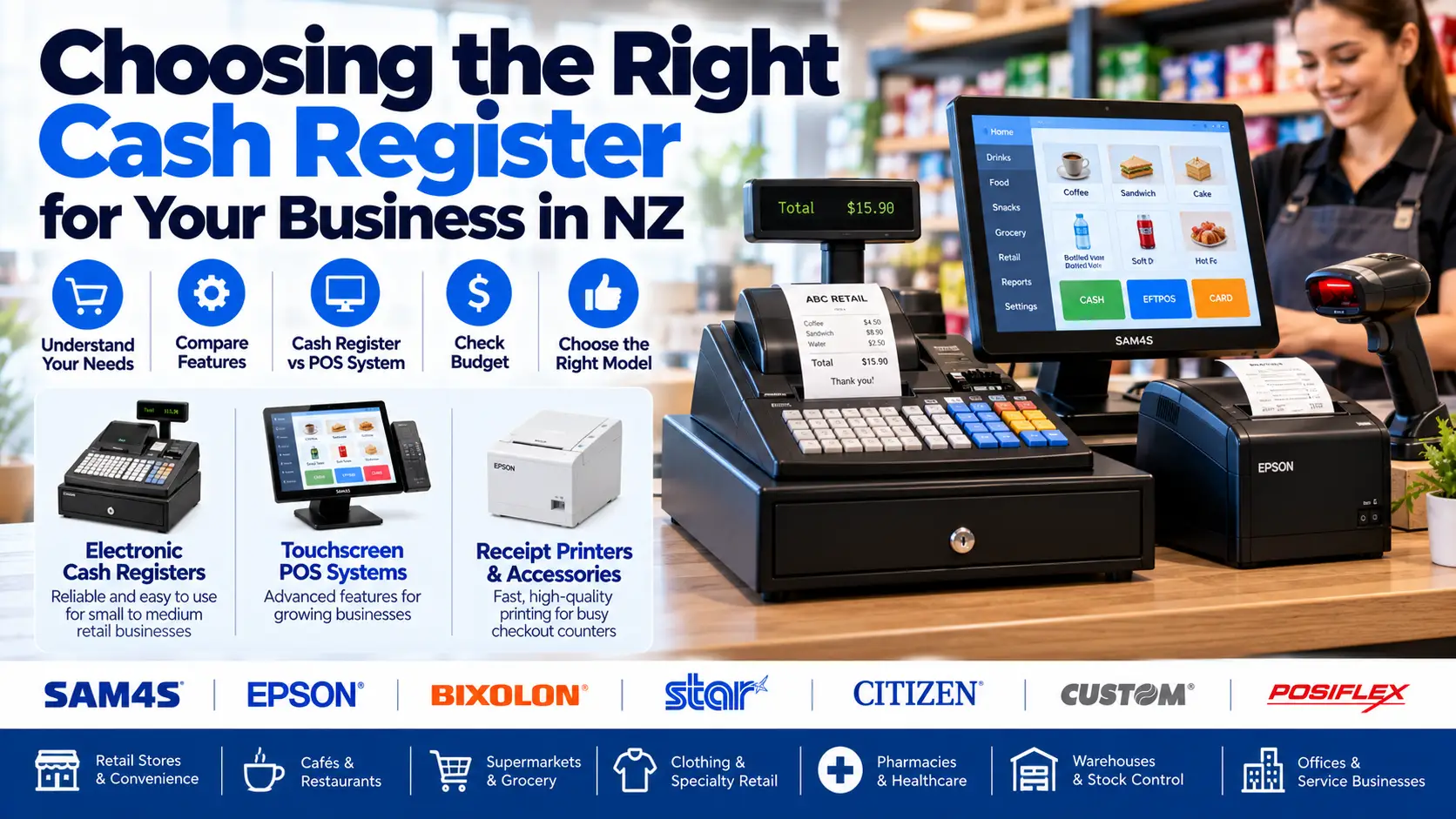
Basic Electronic Cash Registers
Electronic cash registers are designed to process transactions, calculate totals, record sales and manage cash drawers. Depending on the model, they may support product departments, programmable prices, tax settings and daily reports.
These registers can suit smaller businesses with straightforward checkout requirements.
Advanced Electronic Cash Registers
Advanced models may provide additional product programming, barcode scanner connections, operator tracking, sales reports and compatible peripheral connections.
Touchscreen POS Systems
Touchscreen POS systems combine checkout functions with software that may support inventory, customer management, promotions, reporting and integrations with other business applications.
For growing businesses, a properly configured POS system can offer greater flexibility than a standalone cash register.
2. Cash Register vs POS System: What's the Difference?
A traditional cash register primarily handles transactions and sales totals, while a POS system can offer more extensive business management features.
- Cash register: Often suitable for simple transactions and basic sales reporting.
- POS system: May provide inventory management, detailed reporting and additional integrations.
- Standalone operation: Many electronic cash registers can process basic sales without an internet connection.
- Expansion: POS systems may offer more options for additional terminals, stores and connected services.
The best option depends on your transaction volume, product range, reporting needs and budget.
3. Why Consider SAM4S Cash Registers?
SAM4S is an established manufacturer of electronic cash registers and POS equipment. Selected SAM4S models are suitable for retail, hospitality and other commercial applications.
Features Available on Selected SAM4S Models
- Programmable product departments and price lookup codes.
- Integrated receipt printing.
- Operator and cashier functions.
- Sales and transaction reports.
- Cash drawer operation.
- Support for compatible barcode scanners.
- Tax and payment configuration options.
Features vary by model, so businesses should confirm the specifications of the exact register before purchasing.
4. Choose a Cash Register Based on Your Business Type
Convenience Stores and Small Retail Shops
A programmable electronic cash register may be suitable for businesses with a manageable product range and straightforward checkout operations.
Cafés and Takeaway Businesses
Consider the need for product modifiers, multiple payment methods, kitchen printing and order management. More complex hospitality operations may benefit from a dedicated POS system.
Supermarkets and Grocery Stores
Businesses with many products, frequent price changes and barcode scanning requirements may benefit from POS software with inventory and reporting functions.
Market Stalls and Pop-Up Shops
Compact equipment may suit temporary retail locations. Consider power availability, portability, receipt requirements and payment connectivity.
Clothing and Specialty Stores
Businesses managing different sizes, colours and stock variations may find inventory-enabled POS systems more practical than basic cash registers.
5. Important Cash Register Features to Look For
- Product capacity: Sufficient programmable items or departments.
- Receipt printer: Suitable paper size and reliable printing.
- Barcode scanner compatibility: Support for your required scanner and interface.
- Cash drawer: Suitable size, construction and connection.
- Tax configuration: Ability to configure applicable GST treatment.
- Sales reporting: Daily totals and other required transaction information.
- Operator security: Cashier identification and access controls where available.
- Payment options: Compatibility with your chosen EFTPOS workflow.
- Technical support: Availability of programming, maintenance and repairs.
6. Can a Cash Register Connect to EFTPOS?
Some cash registers and POS systems support integration with compatible EFTPOS terminals, allowing payment amounts to be transferred electronically between the checkout and payment device.
Other businesses use standalone EFTPOS terminals, where staff manually enter the transaction amount.
Benefits of Compatible EFTPOS Integration
- Reduced manual payment amount entry.
- Fewer opportunities for keying errors.
- Potentially faster checkout workflows.
- More consistent transaction processing.
Integration depends on the cash register model, EFTPOS provider, payment terminal and supported software. Compatibility must be verified before purchase.
7. Cash Register Receipt Printers and Barcode Scanners
Many electronic cash registers include a built-in receipt printer. Depending on the model, external barcode scanners and other peripherals may also be supported.
Receipt Printing
Check receipt layout options, paper roll specifications, printer reliability and the availability of consumables.
Barcode Scanning
Barcode scanning can reduce manual product entry. However, not all cash registers support every barcode scanner or product database configuration.
Read our guide to choosing a barcode scanner for additional buying advice.
8. How Much Does a Cash Register Cost in New Zealand?
Cash register prices vary depending on the manufacturer, model, features, included accessories and programming requirements.
When comparing costs, consider:
- Initial equipment purchase price.
- Programming and configuration.
- Cash drawer and barcode scanner requirements.
- Receipt paper and consumables.
- EFTPOS integration where supported.
- Installation and staff training.
- Warranty, servicing and replacement parts.
A lower purchase price does not always mean a lower total cost of ownership. Equipment reliability and ongoing support are important considerations.
9. New vs Second-Hand Cash Registers
Second-hand cash registers may appear economical, but businesses should consider their condition, availability of replacement parts, programming access and compatibility with current requirements.
Before buying used equipment, confirm that it can be reset, programmed and supported, and that required accessories are available.
New equipment may provide better access to manufacturer support and warranty coverage, depending on the product.
10. Common Cash Register Problems and Repairs
Cash Register Not Printing Receipts
Check the paper roll, printer cover, power and supported print settings. Mechanical or printhead faults may require servicing.
Cash Drawer Not Opening
Possible causes include a mechanical obstruction, connection problem, incorrect settings or faulty drawer mechanism.
Incorrect Product Prices
Review programmed item prices, tax settings and any applicable discounts or promotions.
Cash Register Display Errors
Error messages may indicate operator restrictions, incomplete transactions, programming issues or hardware faults. Refer to the model-specific manual before attempting resets.
EFTPOS Amount Not Transferring
Check whether the equipment supports integration and whether the terminal, communication settings and POS configuration are correct.
11. Why Professional Cash Register Programming Matters
Correct initial configuration can help prevent transaction errors and make everyday operation easier.
Professional setup may include:
- Product and department programming.
- GST and tax configuration.
- Receipt header and footer setup.
- Cashier and operator permissions.
- Barcode scanner configuration.
- Compatible EFTPOS integration.
- Testing, staff guidance and reporting setup.
GST settings should reflect the business's actual tax requirements and should be checked with the business's accountant where necessary.
12. When Should You Upgrade from a Cash Register to a POS System?
Consider a POS upgrade when your business needs more detailed inventory tracking, frequent product updates, multiple checkout terminals, customer records or advanced reporting.
A system such as Idealpos may be suitable for businesses requiring more comprehensive retail or hospitality functionality, subject to the selected software modules and hardware compatibility.
Read our guide to POS systems for small businesses in NZ to explore additional options.
13. Cash Register Supply, Setup and Support in Auckland
ACP Online helps Auckland businesses select, configure and maintain suitable cash registers and POS equipment.
Our services include equipment selection, programming, installation, troubleshooting and support for compatible SAM4S and other retail technology systems.
Need a Cash Register for Your Business?
Whether you are opening a new shop, replacing an older cash register or considering a modern POS system, contact ACP Online to discuss your requirements.
Installation, programming and technical support are chargeable unless specifically included in the product listing or agreed service package.
Frequently asked questions
1. What is the best cash register for a small business in NZ?
A suitable SAM4S electronic cash register may be a practical choice for straightforward retail transactions. Businesses requiring advanced inventory management or multiple checkout terminals may benefit from a modern POS system.
2. What is the difference between a cash register and a POS system?
A cash register primarily processes sales and records transaction totals. A POS system can provide additional inventory, reporting, customer management and integration capabilities.
5. Do electronic cash registers need internet access?
Many standalone electronic cash registers can process basic transactions without internet access. Connected payment and cloud services may require internet or another communications connection.
6. Can I connect a barcode scanner to my cash register?
Some cash registers support compatible barcode scanners. Check the model's supported interfaces, barcode formats and product programming requirements.
7. How much does a cash register cost in New Zealand?
Prices vary according to model, features, accessories and programming requirements. ACP Online can help identify suitable equipment and provide current pricing.
8. Can a cash register calculate GST in New Zealand?
Many electronic cash registers support programmable tax settings. Configuration should match the business's GST obligations and be checked for accuracy
9. Should I buy a new or second-hand cash register?
New equipment may offer better warranty and support availability. Used equipment should be assessed for condition, programming access, compatibility and replacement parts.
10. Can ACP Online program my SAM4S cash register?
ACP Online provides programming, configuration and technical support for compatible SAM4S cash registers and related retail equipment.
11. When should I upgrade to a touchscreen POS system?
Consider upgrading when you need advanced inventory management, detailed reporting, multiple terminals, customer management or more complex integrations.
12. Does ACP Online provide cash register repairs in Auckland?
ACP Online provides cash register troubleshooting, setup and repair assessments for compatible equipment in Auckland. Technical services are chargeable unless otherwise agreed.