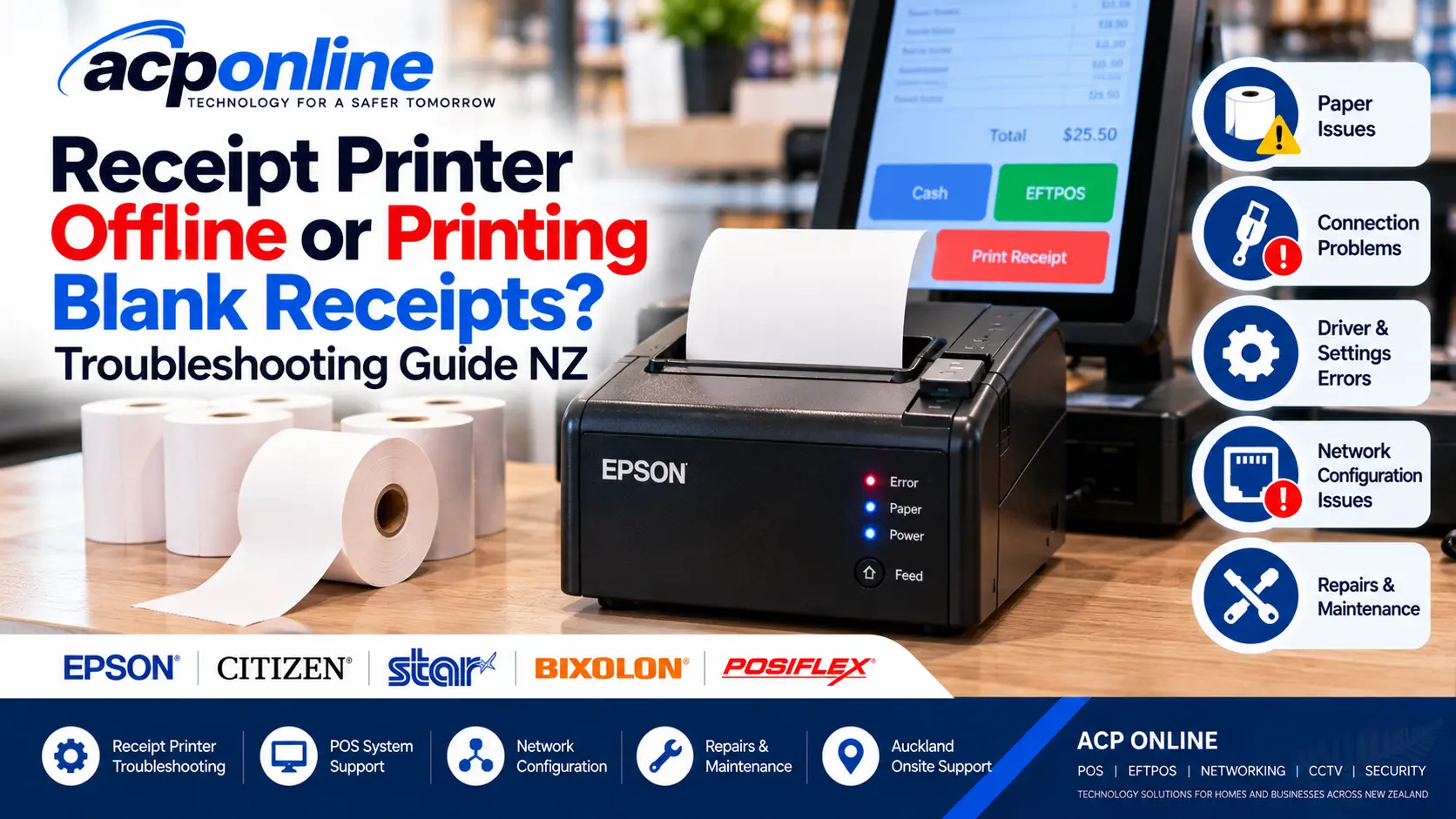
Receipt Printer Offline or Printing Blank Receipts? NZ Troubleshooting Guide
Is your receipt printer showing Offline, printing blank receipts, disconnecting from your POS system or refusing to print?
Receipt printer problems can interrupt checkout operations, delay transactions and inconvenience customers in retail stores, cafés, restaurants, supermarkets, pharmacies and other New Zealand businesses.
Whether you use an Epson, Citizen, Star Micronics, Bixolon, Posiflex, Sam4s or another compatible receipt printer, the problem may involve thermal paper, network connectivity, printer drivers, power supplies or POS configuration.
Not every receipt printer fault requires a replacement printer. Identifying the cause first may help avoid unnecessary equipment costs.
ACP Online provides professional POS equipment troubleshooting, receipt printer support, retail networking and compatible hardware replacement solutions throughout Auckland and New Zealand.
Why Is My Receipt Printer Not Working?
Receipt printers communicate with POS systems through supported interfaces such as USB, Ethernet, serial connections, Bluetooth or Wi-Fi.
When the printer or communication connection fails, the POS system may display an error or stop producing receipts.
Common causes include:
- Incorrect thermal paper orientation.
- Unsuitable receipt paper.
- Disconnected USB or Ethernet cables.
- Incorrect printer IP address.
- Printer driver problems.
- POS software configuration errors.
- Faulty power supplies.
- Paper cutter or printhead problems.
- Network or router changes.
- Printer hardware failure.
Why Is My Thermal Receipt Printer Printing Blank Receipts?
One of the most common questions businesses ask is why their thermal receipt printer feeds paper but produces no visible text.
1. Thermal Paper Installed the Wrong Way
Most direct thermal receipt printers use paper with a heat-sensitive coating on one side.
If the paper roll is installed backwards, the printer may feed paper without printing the receipt.
Check the manufacturer's paper-loading instructions and ensure the printable side faces the thermal printhead.
2. Incorrect Receipt Paper
Not every paper roll is suitable for every receipt printer.
Check the required:
- Paper width.
- Roll diameter.
- Paper type.
- Thermal coating compatibility.
Using unsuitable paper can cause blank or poor-quality receipts.
3. Faulty Thermal Printhead
The thermal printhead produces text and images by applying controlled heat to the paper.
A damaged or defective printhead may result in missing print, faded text, lines or blank receipts.
If the printer's built-in diagnostic test also produces blank output despite correctly loaded paper, further assessment may be required.
4. Printer Electronics or Power Problems
Internal hardware faults or unstable power may interfere with printing.
Use only a suitable manufacturer-approved power supply.
Why Does My Receipt Printer Show Offline?
A receipt printer may show Offline when the POS computer cannot communicate with the device.
Possible causes include:
- The printer is switched off.
- A USB or network cable is disconnected.
- The configured printer address is incorrect.
- The printer driver is unavailable or incorrectly configured.
- The POS application is using the wrong printer.
- The network connection has failed.
- The print queue or spooler is not functioning correctly.
How to Troubleshoot a Receipt Printer That Is Not Printing
Step 1: Check Printer Power and Status Lights
Confirm that the printer is powered on and that its status indicators do not show a paper, cover or hardware error.
Check that the paper cover is correctly closed.
Step 2: Check the Thermal Paper Roll
Ensure that the correct paper is installed in the correct orientation.
If the printer feeds blank paper, verify the paper type before assuming the printhead is faulty.
Step 3: Perform a Printer Self-Test
Many receipt printers include a built-in self-test function.
The procedure varies by manufacturer and model.
Consult the manufacturer's documentation for the correct test method.
If the printer produces a normal self-test receipt, the problem may involve the connected POS system, driver or communication interface.
Step 4: Check USB, Ethernet or Serial Connections
Inspect accessible communication cables and connectors.
A damaged cable or loose connection may prevent the POS system from communicating with the printer.
Step 5: Check the Printer Driver
On computer-based POS systems, verify that the correct supported printer driver is installed.
An incorrect or outdated driver may prevent printing or cause unexpected output.
Use manufacturer-approved drivers and software.
Step 6: Check the POS Printer Settings
Ensure the POS software is configured to use the intended receipt printer.
Some POS applications use a dedicated printer interface rather than the operating system's normal printing functions.
Check the POS vendor's supported configuration instructions.
Step 7: Check Network Printer IP Addresses
Ethernet receipt printers may use a fixed IP address or an address assigned by the router.
If your router has been replaced, the printer's configured network address may no longer match the business network.
This can cause the printer to appear offline even when it is powered on.
Receipt Printer Not Working After Changing Internet Provider?
Changing broadband providers can affect network-connected receipt printers when the replacement router uses different IP addressing or network settings.
For example:
- Previous router gateway: 192.168.1.1
- Replacement router gateway: 192.168.0.1
- Receipt printer still configured with an address from the previous network.
The printer may need its approved network configuration reviewed.
Do not change business network settings without considering connected POS computers, EFTPOS terminals and other devices.
Why Does My Receipt Printer Keep Disconnecting?
Intermittent receipt printer faults may be caused by:
- Loose or damaged cables.
- Unstable power supplies.
- USB power management settings.
- Network addressing conflicts.
- Faulty network switches.
- Wireless connection instability.
- Printer hardware deterioration.
Repeatedly restarting the printer may temporarily restore operation without resolving the underlying fault.
Receipt Printer Printing Faded Text or Missing Lines
Faded printing or missing lines may indicate:
- Unsuitable thermal paper.
- Contamination on the printhead.
- Printhead wear or damage.
- Incorrect supported print density settings.
- Power or hardware problems.
Follow the manufacturer's approved cleaning procedure and allow the printhead to cool before performing maintenance.
A damaged printhead may require replacement or a new printer.
Receipt Printer Paper Cutter Not Working
Many receipt printers include an automatic paper cutter.
If the cutter becomes jammed or fails, the printer may stop operating or display an error.
Possible causes include paper jams, foreign material, mechanical wear or internal hardware faults.
Switch off the printer and follow the manufacturer's documented jam-clearing procedure.
Do not force the cutter mechanism or insert tools into moving parts.
USB vs Ethernet Receipt Printers – Which Is Better?
Both connection types have advantages depending on the POS installation.
USB Receipt Printers
- Suitable for many single-terminal installations.
- Direct connection to a compatible POS computer.
- May require suitable drivers and software support.
- Usually limited by cable length and local device placement.
Ethernet Receipt Printers
- Suitable for supported network-based POS installations.
- Can be positioned elsewhere on the local network.
- May support multiple compatible POS devices.
- Require appropriate network configuration.
The best option depends on the POS software, business layout and supported printer models.
When Should You Replace a Receipt Printer?
Replacement may be appropriate when:
- The printhead is damaged and repair is uneconomical.
- The cutter mechanism has failed.
- Replacement parts are unavailable.
- The printer is incompatible with current POS software.
- Repeated hardware faults interrupt business operations.
- A newer model provides required features or connectivity.
Before purchasing a replacement, confirm the required printer interface, paper size, software compatibility and installation requirements.
Receipt Printer Sales, Repairs and POS Support Auckland
ACP Online supplies and supports compatible receipt printers, POS equipment and retail technology solutions.
Our services include:
- Receipt printer troubleshooting.
- USB and Ethernet connectivity diagnosis.
- POS printer configuration assistance.
- Network printer troubleshooting.
- Printer replacement recommendations.
- POS hardware maintenance.
- Retail network configuration.
- Compatible printer and peripheral equipment supply.
We can assist with selected Epson, Citizen, Star Micronics, Bixolon, Posiflex, Sam4s and other compatible retail printing equipment.
Need Help With a Receipt Printer That Is Not Working?
If your receipt printer is offline, producing blank receipts or disconnecting from your POS system, ACP Online can help investigate the problem and recommend suitable repair or replacement options.
Professional technical support and service charges apply.
Browse Citizen Printing Products
Explore Posiflex POS Equipment
Contact ACP Online for Receipt Printer and POS Support
Written by: ACP Online Technical Team
Providing professional technical advice, troubleshooting, installation and support for CCTV, security systems, EFTPOS, POS, networking and business technology throughout New Zealand.
Frequently asked questions
1. Why is my receipt printer printing blank receipts?
The thermal paper may be installed backwards, the paper type may be unsuitable or the printer may have a printhead or hardware fault.
2. Why does my receipt printer show Offline?
The printer may be disconnected, incorrectly configured or unable to communicate with the POS computer.
3. Can a receipt printer stop working after changing broadband providers?
Yes. Network receipt printers may be affected when a replacement router changes local IP addresses or network settings.
4. Why does my thermal receipt printer print faded text?
Possible causes include unsuitable paper, a contaminated or worn printhead, incorrect supported settings or hardware problems.
5. Why is my receipt printer not cutting paper?
The cutter may be jammed, worn or faulty. Follow the manufacturer's approved maintenance procedure.
6. Can I use any thermal paper in my receipt printer?
No. Check the manufacturer's required paper width, roll dimensions and thermal media specification or you can simply email us and we can help you sort out your consumable needs.
7. Why does my printer self-test work but the POS cannot print?
The problem may involve the POS software, printer driver, communication cable or network configuration.
8. Is USB or Ethernet better for a receipt printer?
USB is suitable for many direct connections, while Ethernet can be useful for compatible network-based POS installations.
9. Can ACP Online repair existing receipt printers?
ACP Online can assess compatible equipment and advise whether repair or replacement is practical.
10. Does ACP Online supply receipt printers?
ACP Online supplies compatible POS and retail printing equipment, subject to product availability.
11. Can ACP Online help with Epson, Citizen or Star receipt printers?
ACP Online can assess selected compatible models and provide troubleshooting or replacement advice.
12. Does ACP Online charge for receipt printer technical support?
Yes. Technical troubleshooting and support are paid services, with charges depending on the work required.