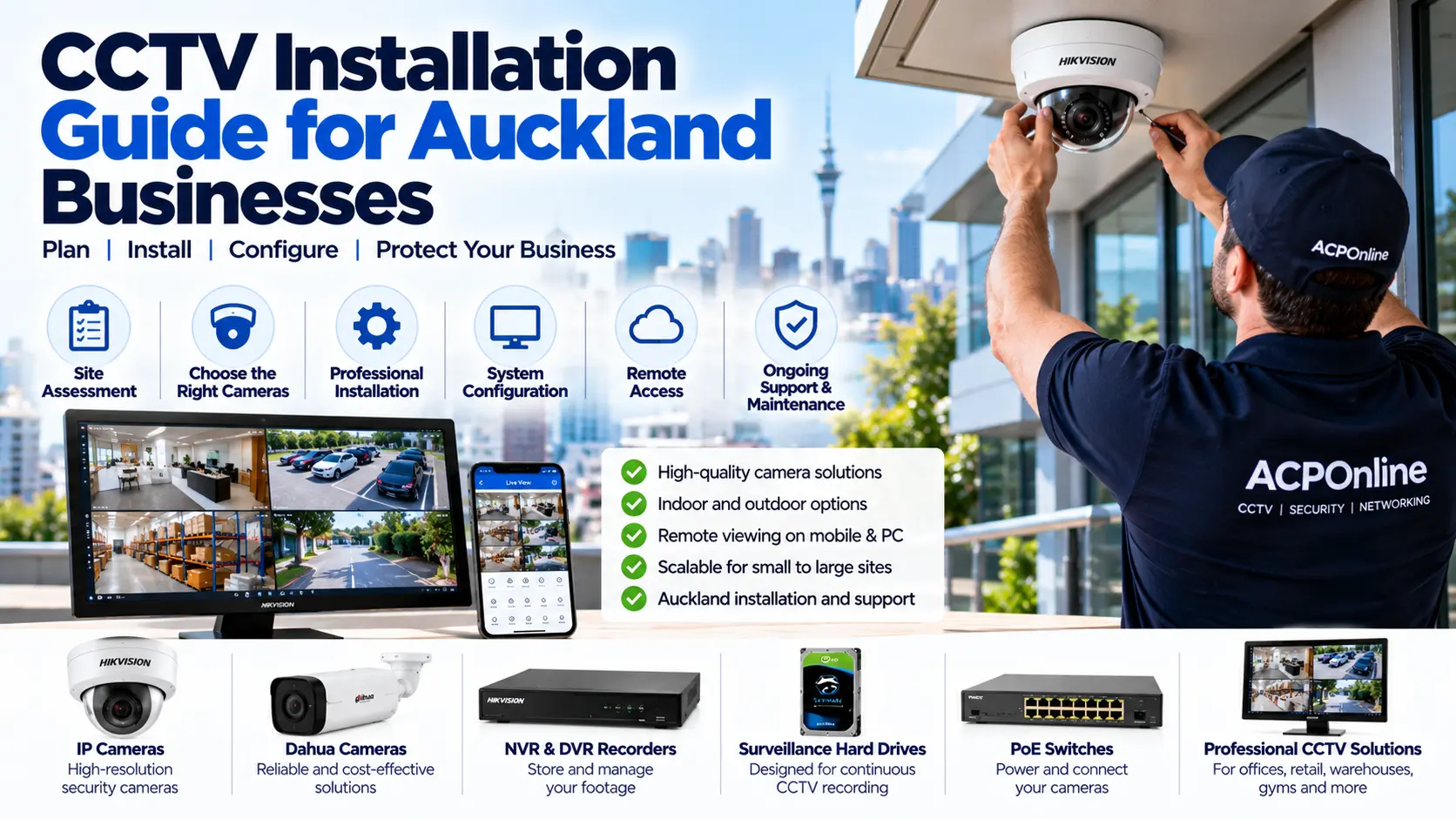
Why CCTV Installation Is Important for Auckland Businesses
Security cameras help Auckland businesses monitor entrances, protect equipment, investigate incidents and maintain visibility across their premises. Whether you operate a retail store, warehouse, office, restaurant or commercial building, a properly designed CCTV system can support your overall security strategy.
However, installing security cameras involves more than mounting cameras on walls. A reliable CCTV system requires suitable camera selection, effective positioning, secure networking, recording storage and ongoing maintenance.
ACP Online provides CCTV installation in Auckland, along with repairs, system upgrades and technical support for commercial security equipment.
1. Assess Your Business Security Requirements
Before purchasing CCTV equipment, identify the areas you need to monitor and the purpose of each camera.
Common Areas Requiring CCTV Coverage
- Customer and employee entrances.
- Reception and checkout counters.
- Warehouses and stockrooms.
- Loading bays and delivery entrances.
- Car parks and vehicle access points.
- Office corridors and shared spaces.
- External building perimeters.
Determine whether you need general activity monitoring, identification of people, vehicle observation or detailed evidence of specific events. These objectives affect camera positioning, resolution and lens selection.
Camera coverage should respect privacy and avoid unnecessarily recording private areas.
2. Choose the Right CCTV Cameras for Your Business
Dome CCTV Cameras
Dome cameras are commonly used in offices, retail stores, reception areas and commercial buildings. Their compact housings can provide discreet coverage, while selected models offer vandal-resistant construction.
Bullet CCTV Cameras
Bullet cameras are often suitable for building entrances, loading areas, driveways and outdoor perimeter monitoring. Weather resistance and mounting position should be considered.
Turret CCTV Cameras
Turret cameras are popular for indoor and outdoor installations. Their lens arrangement can help reduce certain infrared reflection problems associated with dome covers.
PTZ Cameras
Pan-Tilt-Zoom cameras can move and zoom to observe different areas. They may be useful for larger commercial premises, but they do not necessarily provide continuous simultaneous coverage of every direction.
IP Security Cameras
IP cameras connect through a data network and may support high-resolution imaging, Power over Ethernet, remote management and advanced detection features.
Analogue HD CCTV Cameras
Compatible analogue HD systems may be suitable when upgrading existing installations that use coaxial cabling. Recorder and camera format compatibility must be confirmed.
3. What CCTV Camera Resolution Should You Choose?
Camera resolution affects image detail, but higher resolution alone does not guarantee better identification.
- 2MP / 1080p: Suitable for some general monitoring applications.
- 4MP: Offers additional image detail for many commercial environments.
- 5MP to 8MP: Can provide increased detail where lens selection, lighting and recording settings are appropriate.
- Specialist cameras: May be required for number plate recognition, wide-area monitoring or demanding lighting conditions.
The correct resolution depends on viewing distance, field of view, lighting, lens characteristics and the level of detail required.
4. Plan CCTV Camera Placement Carefully
Correct camera positioning is essential for effective surveillance.
Important Installation Considerations
- Position cameras to capture relevant activity without unnecessary blind spots.
- Avoid aiming cameras directly into bright sunlight where practical.
- Consider lighting conditions during both daytime and night-time.
- Protect cameras from tampering while maintaining useful viewing angles.
- Use suitable mounting brackets and weatherproof cable connections.
- Check for obstructions from signs, shelves, trees and building structures.
- Consider how changes to stock layouts or furniture may affect coverage.
A professional site assessment helps identify suitable camera positions before cabling and installation begin.
5. Understand DVR and NVR Recording Systems
What Is a DVR?
A Digital Video Recorder is commonly used with compatible analogue CCTV cameras. It processes and stores video received through supported camera connections.
What Is an NVR?
A Network Video Recorder records video from compatible IP cameras connected through a network.
Choosing Recording Storage
Storage requirements depend on:
- Number of cameras.
- Recording resolution and frame rate.
- Video compression and bitrate.
- Continuous or event-based recording.
- Required footage retention period.
- Available recording capacity and redundancy requirements.
For example, a business requiring 30 days of continuous recording may need substantially more storage than one recording only selected events. Actual storage capacity should be calculated from the proposed camera settings.
Use suitable surveillance-rated hard drives and verify recording and playback after installation.
6. Choose Between Wired and Wireless CCTV
Wired CCTV Systems
Wired cameras generally provide predictable connectivity and are often preferred for permanent commercial installations. IP cameras may use Ethernet cabling with Power over Ethernet, while compatible analogue systems use coaxial connections.
Wireless CCTV Systems
Wireless cameras may be useful where running network cables is difficult. However, wireless connectivity can be affected by interference, building materials, network congestion and signal strength. Many wireless cameras still require a physical power connection.
For critical commercial surveillance, wired infrastructure is often worth considering where practical.
7. Select Suitable CCTV Brands and Equipment
Hikvision CCTV Systems
Hikvision offers IP cameras, recorders and compatible security equipment with options for commercial surveillance applications.
Dahua CCTV Systems
Dahua provides CCTV cameras, recording systems and security products for different installation requirements.
Other CCTV Manufacturers
Other recognised CCTV manufacturers include Uniview, Axis, Hanwha Vision, Bosch and Vivotek. Product selection should consider reliability, security updates, local support, compatibility and ongoing availability.
ACP Online can help assess suitable CCTV hardware for new installations and upgrades.
8. CCTV Network Security and Remote Viewing
Modern CCTV systems often connect to business networks for monitoring and remote access. Appropriate cybersecurity measures are important.
- Change default administrator credentials.
- Use strong passwords and individual accounts where supported.
- Keep supported firmware updated.
- Restrict access to CCTV management interfaces.
- Use secure manufacturer-supported remote access or appropriately configured VPN solutions.
- Separate CCTV equipment from guest networks where practical.
- Review user access permissions regularly.
Avoid unnecessarily exposing camera and recorder management ports directly to the public internet.
9. CCTV Privacy and Legal Considerations in New Zealand
Businesses using CCTV should consider the Privacy Act 2020 and guidance from the Office of the Privacy Commissioner.
Important Privacy Practices
- Have a legitimate purpose for collecting CCTV footage.
- Use clear signage and appropriate privacy notices.
- Limit recording to areas relevant to the security purpose.
- Restrict footage access to authorised personnel.
- Store recordings securely.
- Keep footage only as long as reasonably necessary for the intended purpose.
- Follow appropriate procedures when sharing or disclosing footage.
Additional employment, workplace and building requirements may apply. Obtain appropriate professional advice for complex installations.
10. How Much Does Commercial CCTV Installation Cost in Auckland?
The cost of CCTV installation depends on the number and type of cameras, cabling requirements, building layout, recording equipment, storage capacity and installation complexity.
Factors Affecting CCTV Installation Costs
- Number of indoor and outdoor cameras.
- Camera resolution, lens and specialist features.
- Existing cabling and network infrastructure.
- Recorder and surveillance storage requirements.
- Access equipment and installation height.
- Remote viewing and network configuration.
- Integration with existing security systems.
- Required testing, training and documentation.
A site-specific quotation is the best way to establish accurate costs. ACP Online can review your requirements and recommend a suitable solution without unnecessary equipment.
11. What Happens During Professional CCTV Installation?
Step 1: Site Assessment
Review the premises, security objectives, existing equipment and installation conditions.
Step 2: System Design
Select suitable cameras, recording equipment, storage and camera positions.
Step 3: Cabling and Camera Installation
Install approved cabling, mount cameras and connect equipment using suitable methods.
Step 4: Recorder and Network Configuration
Configure camera connections, recording schedules, access permissions, network settings and remote viewing where required.
Step 5: Testing and Commissioning
Verify image quality, night-time performance, recording, playback and system alerts.
Step 6: Customer Handover
Explain system operation, footage retrieval, authorised access and basic maintenance procedures.
12. CCTV Maintenance After Installation
Even a correctly installed CCTV system requires ongoing checks to maintain reliable operation.
- Inspect camera lenses and housings.
- Verify live images and recorded footage.
- Review recorder and hard drive health.
- Check date and time accuracy.
- Confirm night vision performance.
- Review firmware and security updates.
- Inspect network and power equipment.
- Test remote access for authorised users.
Regular maintenance can help detect faults before important footage is lost.
Common CCTV Installation Mistakes to Avoid
- Choosing cameras based only on megapixel count.
- Installing cameras too high for useful identification.
- Failing to account for night-time lighting.
- Using insufficient recording storage.
- Ignoring network security.
- Installing cameras without considering privacy.
- Using unsuitable outdoor connectors or cabling.
- Failing to test recorded footage before handover.
Why Choose ACP Online for CCTV Installation in Auckland?
ACP Online provides commercial and residential security technology services in Auckland, including CCTV installation, troubleshooting, repairs, upgrades and network configuration.
We can help businesses assess existing systems, select compatible equipment and plan practical security camera installations.
Request a Commercial CCTV Installation Quote
Planning CCTV installation for a shop, office, warehouse, restaurant or commercial property?
Visit our CCTV Installation Auckland service page or contact ACP Online to discuss your security requirements.
Installation, programming, maintenance and technical support are chargeable unless otherwise agreed.
Frequently asked questions
1. How much does CCTV installation cost for a business in Auckland?
Costs depend on the number of cameras, installation complexity, cabling, recording equipment, storage and configuration requirements. ACP Online can provide a quotation after assessing the site.
2. How many CCTV cameras does a small business need?
The number depends on the building layout and security objectives. A small shop may need cameras covering entrances, checkout areas and stockrooms, while larger premises may require additional coverage.
3. Which is better for business CCTV, Hikvision or Dahua?
Both manufacturers offer commercial CCTV solutions. The best choice depends on camera specifications, software support, cybersecurity requirements, compatibility and installation needs.
4. Should a business use IP cameras or analogue CCTV?
IP cameras are often preferred for new network-based installations, while compatible analogue HD equipment can be useful for upgrading existing coaxial systems. The right option depends on the infrastructure and requirements.
5. How long should businesses keep CCTV recordings in New Zealand?
There is no single retention period suitable for every business. Footage should be retained only as long as necessary for its legitimate purpose, subject to applicable legal obligations and business requirements.
6. Can I view my business CCTV cameras remotely?
Yes. Many modern CCTV systems support secure remote viewing through compatible mobile applications or management software, subject to network connectivity and configuration.
7. Do commercial CCTV systems require internet access?
Many CCTV systems can record locally without internet access. Remote viewing, cloud features and certain notifications generally require network or internet connectivity.
8. Can CCTV cameras record at night?
Yes. Suitable cameras can use infrared illumination, low-light sensors or supplementary lighting. Night-time image quality depends on the model, positioning and environment.
9. Can ACP Online upgrade an existing CCTV system?
ACP Online provides CCTV upgrade and troubleshooting services in Auckland. Existing cameras, recorders and cabling can be assessed for compatibility and potential reuse.
10. Does ACP Online provide CCTV repairs and maintenance?
Yes. ACP Online offers CCTV fault diagnosis, repairs, maintenance and upgrades for residential and commercial properties in Auckland
11. Are businesses required to display CCTV warning signs in NZ?
Businesses should provide appropriate notice about CCTV collection under New Zealand privacy requirements. Clear signage is a common way to inform people, although the exact obligations depend on the circumstances.
12. What happens if the CCTV recorder hard drive fails?
Recording may stop or become incomplete. Regular storage health checks, alerts and appropriate backup or redundancy planning can reduce the risk of losing important footage.
Related services
More articles
Common CCTV Camera Problems and Repairs: NZ Troubleshooting Guide
CCTV camera not working, showing a black screen or recording blurry night footage? Learn about common security camera problems, troubleshooting steps and professional CCTV repairs in Auckland.
Best Home Security Cameras in NZ: CCTV, Arlo, Eufy & Outdoor Camera Guide
Looking for the best home security cameras in NZ? Compare Arlo, Eufy, wired CCTV and outdoor security cameras, including recording options, night vision, installation and privacy.
Dahua DMSS Offline After Changing Internet Provider in NZ
Changed your internet provider and suddenly lost access to your Dahua CCTV cameras through the DMSS app? Learn why your security cameras may appear offline, how to troubleshoot common router and network problems, and when professional CCTV support is needed in New Zealand.