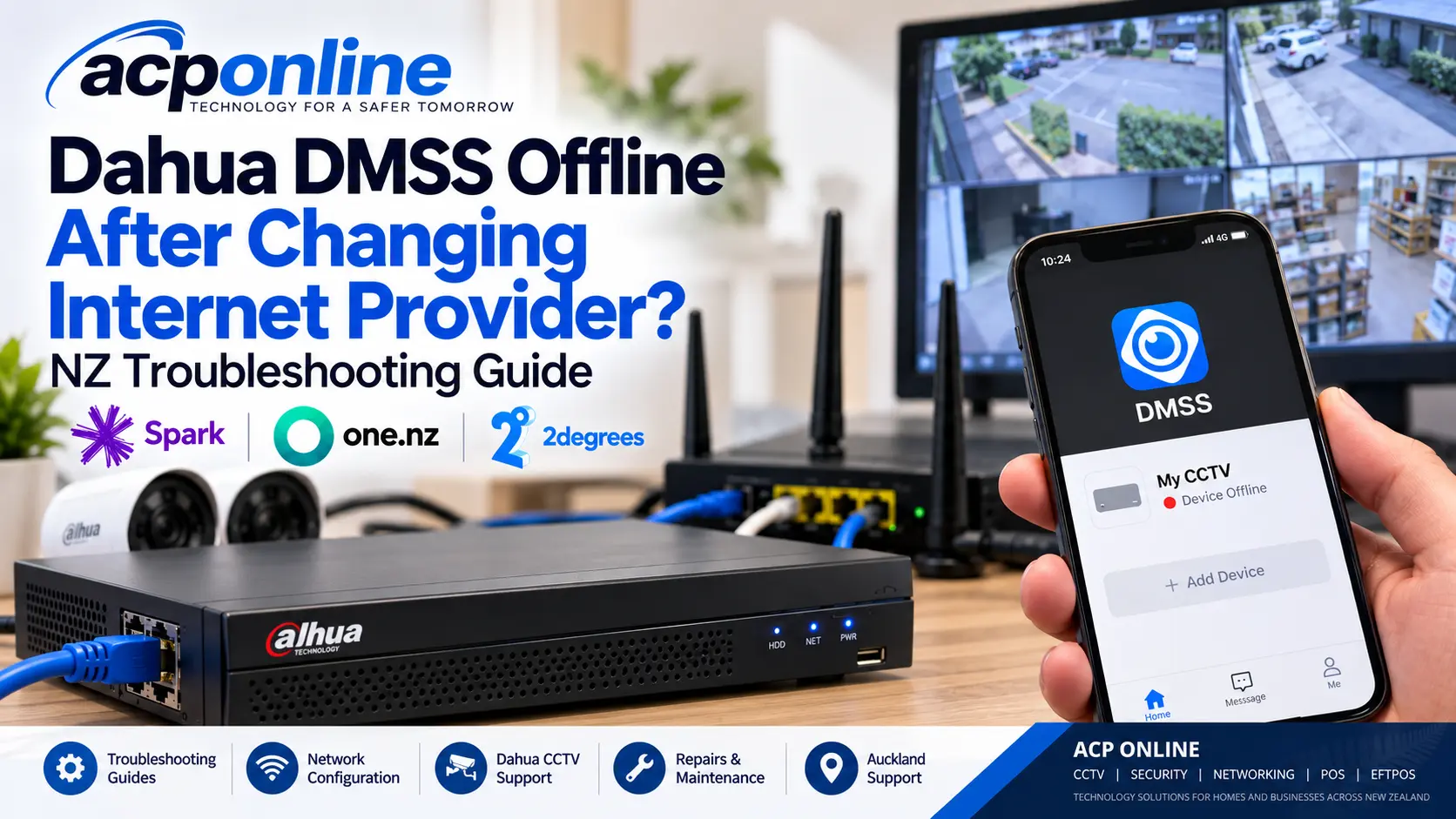
Dahua DMSS Offline After Changing Internet Provider?
Have you recently changed your broadband provider from Spark, One NZ, 2degrees or another New Zealand internet provider, only to discover that your Dahua CCTV cameras are no longer accessible through the DMSS app?
This can happen when a new router is installed or your network settings change. Your CCTV cameras may still be recording correctly, but remote viewing from your smartphone may stop working.
The good news is that you may not need to replace your Dahua CCTV system. In many cases, the problem is related to network configuration rather than faulty cameras.
ACP Online provides professional CCTV troubleshooting, network configuration and Dahua remote viewing support in Auckland.
Why Does Dahua DMSS Stop Working After Changing Broadband Providers?
Your Dahua DVR or NVR connects to the internet through a broadband router. When the router or internet service changes, the recorder may no longer have the correct network configuration.
Common causes include:
- Changed IP address: Your new router may use a different local IP address range.
- Incorrect gateway: The recorder may still be configured to use the previous router's gateway address.
- DNS configuration problems: The recorder may be unable to resolve the internet services it needs.
- Dahua P2P offline: The recorder may no longer be communicating with the supported Dahua remote access service.
- Network cable issues: The recorder may not be correctly connected to the replacement router or network switch.
- Firewall restrictions: Certain network security settings may prevent required communication.
- Recorder configuration issues: Older network settings may be incompatible with the new connection.
How to Fix Dahua DMSS Offline Problems
1. Check Whether Your CCTV Cameras Are Still Recording
Connect a monitor directly to your Dahua DVR or NVR and check whether the cameras display live video.
If your cameras are working locally but cannot be viewed through DMSS, the problem may be related to internet connectivity or remote viewing.
If the cameras are also unavailable locally, further investigation of the recorder, camera connections or power supplies may be necessary.
2. Check the Network Connection
Ensure that your Dahua recorder is connected to the correct router or network switch using a suitable Ethernet cable.
Check that the router has an active internet connection and that the recorder's network connection is functioning.
3. Check the Recorder's IP Address and Gateway
A common problem occurs when a replacement router uses a different local IP address range.
For example:
- Previous router: 192.168.1.1
- Replacement router: 192.168.0.1
- Recorder still configured with an address on the previous network.
If the recorder has an incompatible static IP address, gateway or subnet configuration, it may be unable to connect to the internet.
The network settings should be checked against the current router configuration. Avoid changing settings unless you understand the network or have suitable technical assistance.
4. Check Dahua P2P Connection Status
Many compatible Dahua recorders support P2P remote viewing through the DMSS application.
Open the recorder's network configuration and locate the P2P status where available.
If the status displays Offline, the recorder may not be reaching the required remote access service.
The exact menu location varies depending on the Dahua recorder model and firmware version.
5. Test DMSS Using Wi-Fi and Mobile Data
Open the DMSS application on your smartphone and test access using both local Wi-Fi and mobile data.
If the system works on the local network but not through mobile data, check how the recorder was added to DMSS and whether supported remote access is functioning.
If the recorder is unavailable through both connections, investigate the recorder's network connectivity and account status.
6. Check Router and Internet Provider Settings
Some New Zealand broadband connections use Carrier-Grade NAT (CGNAT), which can affect traditional inbound remote access configurations.
However, CGNAT does not automatically prevent a correctly configured Dahua P2P connection from working.
A secure VPN or another supported remote access method may be appropriate for certain installations.
For security reasons, avoid exposing CCTV administration ports directly to the public internet.
Can Changing from Spark to One NZ or 2degrees Affect Dahua CCTV?
Yes. Changing broadband providers may involve replacing your router, changing local network addresses or modifying the way your internet connection operates.
These changes can affect Dahua DVRs, NVRs and other network-connected security equipment.
However, changing internet providers does not automatically mean your cameras or recorder are incompatible with the new connection.
Will My Dahua CCTV Still Record Without Internet?
Many Dahua CCTV systems record locally to an internal hard drive installed in the DVR or NVR.
If the recorder, cameras and supporting network remain operational, local recording may continue even when the internet connection is unavailable.
However, features such as remote viewing, cloud services and smartphone notifications may be interrupted.
It is important to verify that recordings are actually being saved rather than assuming the system is operating normally.
Should I Factory Reset My Dahua Recorder?
Factory resetting your CCTV recorder should not be your first troubleshooting step.
A reset may remove network settings, recording schedules, camera configurations and other important information.
It may also create additional problems if you do not have the required administrative credentials or configuration records.
Professional diagnosis is recommended before resetting an existing security system.
When Should You Contact a Dahua CCTV Technician?
Professional technical assistance may be necessary when:
- DMSS continues to display Device Offline.
- The Dahua P2P service cannot connect.
- Remote viewing stopped after a router replacement.
- The recorder has incorrect network settings.
- You cannot access the recorder's administration settings.
- Multiple CCTV devices have lost network connectivity.
- The existing installation was configured by another technician.
Dahua CCTV Repairs and Remote Viewing Support in Auckland
ACP Online provides troubleshooting and technical support for compatible Dahua CCTV systems, including DVRs, NVRs, IP cameras, network equipment and remote viewing applications.
Our services include:
- Dahua DMSS remote viewing troubleshooting.
- DVR and NVR network configuration.
- Router and internet connectivity diagnosis.
- CCTV camera and recorder fault investigation.
- CCTV maintenance and system audits.
- Compatible CCTV equipment repairs and upgrades.
We assist residential and commercial customers in Auckland with existing CCTV installations, including systems installed by other providers, subject to equipment compatibility and authorised access.
Need Help Getting Your Dahua Cameras Back Online?
If your Dahua DMSS application stopped working after changing internet providers, ACP Online can help identify the cause and recommend a suitable solution.
Professional technical support and service charges apply.
Frequently asked questions
1. Why is my Dahua DMSS showing Device Offline?
Your Dahua recorder may have lost its internet connection, have incorrect network settings or be unable to communicate with the supported P2P service.
2. Can changing internet providers stop my Dahua CCTV from working?
Yes. A replacement router or changed network configuration can interrupt remote viewing, even when the cameras are still recording locally.
3. Does Dahua DMSS work with Spark, One NZ and 2degrees broadband?
Generally, yes. Compatible Dahua equipment can operate over these broadband services when correctly configured.
4. Will my CCTV cameras continue recording without internet?
Many DVR and NVR systems continue local recording without internet, provided the cameras, recorder, storage and local network remain operational.
5. Do I need a static IP address for Dahua DMSS?
Not necessarily. Supported Dahua P2P remote viewing usually does not require a static public IP address.
6. Why can I see my cameras on Wi-Fi but not mobile data?
Your recorder may be configured for local access rather than functioning remote access, or the phone application or remote connection may have a problem.
7. Can ACP Online repair a Dahua system installed by another company?
ACP Online can assess compatible existing CCTV systems, subject to authorisation, access credentials and equipment condition.
8. Does ACP Online charge for Dahua remote viewing support?
Yes. Technical troubleshooting and support are paid services. Applicable charges depend on the work required and whether remote or onsite assistance is necessary.
Related services
ACP Online provides professional CCTV installation, repairs, upgrades and maintenance across Auckland. We specialise in residential and commercial security camera systems, including Hikvision and Dahua, with remote viewing, reliable recording and expert technical support.
ACP Online provides professional CCTV repairs, troubleshooting and preventative maintenance across Auckland. We service compatible Dahua, Hikvision and other security camera systems, including DVR/NVR recorders, faulty cameras, blurry night vision, recording failures and remote viewing problems.
More articles
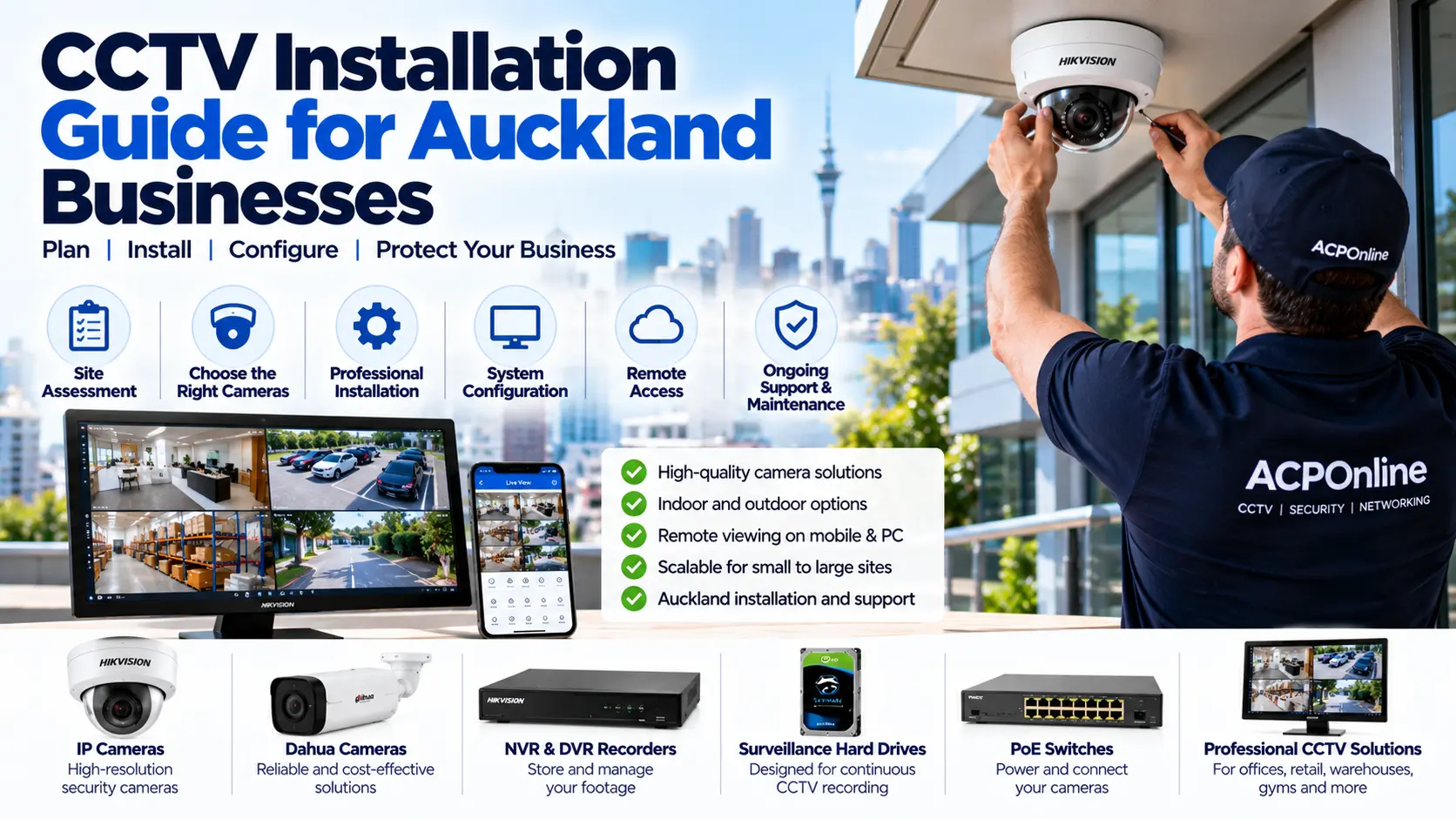
CCTV Installation Guide for Auckland Businesses
Planning CCTV installation for your Auckland business? Learn how to choose security cameras, plan coverage, select NVRs, estimate installation costs and maintain a reliable commercial CCTV system.
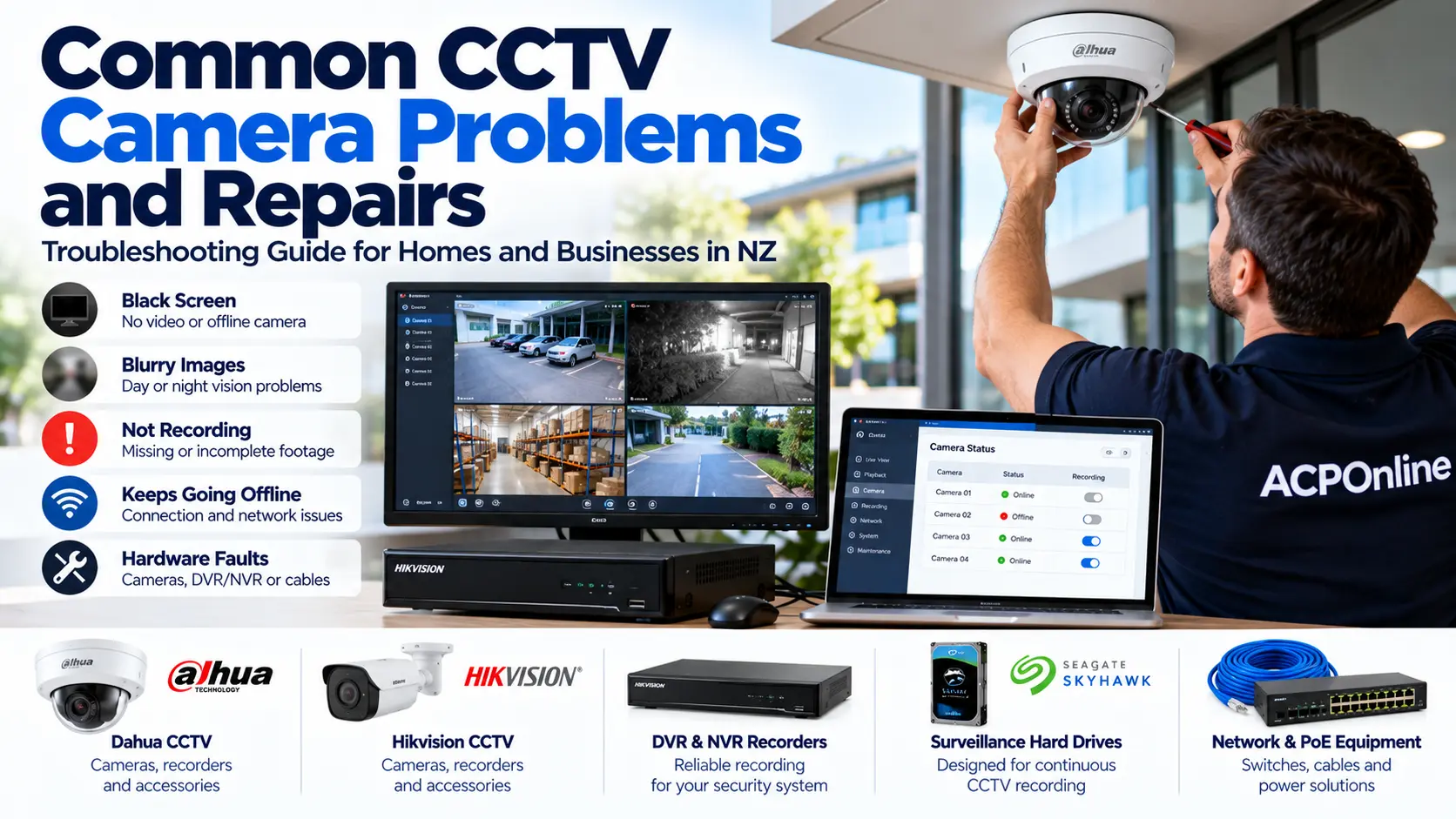
Common CCTV Camera Problems and Repairs: NZ Troubleshooting Guide
CCTV camera not working, showing a black screen or recording blurry night footage? Learn about common security camera problems, troubleshooting steps and professional CCTV repairs in Auckland.
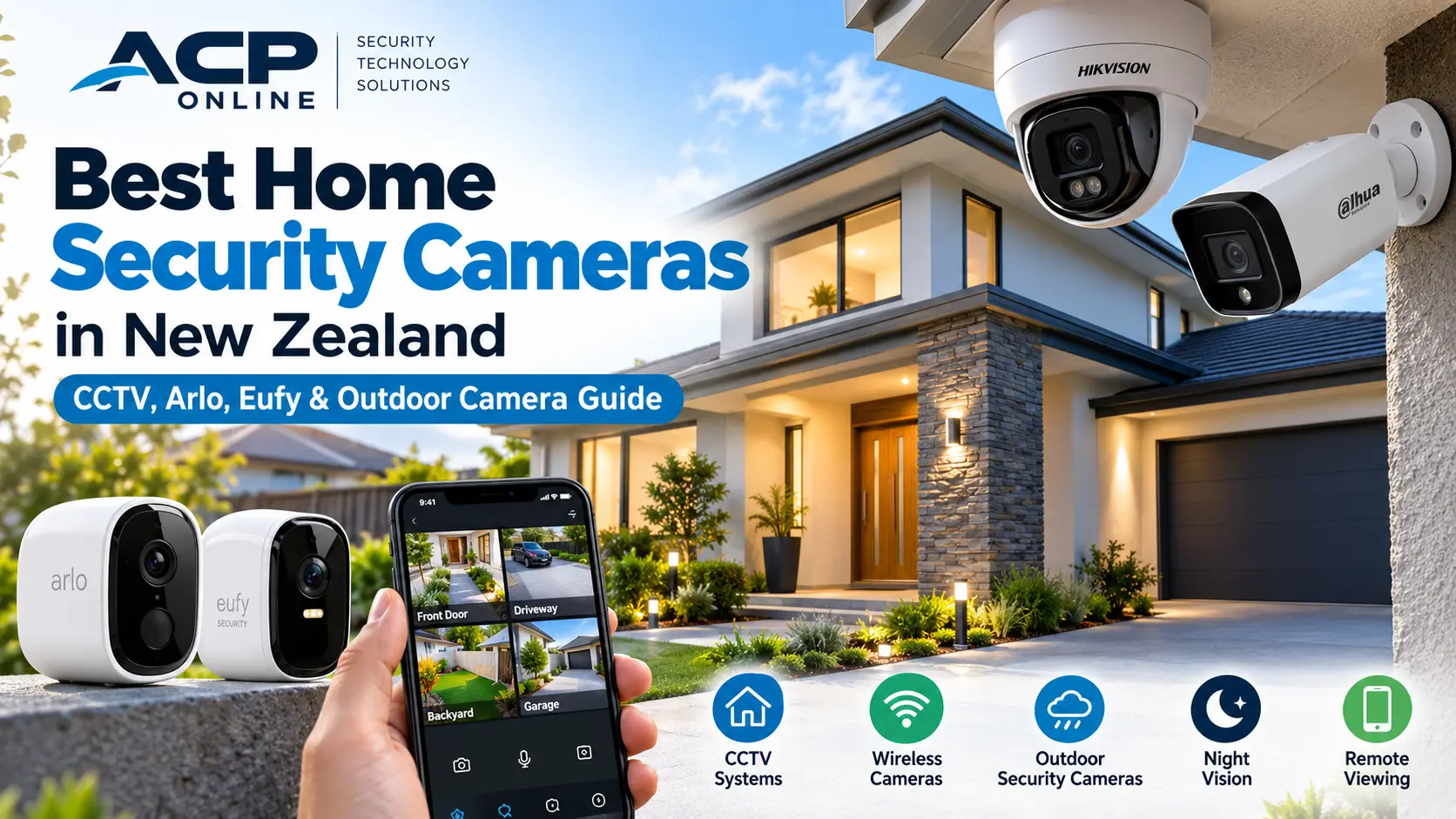
Best Home Security Cameras in NZ: CCTV, Arlo, Eufy & Outdoor Camera Guide
Looking for the best home security cameras in NZ? Compare Arlo, Eufy, wired CCTV and outdoor security cameras, including recording options, night vision, installation and privacy.