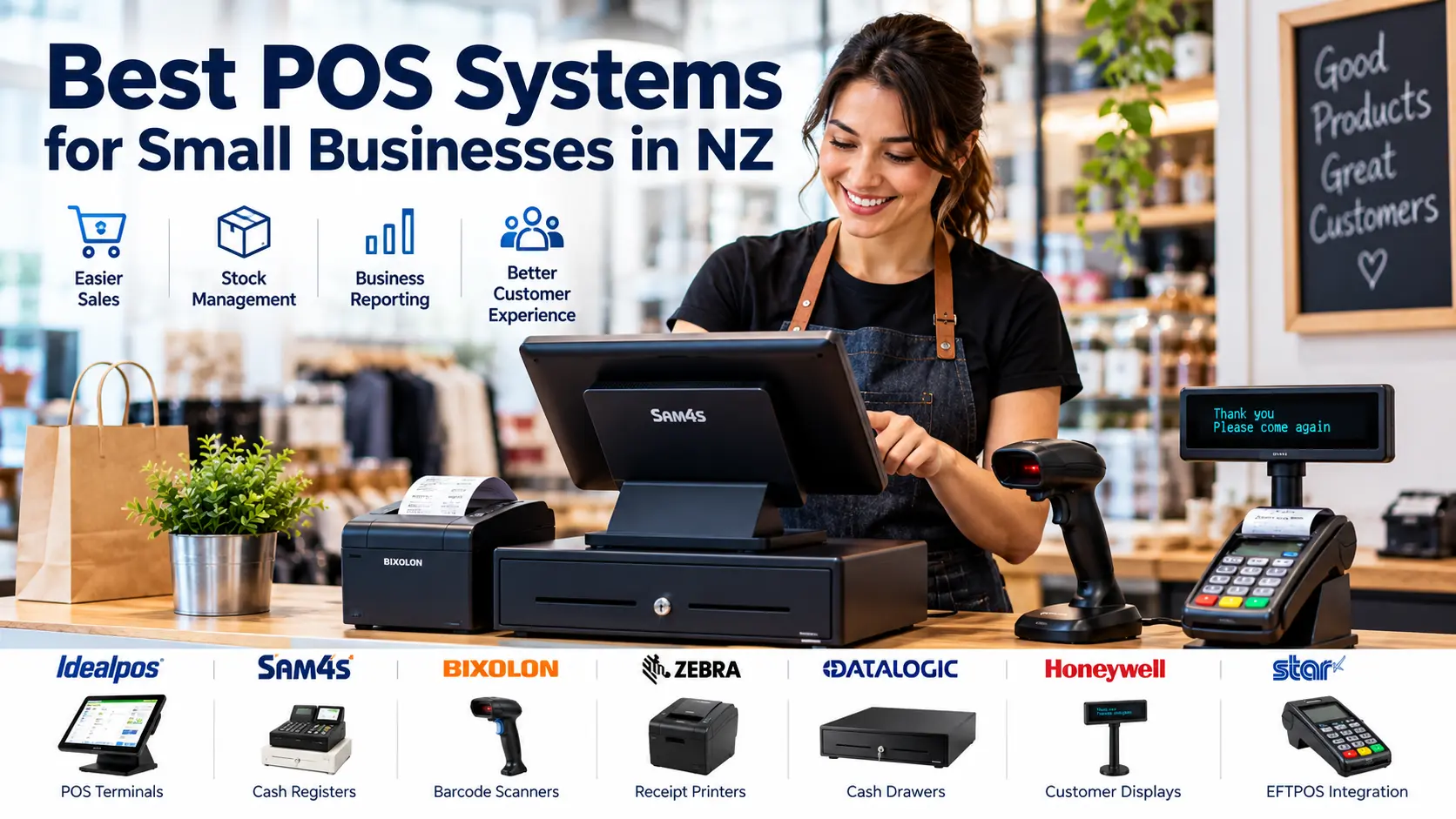
Choosing the Right POS System for Your New Zealand Business
A reliable point of sale (POS) system helps New Zealand businesses process sales, manage products and deliver a better customer experience. Whether you operate a retail shop, cafe, takeaway, convenience store or service business, selecting suitable POS equipment can improve your daily operations.
At ACP Online, we supply POS hardware and business technology solutions, with installation and technical support services in Auckland.
What Is a POS System?
A point of sale system is the combination of hardware and software used to record transactions. Depending on the configuration, it may include a touchscreen terminal, receipt printer, barcode scanner, cash drawer, inventory management software and EFTPOS integration.
Types of POS Systems Available in New Zealand
1. Traditional Electronic Cash Registers
Electronic cash registers suit businesses requiring straightforward sales processing without extensive inventory or reporting features. Sam4s cash registers are among the options available through ACP Online.
2. Touchscreen POS Systems
Touchscreen POS terminals are useful for retailers and hospitality businesses requiring quick product selection, sales reporting and compatibility with additional peripherals. Software functionality depends on the chosen POS application and licensing.
3. Integrated Retail POS Systems
Retail POS software can provide stock management, product lookup, sales reporting and customer management. Integration with EFTPOS and accounting systems should be confirmed before purchase.
Essential POS Hardware for Small Businesses
- POS terminal: Runs the selected sales application.
- Barcode scanner: Speeds up product identification and checkout.
- Receipt printer: Produces customer receipts and transaction records.
- Cash drawer: Provides secure cash storage.
- Customer display: Shows transaction information to customers.
- EFTPOS terminal: Processes electronic card payments through a compatible payment provider.
Explore our POS equipment and accessories to compare available hardware.
How to Choose a POS System for Your Business
Consider Your Business Type
A small convenience store may prioritise fast barcode scanning and stock control, while a restaurant may require table management, kitchen printing and menu modifiers. Choose features based on actual daily operations.
Check Software and Hardware Compatibility
Confirm that your chosen POS software supports the terminal, printers, scanners, payment equipment and operating system. Compatibility should be tested before installation.
Plan for Ongoing Support
Consider software updates, data backups, staff training, network reliability and access to local technical support. The cheapest initial system may not offer the best long-term value.
POS Installation and Technical Support in Auckland
ACP Online assists businesses with POS hardware selection, setup, programming, troubleshooting and related retail technology requirements. We can help assess your existing equipment and identify suitable upgrade options.
Get Advice on a POS System for Your Business
Need help choosing a POS system in Auckland or elsewhere in New Zealand? Contact ACP Online or call 09 974 4070 to discuss your requirements.
Frequently asked questions
1. What is the best POS system for a small business in NZ?
The best POS system depends on your business type, sales volume, inventory requirements and budget. Small retailers may prefer a touchscreen POS with barcode scanning, while simple operations may only require a cash register.
2. Can a POS system connect to an EFTPOS terminal?
Many POS systems can integrate with compatible EFTPOS terminals, but support depends on the POS software, payment provider and terminal model.
3. Do I need an internet connection for a POS system?
Some POS systems offer offline functionality, while others require a reliable internet connection. Confirm offline sales and payment limitations with your supplier.
4. Can ACP Online install and support POS equipment in Auckland?
ACP Online provides POS-related equipment and technical services in Auckland. Contact the team to confirm the installation scope and suitability of your equipment.
5. Can I upgrade my existing cash register to a touchscreen POS?
Yes, in many cases. The upgrade may require new hardware, software licensing, product data migration and staff training.
More articles
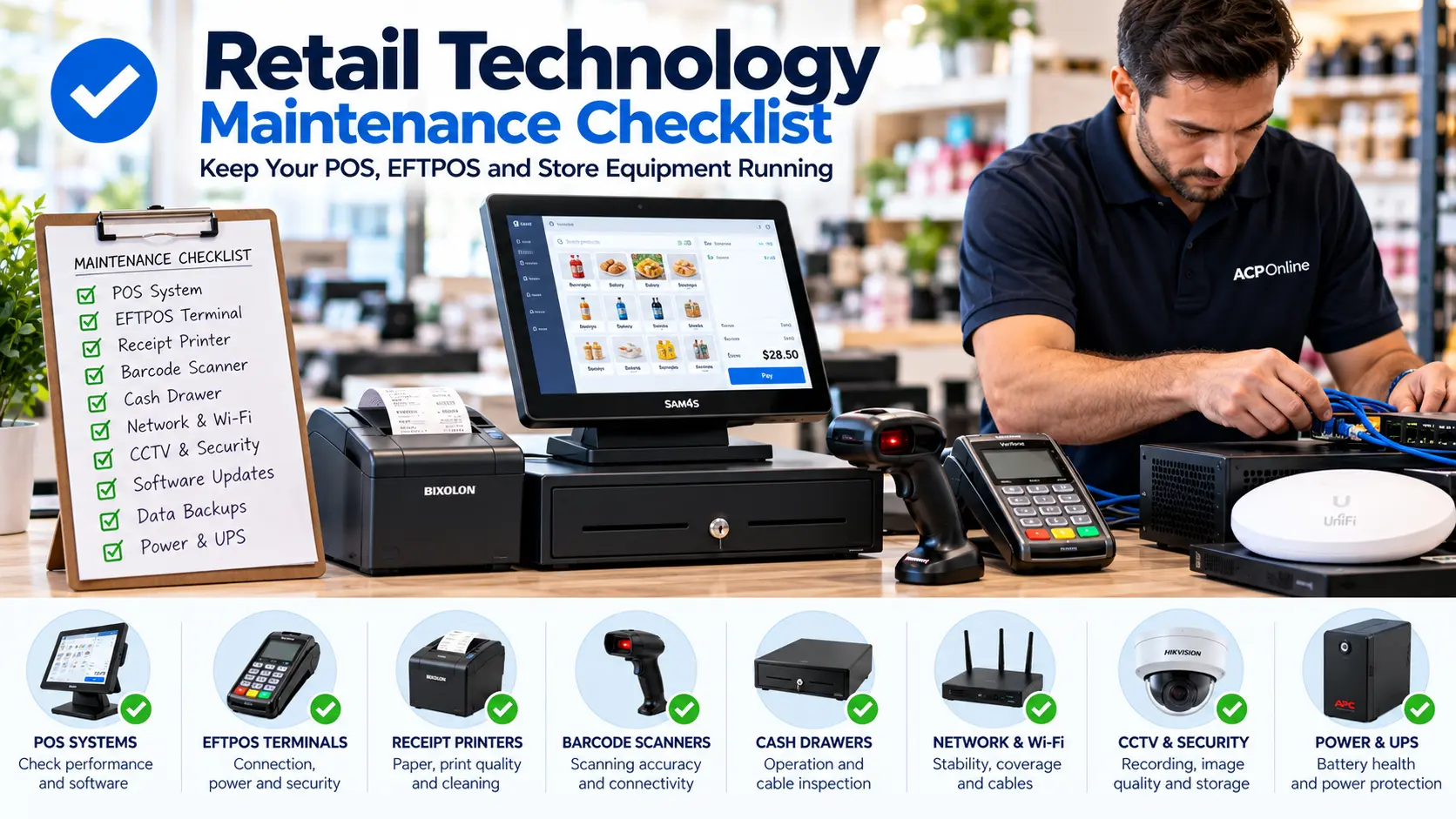
Retail Technology Maintenance Checklist for NZ Businesses
Keep your retail business running smoothly with our practical technology maintenance checklist. Learn how to maintain POS systems, EFTPOS terminals, receipt printers, barcode scanners, networks and security systems.
Idealpos NZ | POS Systems, Support & Solutions
Discover Idealpos point of sale systems for New Zealand retail and hospitality businesses. ACP Online provides Idealpos POS software enquiries, compatible hardware, technical support, upgrades and practical solutions to help businesses manage sales and everyday operations.