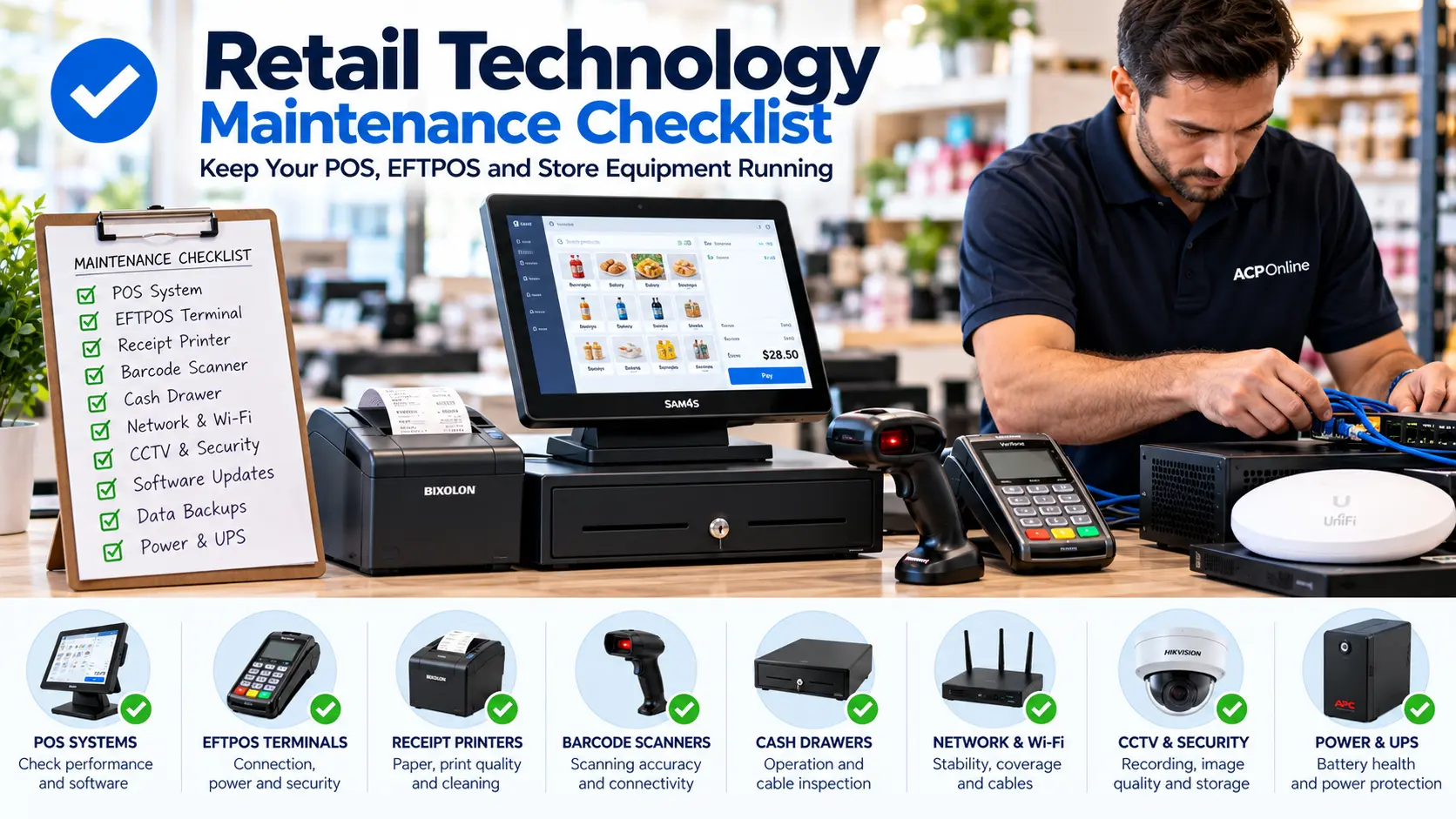
Why Retail Technology Maintenance Matters
Retail businesses in New Zealand depend on reliable technology to process sales, accept payments, manage inventory and protect their premises. When a POS terminal, EFTPOS machine, receipt printer or network fails, even a short interruption can affect customers and daily operations.
A regular retail technology maintenance checklist helps identify problems early, reduce avoidable downtime and extend the useful life of business equipment.
At ACP Online, we assist Auckland businesses with retail technology installation, troubleshooting, repairs and ongoing technical support.
Daily Retail Technology Maintenance Checklist
1. Check Your POS System Before Opening
- Confirm all POS terminals start correctly.
- Check the date, time and network connection.
- Confirm product lookup and barcode scanning work.
- Check the correct price and tax settings are displayed.
- Verify that the cash drawer opens when authorised.
- Confirm that sales data is synchronising where applicable.
- Check for error messages or pending critical alerts.
Use a training or test mode for checks where available. Avoid creating unnecessary live transactions.
2. Inspect EFTPOS Terminals
- Check the terminal has power and a reliable connection.
- Inspect charging cables and connectors for damage.
- Confirm the terminal is communicating with the payment service.
- Check for signs of physical tampering or unauthorised attachments.
- Ensure staff know the approved payment outage procedure.
Never open or modify a payment terminal. Security alerts and payment processing faults should be reported to the authorised EFTPOS provider or support technician.
3. Check Receipt Printers
- Confirm receipt paper is loaded correctly.
- Check the paper roll is suitable for the printer.
- Print a test receipt if required.
- Look for faded, incomplete or misaligned printing.
- Remove accessible dust and paper debris using manufacturer-approved methods.
Do not touch the thermal printhead while hot or use unsuitable cleaning chemicals.
4. Inspect Barcode Scanners
- Check that scanners read common product barcodes correctly.
- Inspect the scan window for dirt or scratches.
- Check USB, Bluetooth or wireless connectivity.
- Confirm cordless scanners are charged.
- Clean the scanner using manufacturer-approved materials.
Weekly Retail Equipment Maintenance Checklist
5. Review Network and Wi-Fi Performance
Reliable connectivity is essential for many POS, EFTPOS and inventory systems. Each week:
- Check network equipment for error indicators.
- Confirm wired POS connections are stable.
- Test Wi-Fi coverage in important operational areas.
- Inspect network cables for visible damage.
- Check that business-critical devices are connected to the correct network.
- Review recurring disconnections or slow performance.
Avoid resetting routers or changing network settings during trading hours without an approved recovery plan.
6. Check Cash Registers and Cash Drawers
- Inspect keys, buttons and cash drawer operation.
- Check for loose cables and damaged connectors.
- Clean accessible surfaces using approved methods.
- Confirm staff permissions and operating procedures remain appropriate.
7. Check CCTV and Security Equipment
- Confirm cameras are displaying clear images.
- Check that required cameras are recording.
- Review recording retention and storage alerts.
- Inspect cameras for obstruction, damage or dirty lenses.
- Check the correct date and time appear on recordings.
- Test authorised playback and footage retrieval.
Do not assume a camera is recording simply because a live image is visible.
Monthly Retail Technology Maintenance Checklist
8. Review POS Software and Security Updates
- Check for supported POS software updates.
- Review operating system security updates.
- Confirm antivirus or endpoint protection is functioning where applicable.
- Remove access for employees who have left the business.
- Review administrator and user permissions.
- Schedule approved updates outside trading hours.
Before installing major updates, confirm compatibility with POS software, payment integrations, printers and other peripherals.
9. Verify Data Backups
Businesses should not assume that cloud synchronisation automatically provides a complete recoverable backup.
- Confirm backup jobs are completing successfully.
- Check that important sales and product data is included.
- Review backup retention and access permissions.
- Test data restoration periodically in an appropriate environment.
- Maintain a documented recovery procedure.
10. Inspect Equipment Power and Cabling
- Check visible power leads for wear or damage.
- Confirm ventilation openings are not obstructed.
- Inspect UPS battery health and warning indicators.
- Ensure cables are protected from foot traffic and spills.
- Arrange qualified servicing for damaged electrical equipment.
Do not open mains-powered equipment or attempt unsafe electrical repairs.
Quarterly Retail Technology Maintenance Checklist
11. Review Hardware Condition
- Inspect POS screens, stands and mounting brackets.
- Review printer and scanner fault history.
- Check device age and warranty status.
- Identify frequently failing equipment.
- Assess whether spare devices are needed for critical checkout points.
12. Review Business Continuity Procedures
- Document what staff should do if internet access fails.
- Confirm approved EFTPOS outage procedures.
- Review POS recovery instructions.
- Check supplier and technical support contact details.
- Ensure employees know how to report equipment faults.
Common Signs Your Retail Technology Needs Professional Attention
Contact a qualified technician when you notice:
- POS terminals freezing or restarting unexpectedly.
- Repeated EFTPOS connection failures.
- Receipt printers jamming or producing poor-quality receipts.
- Barcode scanners failing to read labels reliably.
- Frequent Wi-Fi or network disconnections.
- CCTV cameras showing black screens or unclear images.
- Unusual equipment noises, overheating or power problems.
- Recurring software errors or failed data backups.
How Often Should Retail Technology Be Serviced?
Maintenance frequency depends on trading volume, equipment age, environmental conditions and manufacturer recommendations. High-use checkout equipment may require more frequent inspection than lightly used office equipment.
Daily operational checks, weekly inspections, monthly software and backup reviews, and quarterly equipment assessments provide a useful starting point. Adjust the schedule to suit your business.
Professional Retail Technology Maintenance in Auckland
ACP Online provides retail technology assistance for Auckland businesses, including POS troubleshooting, receipt printer support, barcode scanner configuration, networking and related equipment services.
Whether you need help diagnosing a recurring fault, replacing ageing equipment or planning a technology upgrade, our team can discuss practical options for your business.
Request Retail Technology Support from ACP Online
Keep your business technology reliable and reduce avoidable interruptions. Visit ACP Online to enquire about POS repairs, retail equipment maintenance and technical support in Auckland.
Important: Technical support, configuration and installation may incur charges. Purchasing equipment from ACP Online does not automatically include free technical support unless expressly stated on the relevant product page or agreement.
Frequently asked questions
1. How often should a retail POS system be serviced?
POS systems should receive daily operational checks, regular cleaning and periodic software reviews. Professional servicing frequency depends on equipment age, usage, operating conditions and manufacturer recommendations.
2. What maintenance does an EFTPOS terminal require?
Check connectivity, power, physical condition and signs of tampering. Follow the payment provider's approved cleaning, security and troubleshooting procedures.
3. How do I prevent receipt printer problems?
Use compatible paper, keep the printer free of accessible dust and debris, check cables and follow the manufacturer's cleaning instructions. Replace worn parts when required.
4. Why does my barcode scanner sometimes fail to scan?
Possible causes include damaged labels, dirty scanner windows, poor print quality, configuration errors, wireless connection issues or hardware faults.
5. Should POS systems be updated regularly?
Yes. Supported POS systems should receive appropriate security and software updates, but compatibility with payment equipment, peripherals and business applications should be verified before changes.
6. How can I reduce retail technology downtime?
Perform preventative maintenance, maintain verified backups, document outage procedures, keep critical spare equipment where practical and arrange timely professional support.
7. Can ACP Online repair POS systems and receipt printers in Auckland?
ACP Online offers retail technology troubleshooting and repair services in Auckland. Repair feasibility depends on equipment condition, model and parts availability.
8. Does purchasing equipment from ACP Online include free technical support?
No. Products purchased through ACP Online do not automatically qualify for free technical support unless this is specifically stated on the product page or applicable agreement. Paid technical support is available.
9. How do I know if my CCTV system is recording correctly?
Check recording status, storage alerts, timestamps and playback of recent footage. A working live camera view does not necessarily confirm successful recording.
10. What should a retail technology maintenance checklist include?
nclude POS terminals, EFTPOS devices, barcode scanners, receipt printers, cash drawers, networks, CCTV, software updates, backups, power protection and documented recovery procedures.
More articles
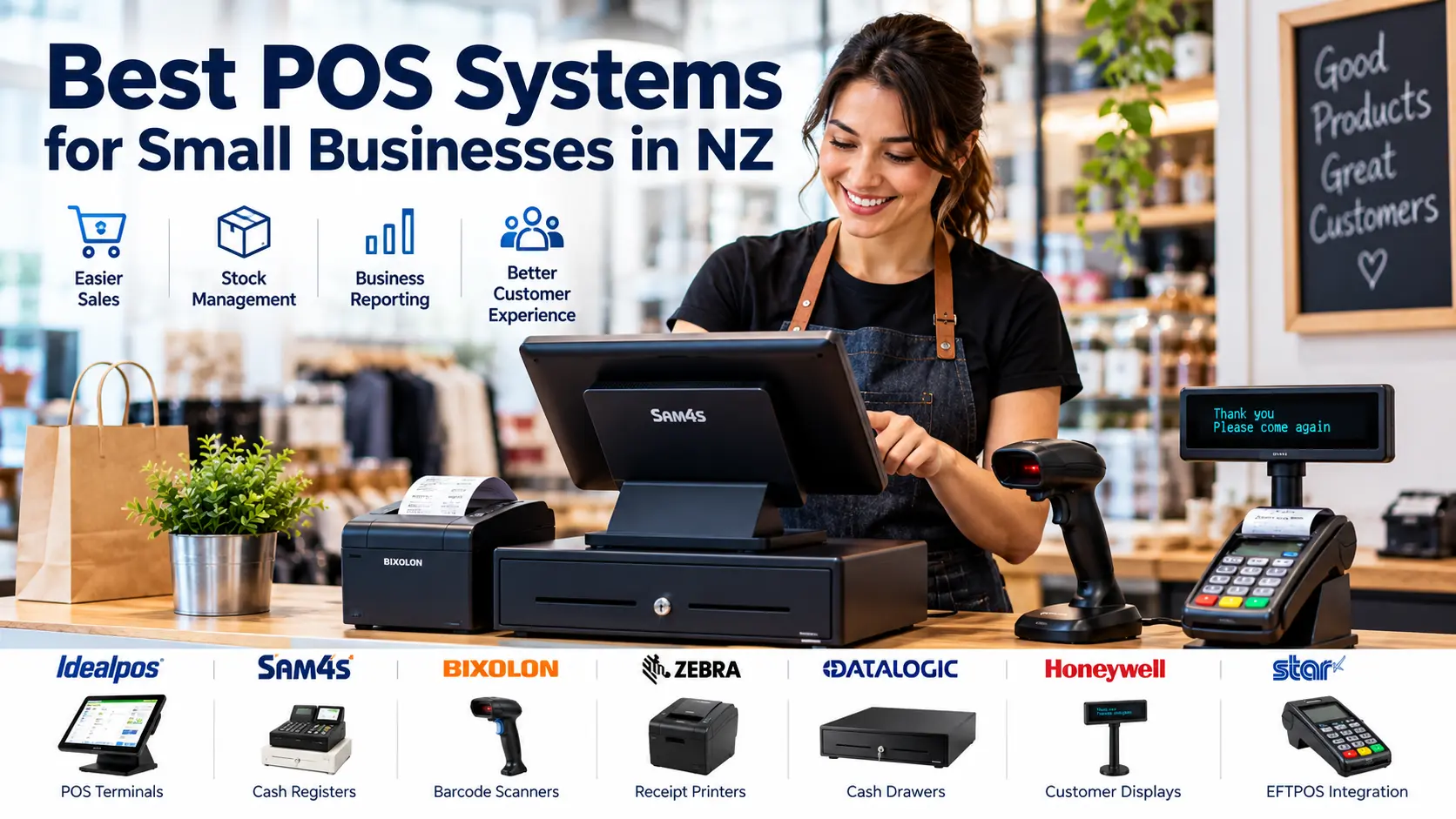
Best POS Systems for Small Businesses in NZ
Looking for the best POS system for your New Zealand business? Compare cash registers, touchscreen POS terminals, barcode scanners and receipt printers, with practical advice from ACP Online.
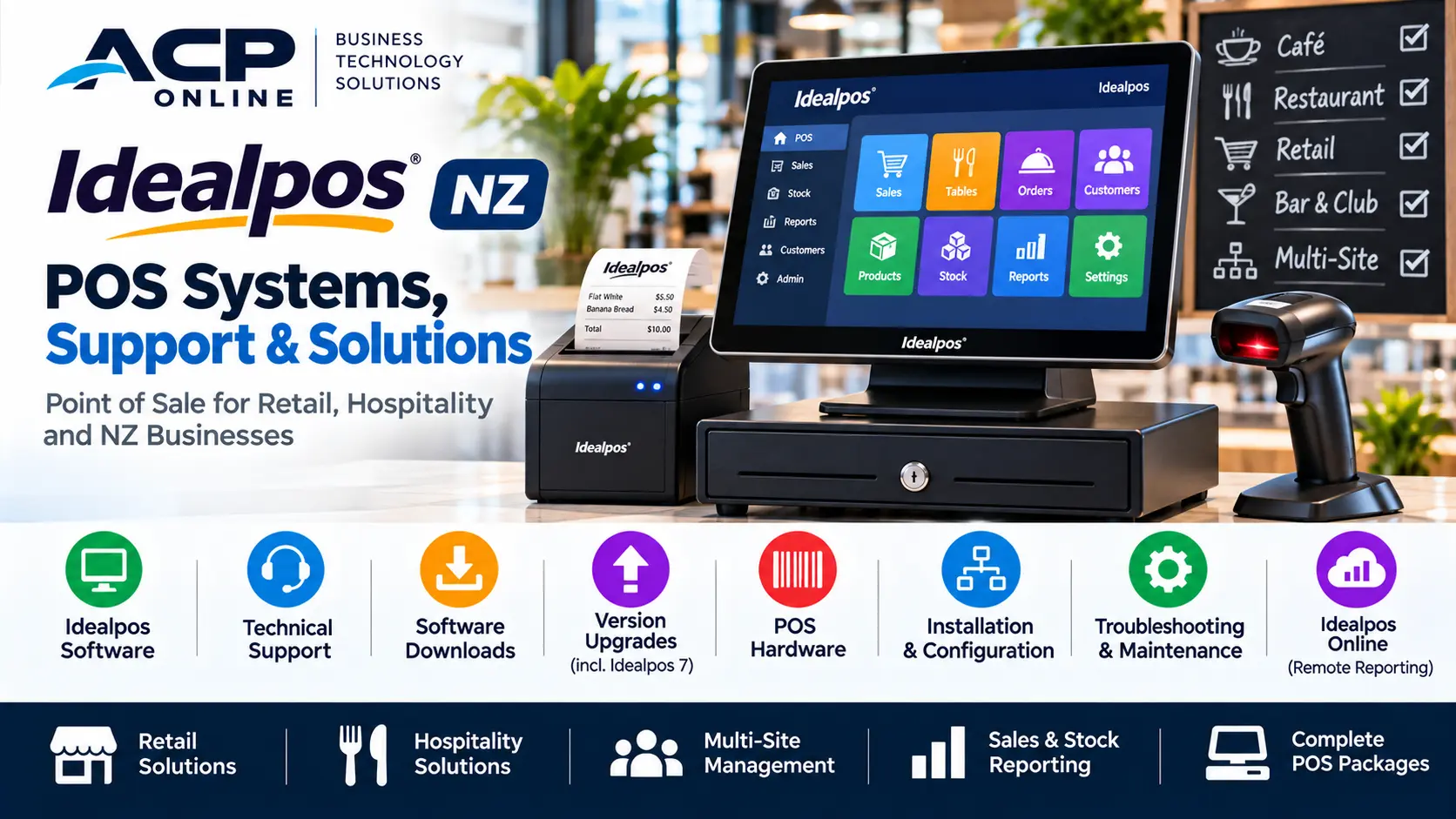
Idealpos NZ | POS Systems, Support & Solutions
Discover Idealpos point of sale systems for New Zealand retail and hospitality businesses. ACP Online provides Idealpos POS software enquiries, compatible hardware, technical support, upgrades and practical solutions to help businesses manage sales and everyday operations.