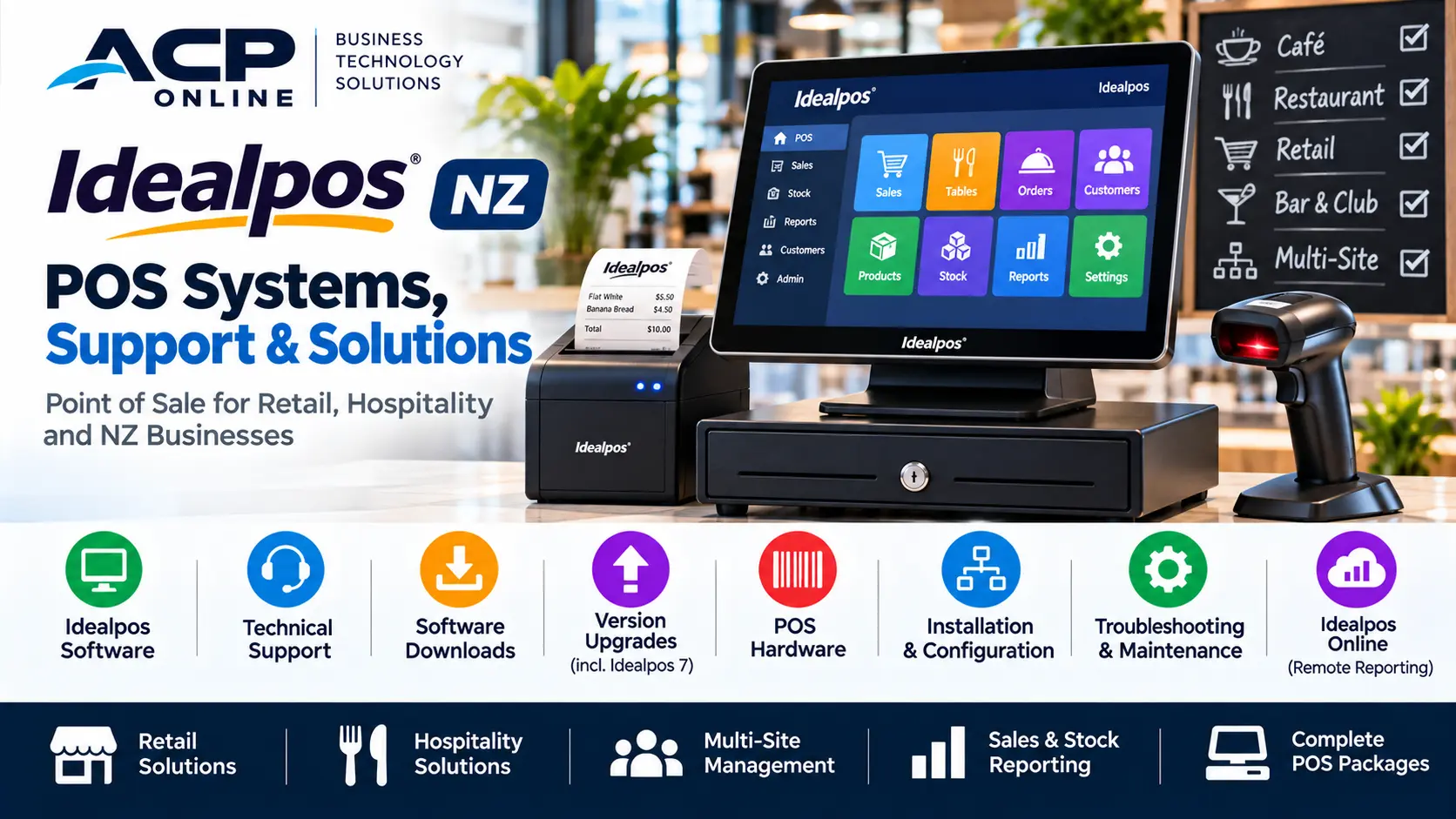
Idealpos POS Systems NZ – Software, Support, Downloads & Solutions
Looking for an Idealpos POS system in New Zealand? Whether you operate a retail store, cafe, restaurant, bar, takeaway business or multi-site operation, choosing the right point of sale software and hardware is essential for efficient daily trading.
Idealpos is an established point of sale software solution designed for retail, hospitality and other business environments. It offers a range of functions including touchscreen sales, stock control, reporting and optional industry-specific modules.
At ACP Online, we help New Zealand businesses with POS system enquiries, compatible hardware, installation, configuration, technical support and upgrade requirements.
This guide explains Idealpos features, Idealpos support, Idealpos Online, software downloads, Idealpos 7 upgrades and how to select a suitable POS solution for your business.
What Is Idealpos?
Idealpos is point of sale software developed for businesses that require reliable sales processing and operational management.
The software can be configured for different business environments and supports a range of compatible point of sale equipment.
Depending on the licensed modules and system configuration, Idealpos can provide:
- Touchscreen point of sale operations
- Retail and hospitality sales processing
- Product and stock management
- Barcode scanning
- Sales and management reporting
- Customer accounts and loyalty functions
- Staff access permissions
- Receipt and kitchen printing
- Multi-terminal and multi-site configurations
- Compatible EFTPOS and third-party integrations
Idealpos is suitable for businesses seeking a configurable POS solution rather than a basic electronic cash register.
Ideal POS Systems for New Zealand Businesses
Idealpos for Retail Stores
Retail businesses need efficient checkout processes, accurate pricing and reliable stock information.
Depending on the software modules selected, Idealpos retail functions can include:
- Barcode-based product sales
- Touchscreen product selection
- Inventory and stock level management
- Product pricing and promotions
- Customer account management
- Stocktakes and purchasing functions
- Sales reporting and transaction history
- Multi-register operation
Idealpos may be suitable for convenience stores, specialty retailers, gift shops and other retail environments.
Idealpos for Cafes and Restaurants
Hospitality businesses often require more than standard checkout functionality.
Depending on the selected modules, Idealpos can support:
- Table management and floor plans
- Split bills and multiple payment methods
- Bar tabs and pending sales
- Kitchen and bar printing
- Kitchen display workflows
- Product modifiers and order instructions
- Handheld ordering options
- Sales and staff reporting
A properly configured hospitality POS system can help streamline communication between front-of-house staff and preparation areas.
Idealpos for Bars and Clubs
Selected Idealpos modules provide features relevant to bars, licensed venues and clubs, including bar tabs, customer management, reporting and hospitality workflows.
The final system configuration should reflect the venue's trading requirements and compatible payment services.
Idealpos for Multi-Site Businesses
Businesses operating multiple stores may need consistent product information, reporting and management procedures across locations.
Idealpos offers multi-site capabilities, subject to licensing, infrastructure and configuration requirements.
Idealpos Solutions – Software and Hardware
A complete Idealpos solution includes more than the software itself.
Businesses may require a combination of:
- Touchscreen POS terminals
- Windows-compatible POS computers
- Receipt printers
- Cash drawers
- Barcode scanners
- Customer displays
- Kitchen printers
- Compatible EFTPOS terminals
- Network switches and cabling
- Uninterruptible power supplies
ACP Online supplies a range of retail technology equipment and can assist with selecting suitable components for a proposed or existing POS installation.
Hardware compatibility should be confirmed before purchasing equipment for an Idealpos system.
Idealpos Support in New Zealand
Reliable technical support is important when a POS system is used for daily business transactions.
Common Idealpos support enquiries include:
- Idealpos software not opening
- POS terminal freezing or running slowly
- Receipt printer connection problems
- Cash drawer not opening
- Barcode scanner configuration
- Network connectivity faults
- Problems communicating between terminals
- Product or pricing configuration
- Reporting and back-office enquiries
- Software updates and version upgrades
Remote Idealpos Support
Some software and configuration issues may be investigated remotely, provided the computer is operational, an internet connection is available and appropriate access has been authorised.
Remote support may be suitable for selected configuration, software and printer issues.
Onsite Idealpos Support in Auckland
Problems involving physical hardware, cabling, network infrastructure or multiple devices may require onsite assessment.
ACP Online provides paid technical services for supported POS and retail technology systems in Auckland.
Support availability, scope and charges should be confirmed before work begins.
Idealpos Online – Accessing Business Information Remotely
Idealpos Online is a service associated with supported Idealpos installations that allows authorised users to access selected business reporting information remotely.
Depending on the software version and service configuration, it can help business owners review trading information without being physically present at the POS terminal.
Possible uses include:
- Reviewing sales performance
- Checking trading results
- Comparing reporting periods
- Monitoring selected business information
Idealpos Online should not be confused with a generic online shop or a fully browser-based replacement for every POS function.
Compatibility, licensing and internet requirements should be checked before enabling the service.
Idealpos Download – Where to Find Software and Updates
Businesses searching for an Idealpos download may be looking for installation files, updates, user guides or support tools.
Idealpos software should be obtained through official manufacturer channels or an authorised support provider.
Before downloading or installing an update:
- Confirm your installed Idealpos version and build.
- Check the current software licence and available modules.
- Back up the relevant POS database and configuration.
- Verify compatibility with the operating system and hardware.
- Review the manufacturer's upgrade instructions.
- Plan an appropriate maintenance window.
- Test the POS terminals, printers and integrations after updating.
Important: Avoid downloading Idealpos installation files from unknown third-party websites. Incorrect software builds or unsupported upgrades may disrupt business operations.
Official documentation is available through the Idealpos Help Guides.
Idealpos 7 – Support, Compatibility and Upgrades
Idealpos 7 is an older generation of the Idealpos software platform.
Businesses still operating Idealpos 7 or 7.1 should review their upgrade options, particularly where operating systems, hardware or integrations have changed.
Idealpos has introduced newer software versions, including Idealpos 8 and 9, with additional functionality and ongoing enhancements.
Why Consider Upgrading Idealpos 7?
- Access to newer software functionality
- Improved compatibility with supported environments
- Access to newer integrations where available
- Reduced dependence on ageing infrastructure
- Potential improvements in operational workflows
Upgrading should involve an assessment of database compatibility, licence requirements, hardware, printers, EFTPOS integrations and other connected systems.
Businesses should not assume an Idealpos 7 installation can be upgraded safely without preparation.
Idealpos 8 and Idealpos 9
Idealpos 8 and 9 introduced changes and enhancements beyond earlier versions.
Idealpos documentation identifies features and improvements such as updated user interfaces, stock management enhancements, online ordering functionality and selected integration improvements.
The availability of individual features depends on the specific software build, licensing and system configuration.
Before upgrading, confirm which functions are currently used by your business and whether equivalent features are supported in the proposed version.
Idealpos and EFTPOS Integration
Many New Zealand businesses require their point of sale system to work alongside EFTPOS payment terminals.
Where a compatible integration is available, a POS-to-EFTPOS connection may reduce the need to manually enter payment amounts.
However, compatibility varies by payment provider, terminal model, software version and integration method.
ACP Online can assist with enquiries relating to supported EFTPOS equipment and POS hardware requirements.
Idealpos Receipt Printers, Cash Drawers and Barcode Scanners
Peripheral compatibility is an important consideration when installing or upgrading an Idealpos system.
Receipt Printers
Receipt printers may connect through USB, Ethernet or other supported interfaces. Correct drivers, port settings and POS configuration are essential.
Cash Drawers
Cash drawers may connect through compatible receipt printers or other supported interfaces. Configuration depends on the selected equipment.
Barcode Scanners
Barcode scanners can help retailers process transactions and identify products efficiently. Scanner configuration must match the POS software and barcode formats being used.
Kitchen Printers
Hospitality businesses may use separate printers for kitchen and bar orders. Network configuration and order routing should be checked during installation.
Idealpos Troubleshooting – Common POS Problems
Idealpos Is Running Slowly
Possible causes include insufficient system resources, network problems, storage issues or software-related faults. Diagnosis should identify the actual cause before recommending changes.
Idealpos Receipt Printer Is Not Printing
Check the printer's power, paper, connection, network settings and Windows printer configuration. Further investigation may be needed to determine whether the issue is hardware or software related.
Idealpos Cannot Connect to Another Terminal
Network connectivity, device addressing, firewall settings and relevant Idealpos services may need to be examined.
Idealpos Is Not Communicating with EFTPOS
Check whether the EFTPOS provider, payment terminal and installed Idealpos version support the intended integration. Payment-provider assistance may also be required.
Idealpos Software Will Not Start
Possible causes include software installation problems, database connectivity, Windows configuration or licensing issues. Avoid reinstalling software or replacing databases without first securing an appropriate backup.
Idealpos Contact – Who Should You Contact?
For Idealpos software licensing, manufacturer documentation and official product support, contact Idealpos or your authorised Idealpos reseller.
Official manufacturer resources:
For Auckland POS hardware, networking, installation and supported technical service enquiries, contact ACP Online.
Ideal POS Ltd and the Idealpos Brand
Some online searches use variations such as "Ideal POS Ltd", "Ideal POS system" or "Idealpos solutions".
When looking for official software information, verify the business name, software publisher and website before purchasing licences or downloading installation files.
ACP Online is a separate New Zealand technology business providing POS-related products and services. It should not be confused with the Idealpos software publisher.
Why Choose ACP Online for POS Technology in Auckland?
ACP Online assists businesses with point of sale technology requirements, including:
- POS system and hardware enquiries
- Touchscreen terminals and peripherals
- Receipt printers and cash drawers
- Barcode scanners
- Supported Idealpos technical assistance
- POS equipment installation and configuration
- Network and connectivity troubleshooting
- System replacement and upgrade planning
- EFTPOS equipment enquiries
We aim to help businesses select practical technology solutions based on their operating requirements and existing equipment.
Request Idealpos Support or a POS System Quote
Whether you are planning a new Ideal POS system, upgrading existing equipment or experiencing problems with your current POS installation, ACP Online can assist with suitable hardware and supported technical services.
Contact us with your Idealpos version, hardware details, business location and a brief description of your requirements.
ACP Online – Business Technology Solutions, Auckland, New Zealand.
Frequently asked questions
1. What is Idealpos?
Idealpos is point of sale software designed for retail, hospitality and other business environments. It offers sales processing, stock management, reporting and optional modules to suit different business requirements.
2. Does ACP Online provide Idealpos support in Auckland?
ACP Online can assist with supported Idealpos technical enquiries, POS hardware, peripherals, networking, installation and troubleshooting. Software licensing or manufacturer-specific issues may require assistance from Idealpos or an authorised reseller.
3. Where can I download Idealpos software?
Idealpos installation files and updates should be obtained through official manufacturer channels or an authorised provider. Check your software version, licensing and compatibility before installing updates.
4. Is Idealpos 7 still supported?
Idealpos 7 and 7.1 are older software versions. The manufacturer identifies these versions as subject to chargeable reseller support arrangements and recommends upgrading to newer versions.
5. What is Idealpos Online?
Idealpos Online provides remote access to selected business reporting information for compatible Idealpos installations. The available functions depend on the software version and configuration.
6. Can Idealpos connect to an EFTPOS terminal?
Yes, where a supported integration exists. Compatibility depends on the EFTPOS provider, payment terminal, Idealpos software version and configuration.
7. Can Idealpos work with barcode scanners and receipt printers?
Yes. Idealpos supports compatible POS peripherals, including barcode scanners, receipt printers and cash drawers. Hardware compatibility and configuration should be checked before installation.
8. Can I upgrade from Idealpos 7 to Idealpos 9?
An upgrade may be possible, but it requires planning. The existing database, licensing, hardware, operating system and integrations should be assessed first. The manufacturer provides version-specific upgrade guidance.
9. Is Idealpos suitable for cafes and restaurants?
Yes. Idealpos offers hospitality features such as table management, kitchen printing, bar tabs and order processing, depending on the licensed modules.
10. How do I contact Idealpos or request technical support?
For manufacturer support, use the official Idealpos contact page. For Auckland POS hardware and supported technical services, contact ACP Online.
11. Does ACP Online charge for Idealpos technical support?
Technical support, troubleshooting, onsite visits and remote assistance may be chargeable. ACP Online's published service pricing and agreed support scope apply.
12. Can ACP Online replace an old Idealpos POS terminal?
ACP Online can assist with replacement POS hardware enquiries. The new equipment must be assessed for compatibility with the existing Idealpos software, peripherals and licensing.
More articles
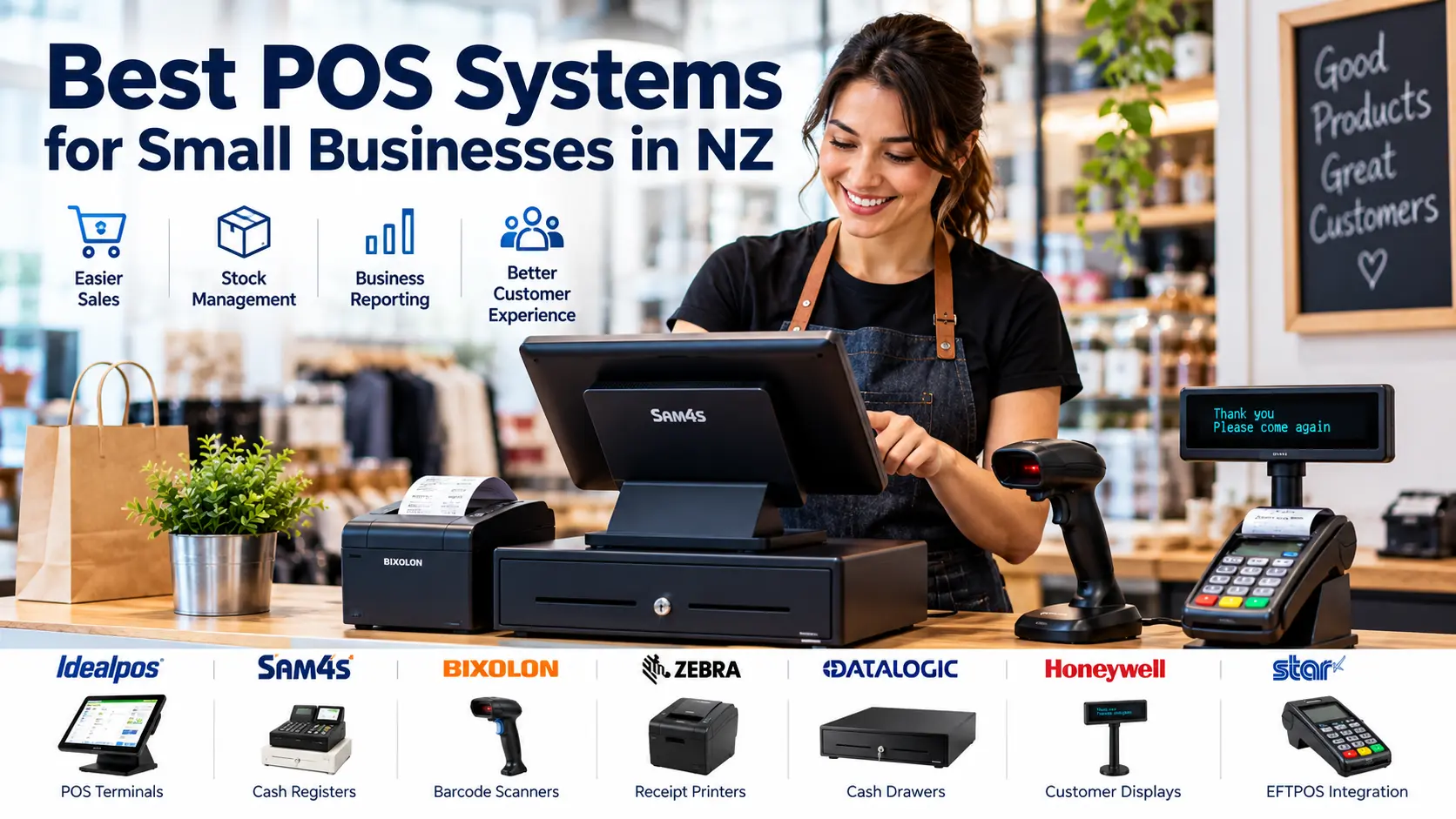
Best POS Systems for Small Businesses in NZ
Looking for the best POS system for your New Zealand business? Compare cash registers, touchscreen POS terminals, barcode scanners and receipt printers, with practical advice from ACP Online.
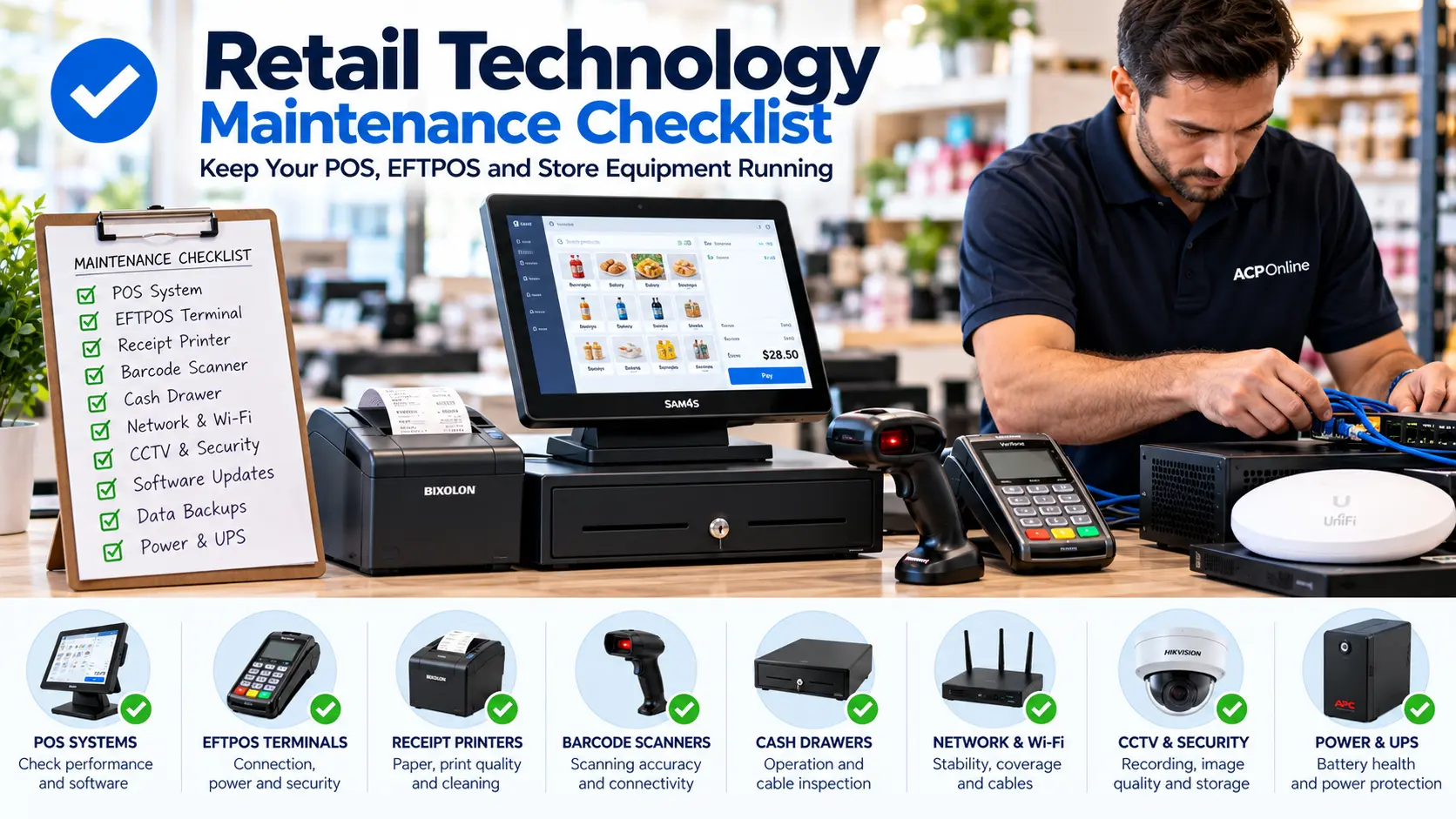
Retail Technology Maintenance Checklist for NZ Businesses
Keep your retail business running smoothly with our practical technology maintenance checklist. Learn how to maintain POS systems, EFTPOS terminals, receipt printers, barcode scanners, networks and security systems.