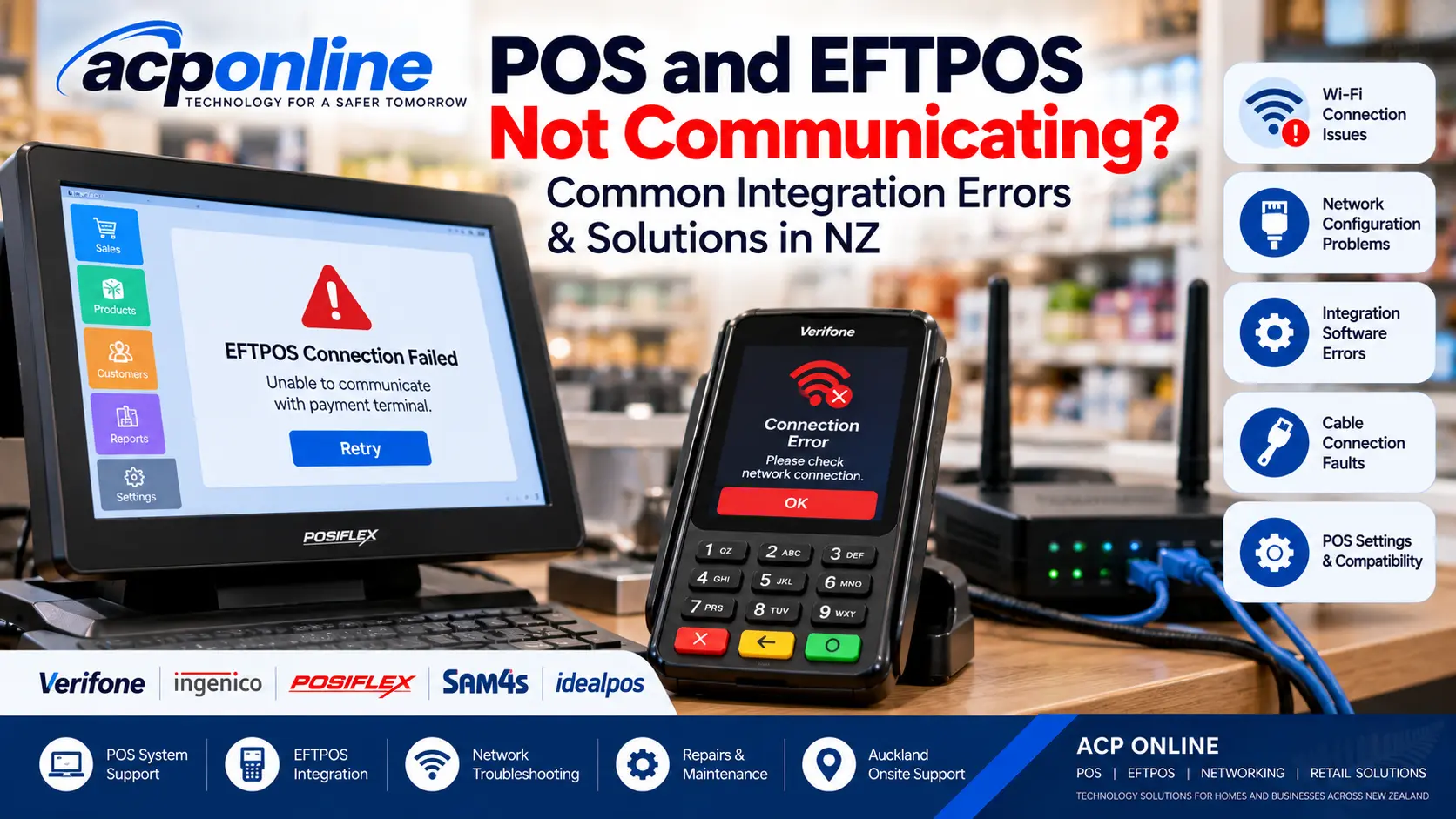
POS and EFTPOS Not Communicating? Common Integration Errors and Solutions NZ
Is your POS system not communicating with your EFTPOS terminal? Does your cash register display an EFTPOS connection error, fail to send transaction amounts or stop receiving payment confirmations?
For New Zealand retailers, cafés, restaurants, supermarkets, convenience stores and hospitality businesses, integrated EFTPOS communication problems can interrupt checkout operations and cause delays.
In many cases, the EFTPOS terminal may still be capable of processing payments independently, while the connection between the terminal and the point-of-sale system has failed.
This does not automatically mean your EFTPOS terminal or POS system needs replacing.
ACP Online provides professional technical support for compatible POS equipment, retail networking, cash registers, receipt printers and EFTPOS integration-related connectivity issues throughout Auckland and New Zealand.
What Is POS and EFTPOS Integration?
POS and EFTPOS integration allows a compatible point-of-sale system to communicate directly with an approved payment terminal.
When a customer makes a purchase, the POS system sends the transaction amount to the EFTPOS payment solution.
After the payment is processed, the approved integration returns the relevant transaction result to the POS system.
This reduces the need for staff to manually enter payment amounts and can help minimise transaction entry mistakes.
How Do POS Systems Connect to EFTPOS Terminals?
Depending on the equipment and payment provider, integration may use:
- Ethernet: Communication over the local business network.
- USB: A supported direct connection between devices.
- Serial communication: Used by some older or specialised POS systems.
- Integration middleware: Provider-approved software that manages communication.
- Cloud integration: Supported communication through an online payment platform.
Not every POS system supports every connection method or EFTPOS terminal.
Common POS and EFTPOS Communication Errors
1. EFTPOS Terminal Not Responding
The POS system may display a message indicating that the payment terminal is not responding.
Possible causes include:
- Disconnected communication cables.
- Incorrect network settings.
- Terminal or POS software problems.
- Integration services not running.
- Network connectivity failures.
2. EFTPOS Connection Failed
A connection failure may occur when the POS system cannot establish communication with the terminal or approved integration service.
The exact meaning depends on the POS software, terminal model and payment provider.
3. EFTPOS Amount Not Transferring From POS
In an integrated system, the transaction amount should be transferred through the approved payment interface.
If the amount does not appear on the terminal, the integration may be disconnected, incorrectly configured or unsupported.
4. Payment Approved but POS Not Updating
Sometimes a payment may be processed successfully while the POS system fails to receive or record the transaction result.
Do not automatically repeat the payment.
Check the terminal's approved transaction status and follow your payment provider's reconciliation procedure to avoid charging the customer twice.
5. POS Software Showing EFTPOS Offline
The POS application may report that the terminal or integration service is offline.
This could involve the local network, payment middleware, terminal connectivity or a provider-side service.
Why Does POS and EFTPOS Integration Stop Working?
1. Changed IP Address After Router Replacement
Some network-based POS integrations depend on local IP addressing.
When a business replaces its broadband router, the local network configuration may change.
For example:
- Previous router gateway: 192.168.1.1
- Replacement router gateway: 192.168.0.1
- POS computer and terminal configured on incompatible network ranges.
This can prevent devices from communicating even when internet access is available.
Provider-managed EFTPOS network settings should only be changed with appropriate authorisation.
2. Faulty USB, Serial or Ethernet Cable
A loose or damaged communication cable can interrupt integration.
Older retail systems may use serial connections, while newer systems may use Ethernet or USB.
Check accessible cables and connections without opening payment terminal enclosures.
3. POS Integration Software Not Running
Some integrated payment systems require provider-approved software or background services.
If these services stop running, the POS system may lose communication with the payment terminal.
Software updates, operating system changes or configuration faults can sometimes affect integration.
4. Firewall or Network Security Restrictions
Network security settings may prevent approved communication between POS equipment and the payment integration.
Any changes should be reviewed against the requirements of the POS vendor and payment provider.
Do not disable security controls simply to restore connectivity.
5. EFTPOS Terminal Replacement
Replacing an EFTPOS terminal may require updates to the POS integration.
A new terminal may use different supported interfaces, software versions or provider configuration requirements.
Confirm compatibility before installing replacement equipment.
6. POS Software or Operating System Updates
An update to Windows, POS software or approved integration middleware may affect communication if compatibility requirements are not met.
Check vendor documentation and contact the relevant support provider before reinstalling or changing integration components.
How to Troubleshoot POS and EFTPOS Communication Problems
Step 1: Identify Whether the EFTPOS Terminal Works Independently
Determine whether the payment terminal can process transactions using its provider-approved standalone operation.
If the terminal works independently but not through the POS system, the problem may involve the integration rather than the payment network.
Step 2: Record the Exact Error Message
Take note of the error shown on the POS computer or EFTPOS terminal.
Record when the fault started and whether it followed a router change, software update or equipment replacement.
Step 3: Check the Approved Communication Connection
Identify whether the system uses Ethernet, USB, serial communication or supported middleware.
Inspect accessible connections and check whether the intended devices are powered on.
Step 4: Check Local Network Connectivity
For network-based integrations, confirm that the POS computer and payment terminal are connected through the intended approved network arrangement.
Incorrect IP addressing, disconnected network switches or router changes may interrupt communication.
Step 5: Check POS Integration Status
Review the POS application's available integration status and error messages.
Where middleware is required, confirm its status using vendor-approved procedures.
Step 6: Contact the Appropriate Support Provider
Some faults require the POS software vendor, payment provider or authorised integration specialist.
ACP Online can assist with compatible POS hardware and networking investigations and coordinate with other providers where appropriate.
What If EFTPOS Works but the POS System Does Not?
If the EFTPOS terminal operates independently but the POS system cannot communicate with it, investigate the approved integration path.
Possible causes include:
- Incorrect POS communication settings.
- Changed local IP addresses.
- Damaged communication cables.
- Integration middleware problems.
- Software incompatibility.
- Network restrictions.
The payment terminal itself may not be faulty.
Can Any EFTPOS Terminal Work With Any POS System?
No. Not all EFTPOS terminals are compatible with every POS system.
Compatibility depends on the payment provider, terminal model, POS software and approved integration method.
Before purchasing a new POS system or replacing an EFTPOS terminal, confirm that the intended combination is supported.
Can Changing Broadband Providers Affect Integrated EFTPOS?
Yes. Changing from Spark, One NZ, 2degrees or another broadband provider may involve replacing your router or modifying network settings.
These changes can affect integrated EFTPOS, POS computers, network printers and other retail equipment.
Businesses should review their technology requirements before making major network changes.
How to Prevent POS and EFTPOS Integration Problems
Good practices include:
- Documenting approved network and integration settings.
- Checking compatibility before changing routers.
- Maintaining reliable network connections.
- Using supported POS and payment integration software.
- Coordinating terminal replacements with the POS provider.
- Keeping transaction reconciliation procedures available.
- Maintaining a suitable business technology support arrangement.
POS, EFTPOS and Retail Technology Support Auckland
ACP Online provides technical assistance for compatible retail technology systems, including:
- POS computers and touchscreen terminals.
- Cash registers and retail hardware.
- POS networking and connectivity.
- Receipt printers and barcode scanners.
- Cash drawers and peripheral devices.
- POS-to-EFTPOS communication investigations.
- Retail equipment repairs and maintenance.
- Compatible equipment upgrades and replacements.
Secure payment terminal configuration, transaction processing and provider-controlled integration services may require support from the authorised payment provider.
Need Help With POS and EFTPOS Communication Errors?
If your POS system cannot communicate with your EFTPOS terminal, ACP Online can help investigate compatible retail equipment, network connections and integration-related connectivity problems.
Professional technical support and service charges apply.
Explore ACP Online POS and Retail Technology Solutions
Contact ACP Online for POS Technical Support
Written by: ACP Online Technical Team
Providing professional technical advice, troubleshooting, installation and support for CCTV, security systems, EFTPOS, POS, networking and business technology throughout New Zealand.
Frequently asked questions
1. Why is my POS system not communicating with EFTPOS?
The problem may involve network settings, communication cables, integration software, terminal compatibility or a payment provider service.
2. Why does EFTPOS work independently but not through the POS?
The terminal may be functioning correctly while the separate POS integration connection has failed.
3. Can changing my broadband router affect POS and EFTPOS integration?
Yes. Router replacement may change local IP addresses or other network settings required by the integration.
4. Why does my POS show EFTPOS Connection Failed?
The POS system may be unable to communicate with the terminal or approved integration service. The exact cause depends on the equipment.
5. What should I do if a payment is approved but the POS does not record it?
Check the transaction through your payment provider's approved process before attempting another payment, to avoid duplicate charges.
6. Can any EFTPOS terminal connect to any POS system?
No. Integration requires compatible equipment, supported software and an approved payment interface.
7. Can a faulty Ethernet or USB cable stop EFTPOS integration?
Yes. Damaged or disconnected communication cables can interrupt supported POS-to-EFTPOS connections.
8. Does a POS software update affect EFTPOS integration?
It can, particularly if the update changes compatibility with required middleware or integration components.
9. Can ACP Online help with existing POS systems?
ACP Online can assess compatible POS hardware, cash registers, networking and peripheral equipment
10. Does ACP Online provide EFTPOS integration support?
ACP Online can investigate compatible POS and networking issues. Secure payment terminal settings and provider-controlled integration services may require authorised support.
11. Should I replace my EFTPOS terminal if the POS cannot connect?
Not necessarily. A network, cable or software issue may be responsible.
12. Does ACP Online charge for POS troubleshooting?
Yes. Technical support and troubleshooting are paid services, with charges depending on the work required.
Related services
ACP Online provides professional EFTPOS services for Auckland and New Zealand businesses, including terminal installation, setup, rental arrangements, POS integration, communication troubleshooting and technical support. We assist with standalone and integrated EFTPOS systems, mobile payment terminals, broadband and Wi-Fi connectivity issues, and compatible terminal upgrades or replacements. Our services help businesses establish reliable electronic payment processing and resolve common EFTPOS problems with minimal disruption.
ACP Online provides professional IT installation and technical support services throughout Auckland for businesses, offices, retail stores and residential customers. Our services include computer and workstation setup, hardware installation, network and Wi-Fi configuration, printer installation, IT troubleshooting, equipment upgrades, software configuration and remote or onsite support. Whether you're setting up a new office, upgrading existing equipment or resolving an IT problem, ACP Online can help keep your technology operating efficiently.
More articles
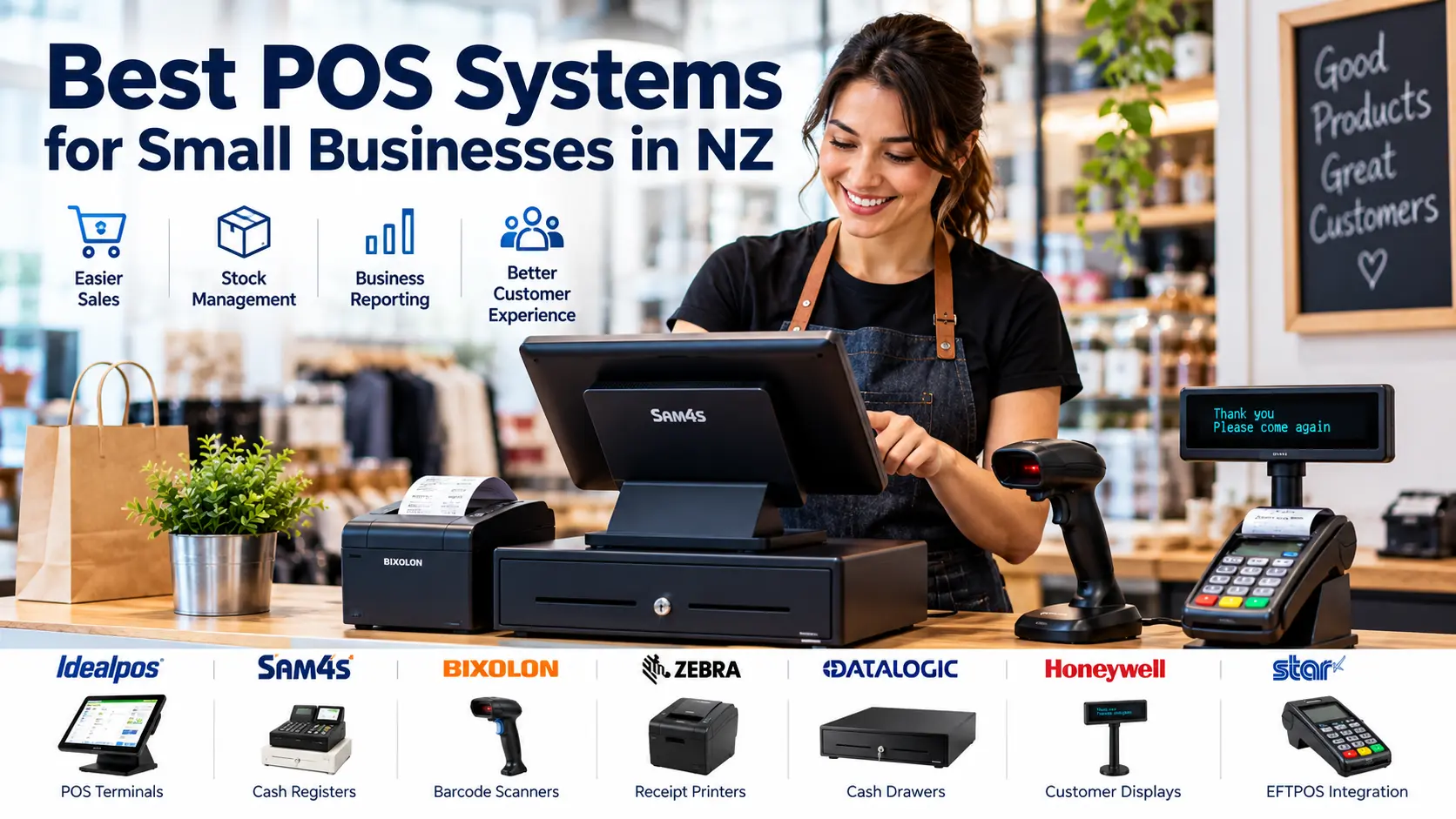
Best POS Systems for Small Businesses in NZ
Looking for the best POS system for your New Zealand business? Compare cash registers, touchscreen POS terminals, barcode scanners and receipt printers, with practical advice from ACP Online.
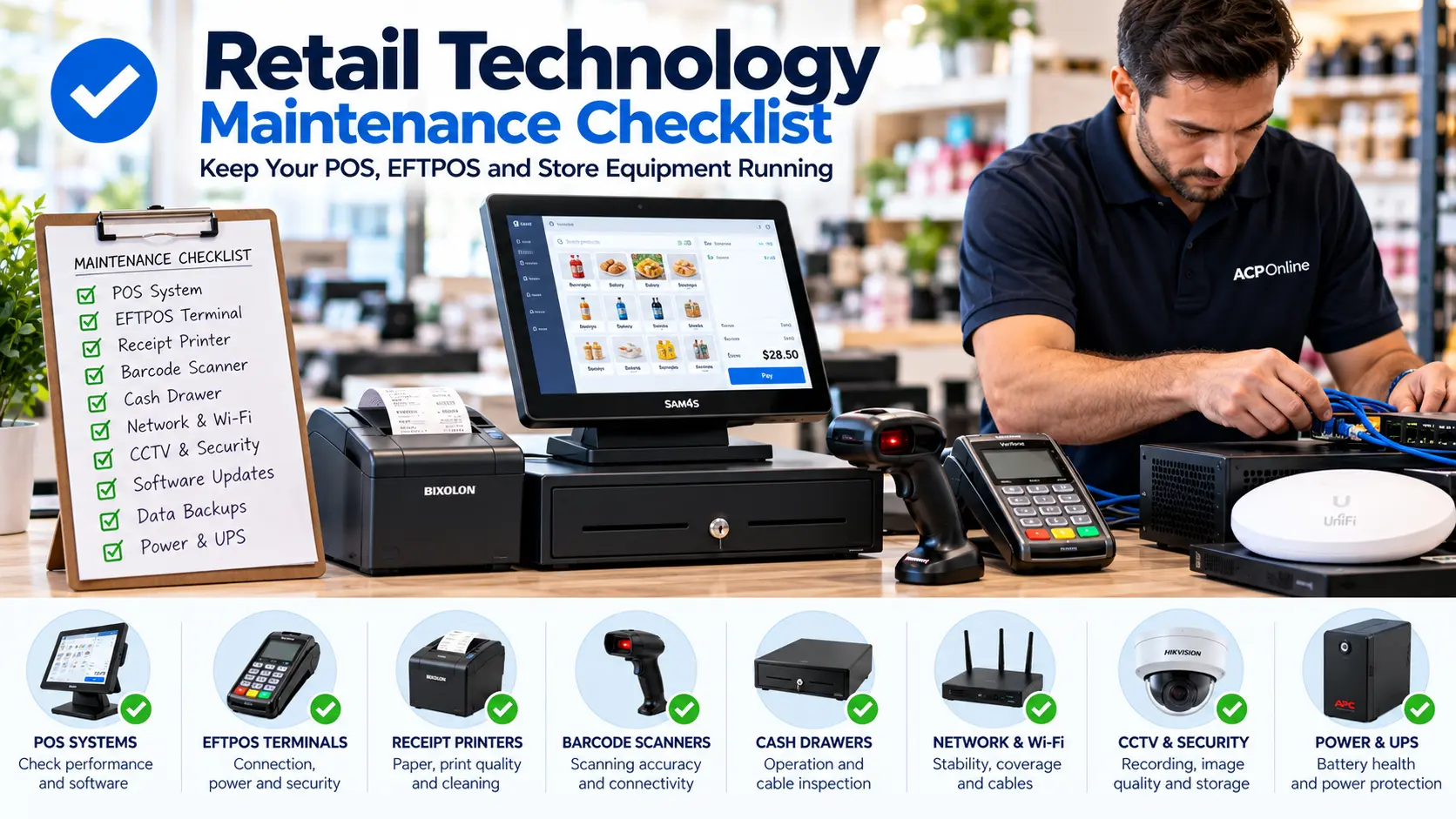
Retail Technology Maintenance Checklist for NZ Businesses
Keep your retail business running smoothly with our practical technology maintenance checklist. Learn how to maintain POS systems, EFTPOS terminals, receipt printers, barcode scanners, networks and security systems.
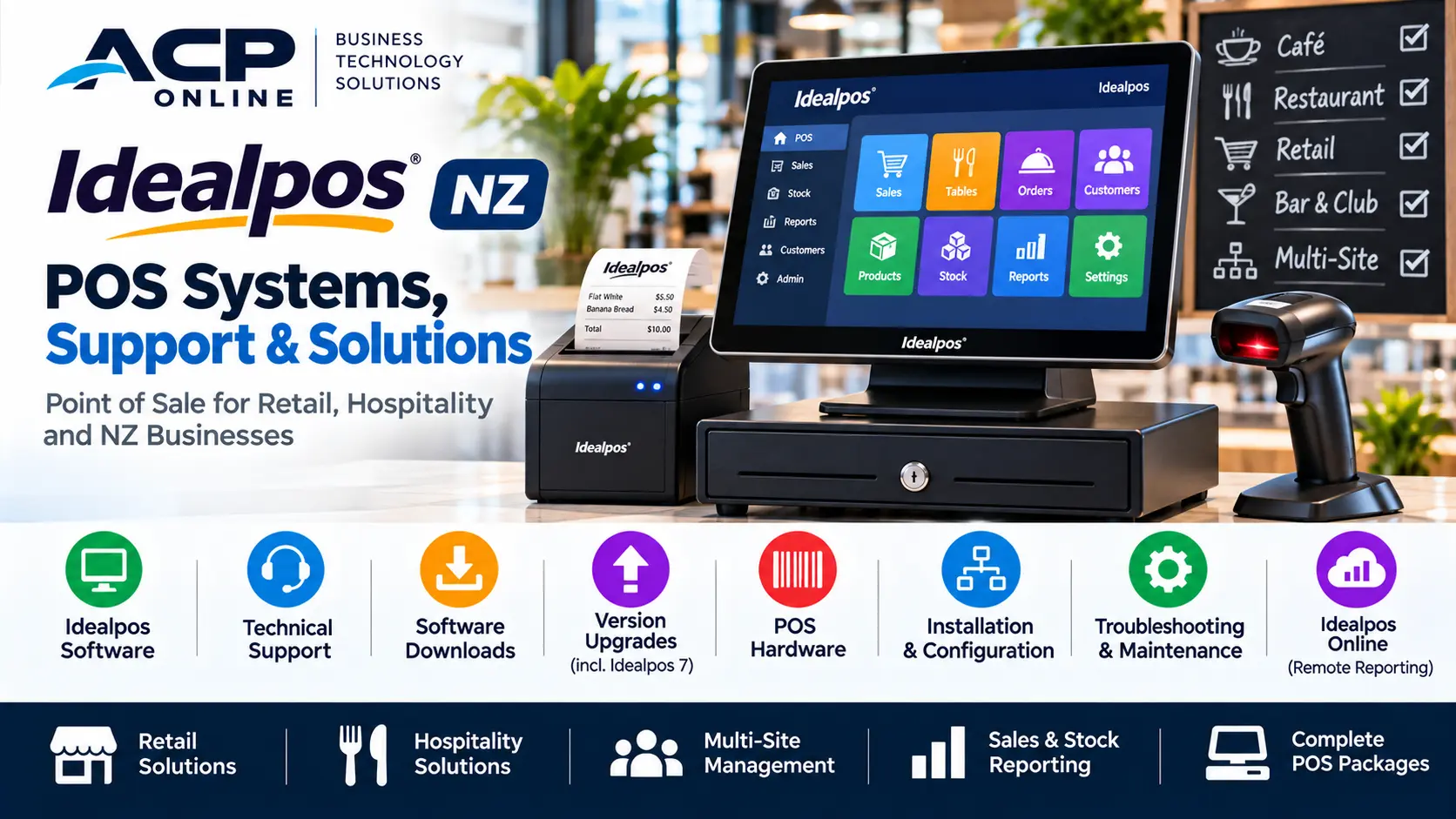
Idealpos NZ | POS Systems, Support & Solutions
Discover Idealpos point of sale systems for New Zealand retail and hospitality businesses. ACP Online provides Idealpos POS software enquiries, compatible hardware, technical support, upgrades and practical solutions to help businesses manage sales and everyday operations.